Some accounts reports have a small pair of buttons near the top, Invoiced and Collected. They control the basis the figures are worked out on. Nothing on the report changes your records. You are only choosing which way to look at the same numbers.
Where you find the toggle
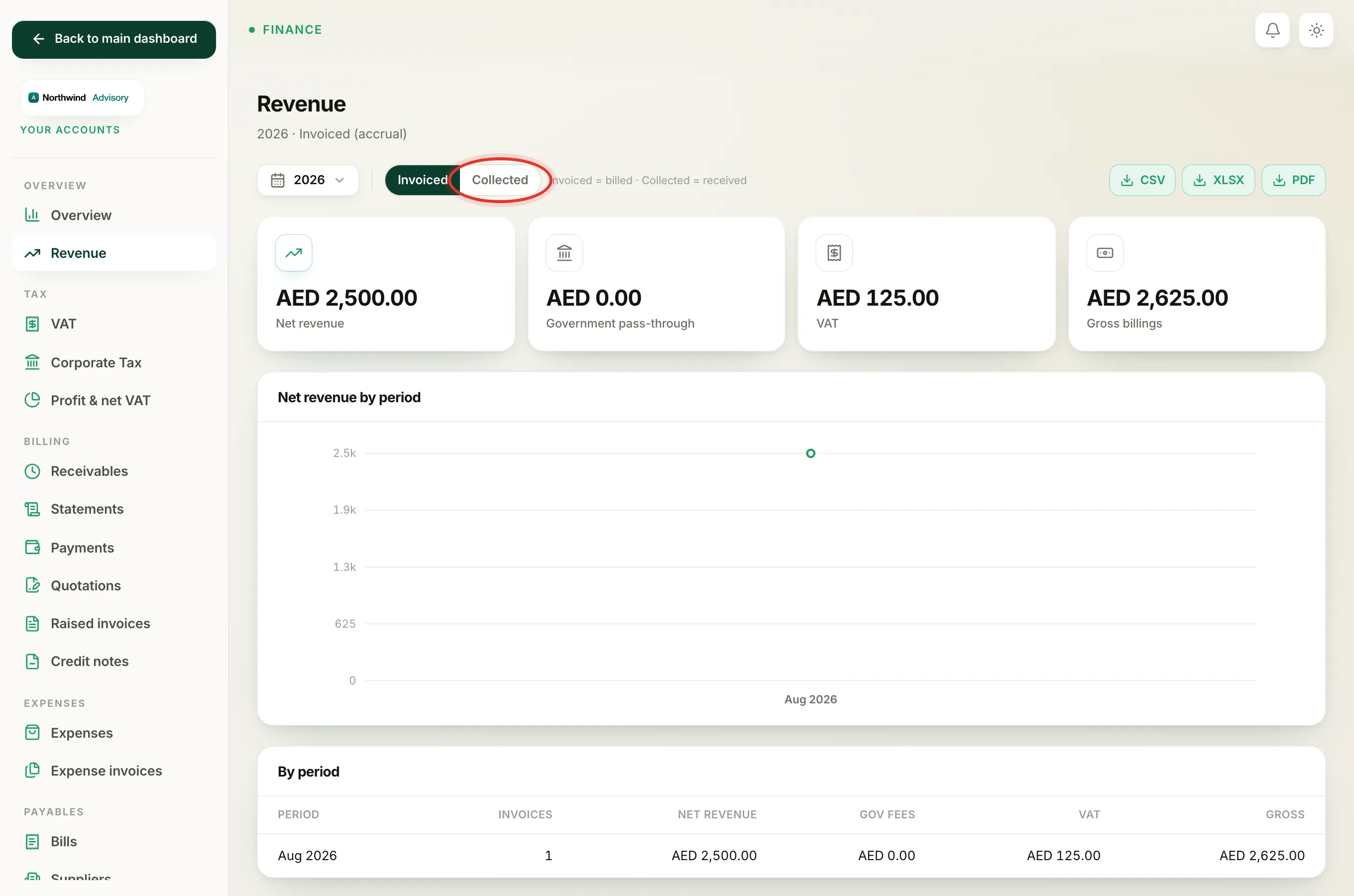
- Log in to your workspace.
- In the left menu, under Finance, click Your Accounts.
- Open the Overview page, or in the accounts side menu under Overview click Revenue.
- At the top, next to the date picker, you will see two buttons: Invoiced and Collected. A short note reads "Invoiced = billed and Collected = received".
The button you pick stays selected as you change the date range, and the report header tells you which basis you are viewing, for example "Invoiced (accrual)" or "Cash (collected)".
Invoiced (accrual)
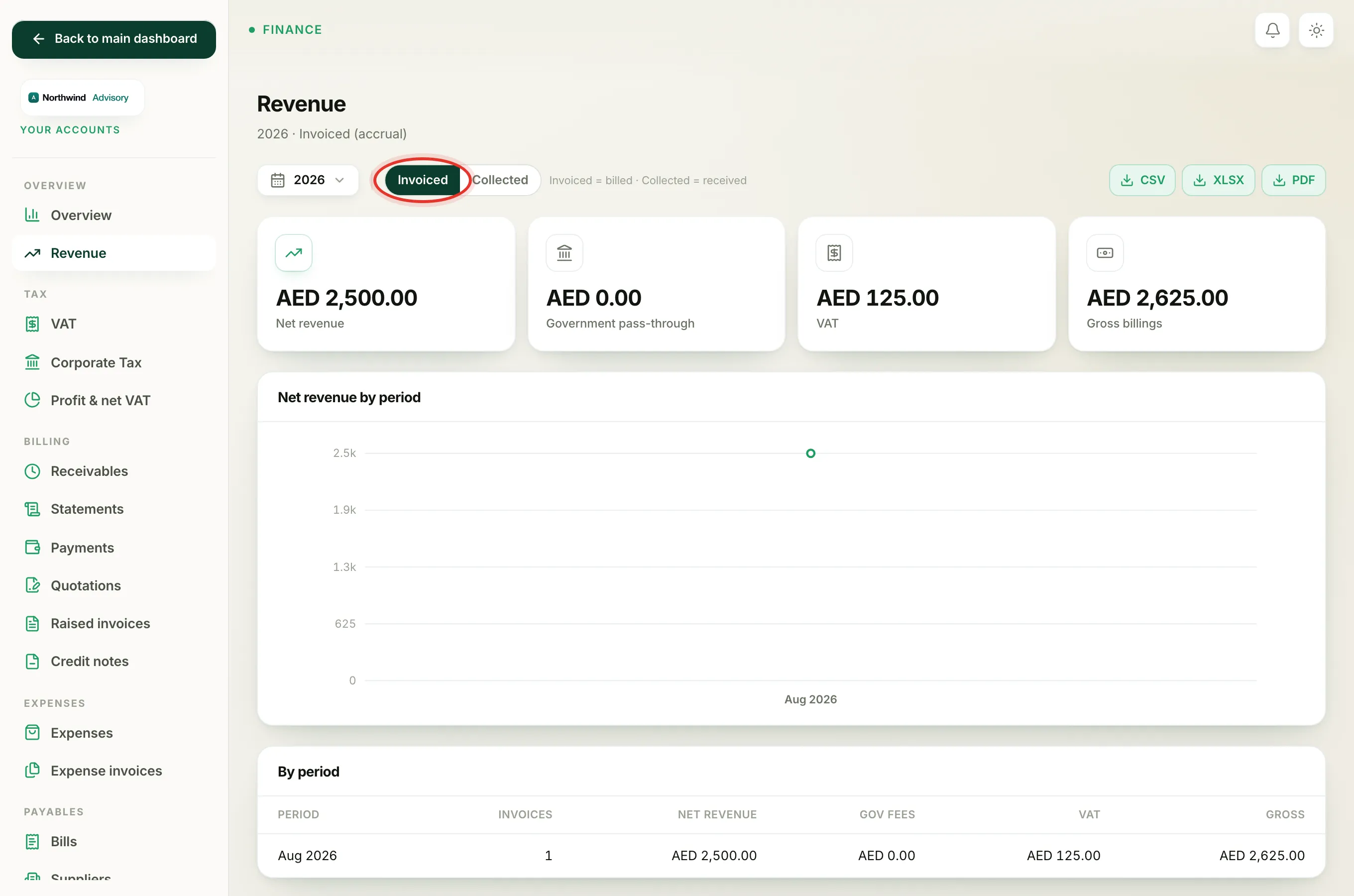
Invoiced counts every real invoice on the date you raised it, whether the client has paid yet or not. An invoice counts as soon as it is sent, and it keeps counting if it becomes overdue or is later paid. Draft and cancelled invoices are never counted.
Use Invoiced when you want to see what you have earned in a period, the work you have billed for. This is also the view that lines up with VAT, because VAT is reported on the invoice date too.
Collected (cash)
Collected counts money only once it has actually arrived, and it places each invoice in the period it was paid, not the period it was raised.
Note
Collected counts an invoice only when it is fully paid. An invoice that is still part-paid does not appear on the cash basis until the balance is settled.
Use Collected when you want to see cash that has really come in, for example to understand what actually landed in your accounts this quarter.
Which to choose
The two views differ by your unpaid invoices. If everything you billed has been paid, they match. If clients still owe you, Invoiced will be higher than Collected.
- Pick Invoiced to see what you have billed and earned.
- Pick Collected to see the cash you have received.
Some reports are fixed on purpose and do not show the toggle. The Profit and net VAT report is always on the invoiced basis, and the Payments report is always on the collected basis, because that is the correct basis for each one.
To change the time window you are looking at, see Filter a report by period.