When to use this
Many firms have their AML sign-off done by an outside compliance officer or MLRO who does not work in IzzyTap every day. This person has no login, so they cannot approve a screening from inside your workspace. Instead, IzzyTap emails them the report and a secure link that lets them record their own decision.
If your officer is a member of your team, you do not need this. Refer to them in the team instead, and they decide in their own workspace.
Refer the screening
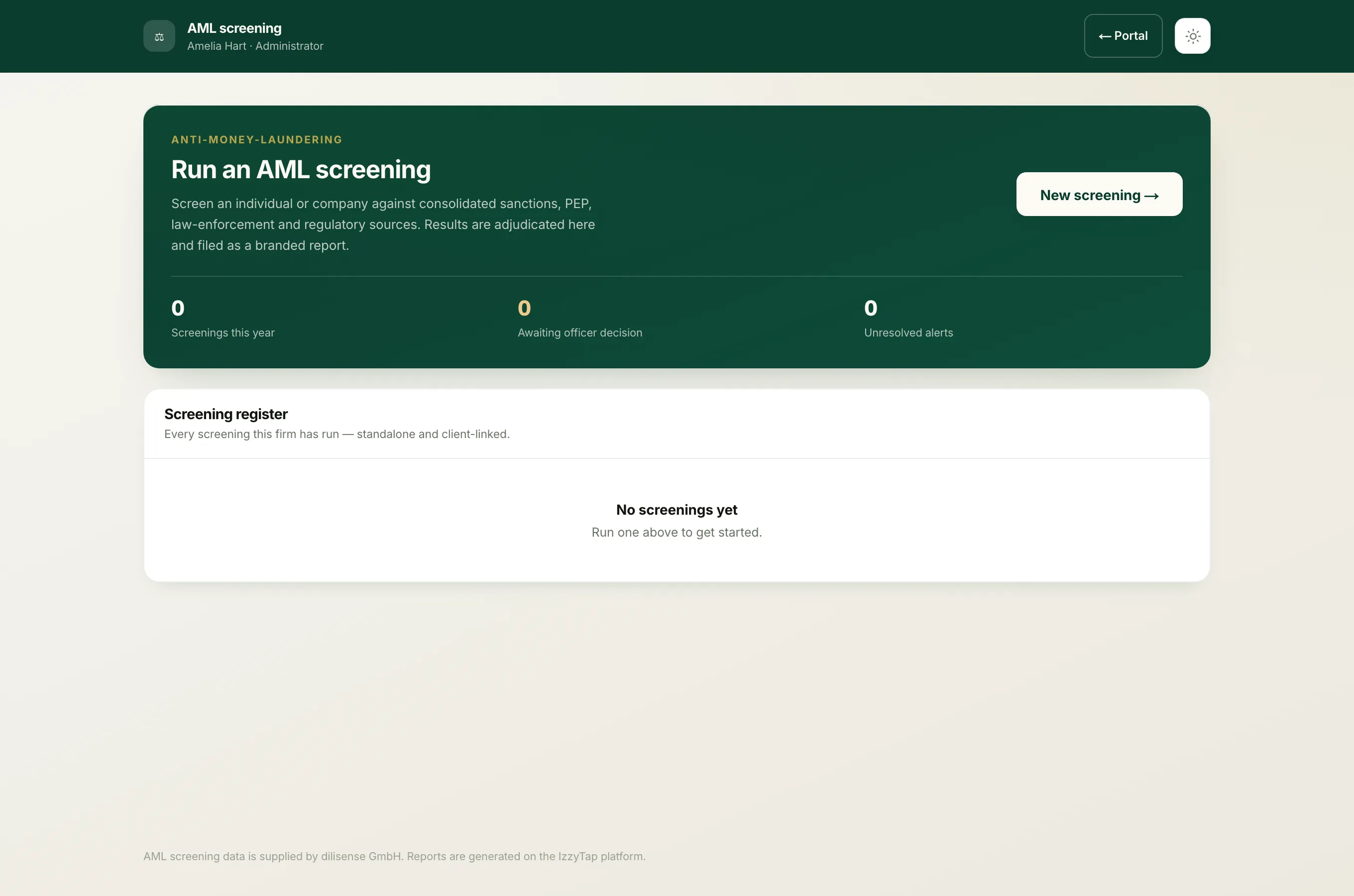
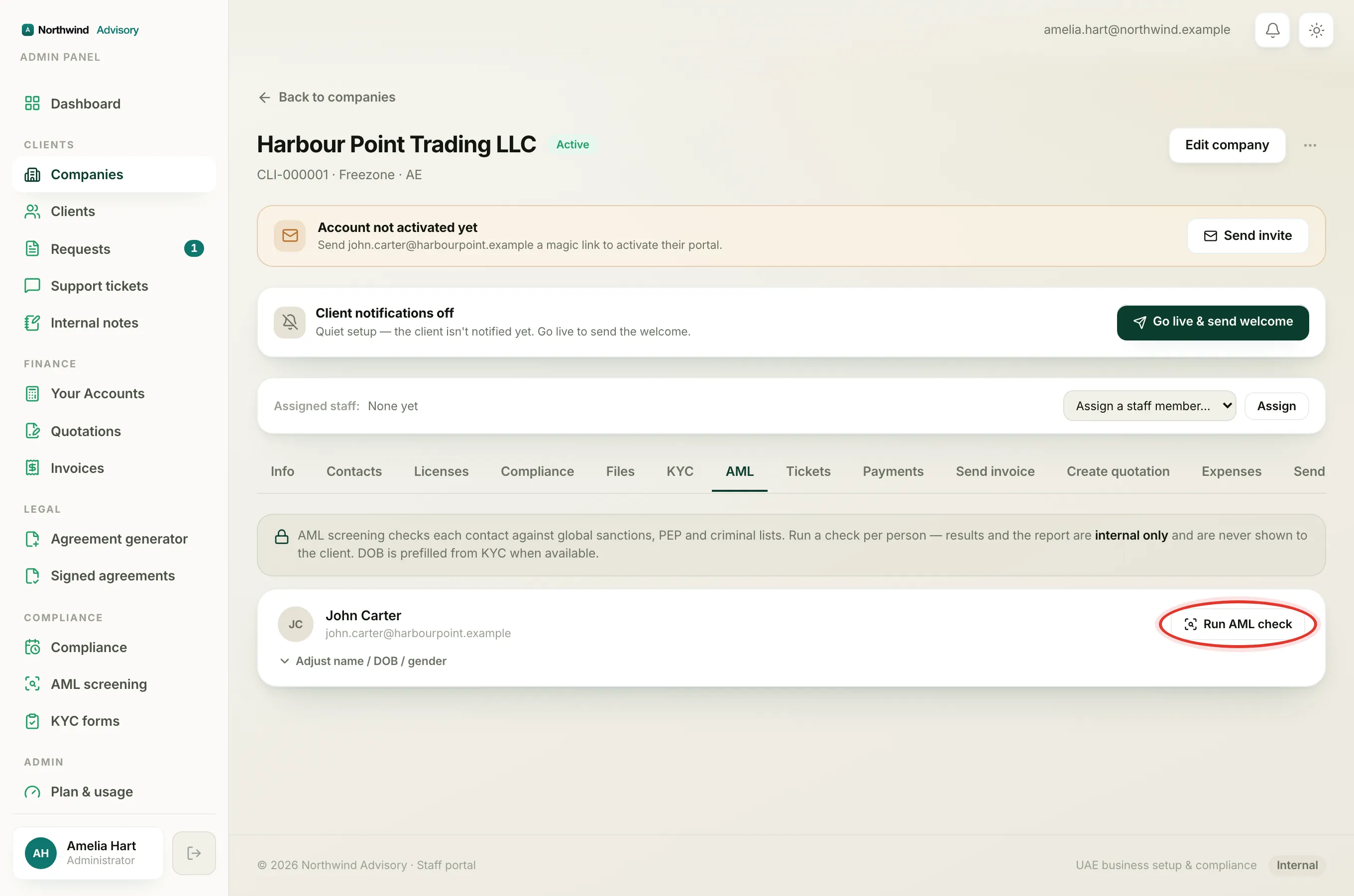
- Log in to your workspace.
- In the left menu, under Compliance, click AML screening.
- Open the screening you want signed off. Work through the alerts and record a decision on each one first, because that reasoning is printed on the report the officer receives.
- Scroll to the Refer for approval card.
- If you have a compliance officer on your team, a toggle appears. Choose External email.
- In Compliance officer email, type the officer's address. If you saved a default it is already filled in.
- Leave Save as this firm's default ticked if you want it filled in automatically next time.
- Add a short Note if there is anything the officer should know.
- Click Refer for approval.
What the officer receives
The officer gets one email that carries two things: the full adjudication report as a PDF attachment, and a secure link to record their decision.
Important
They decide from the link, not by replying to the email. An outside address has no portal login, so the link can do exactly one thing: approve or decline this one screening. When they open it they must give a reason, then choose Approve or Decline. The screening then records their decision, their reason and the timestamp, so your file shows that the officer decided, rather than a staff member recording it on their behalf.
The 30-day link
The secure link is valid for 30 days. While it is out, the screening shows Awaiting the compliance officer and is not yet a completed compliance check. The page also shows the date the link is valid until.
If the officer loses the email or the link expires, you can send a fresh one. See Resend or refresh an expired approval link. Sending a fresh link switches off the old one.
After the decision
Once the officer approves or declines, the screening shows Compliance officer decision with the outcome, the time and their note. From that point the alerts and dispositions are locked, so the evidence behind the decision cannot change. See Why a screening is locked after sign-off.