Why a KYC link stops working
When a contact opens their KYC link and sees a Link not valid message, it is almost always one of three reasons. The message itself says the link is "invalid, has expired, or has already been completed." Each has a simple fix.
- Expired. A KYC link is valid for 14 days from when you sent it. After that it stops opening. See how long a KYC link stays valid.
- Already completed. Once the contact submits the form, the link is used up and will not open again. This is by design, so a finished form cannot be changed through an old link.
- Wrong or partial link. If the link was copied by hand and a character was dropped, or the email was forwarded and the link broke across lines, it will not match.
The fix: resend the form
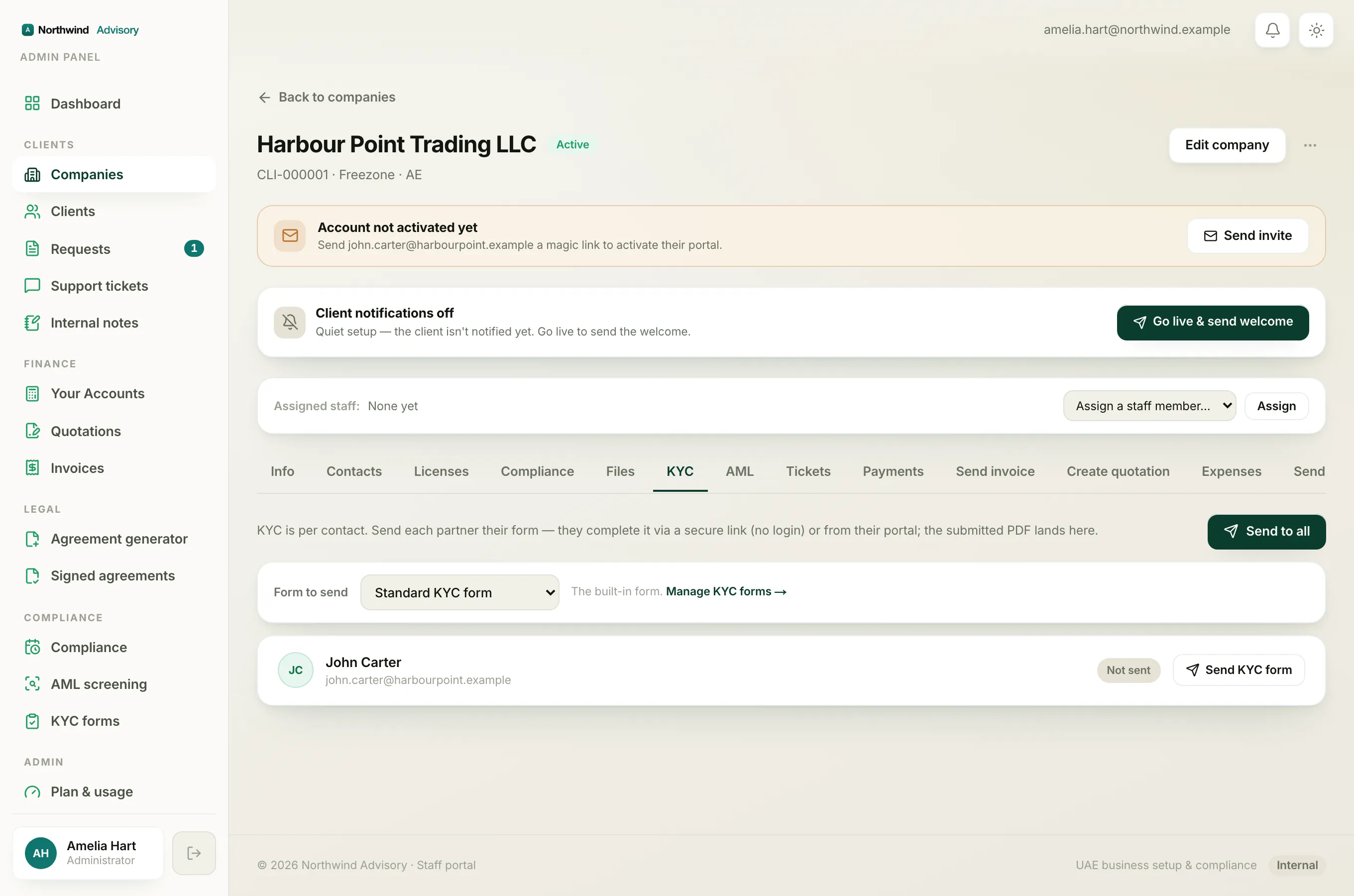
Resending issues a brand new secure link and resets the 14-day clock. The old link stops working.
- Log in to your workspace.
- In the left menu, under Clients, click Companies, then open the company.
- Go to the company's KYC tab.
- Find the contact. Their status shows Sent.
- Click Resend next to that contact.
A fresh link is generated. If the contact has an email on file, IzzyTap emails it to them again. See resend a KYC form and refresh the link.
Tip
Ask the contact to open the newest email and ignore any earlier ones. Only the most recent link works, because each resend cancels the link before it.
If the contact has no email, or the email is not arriving
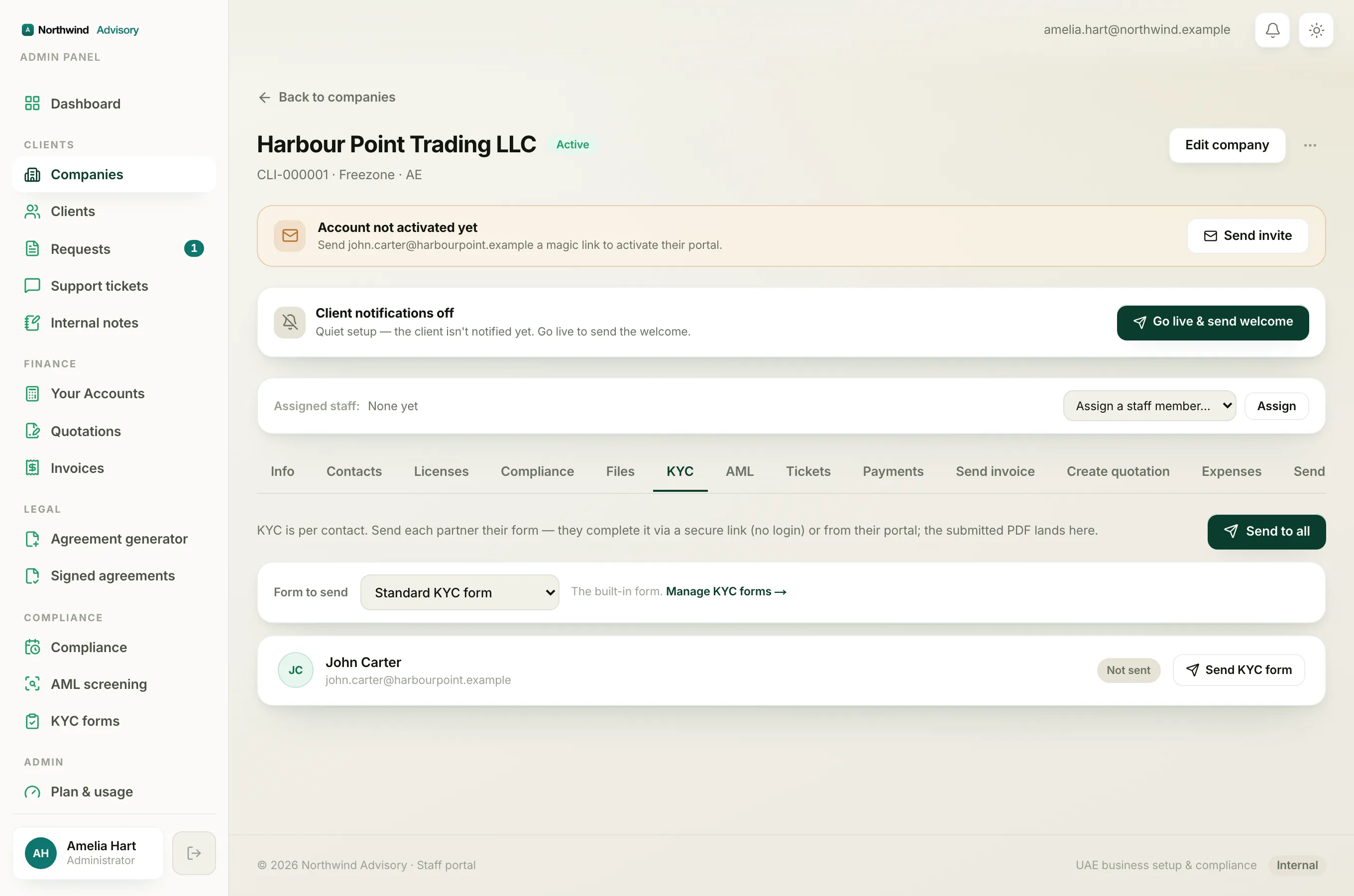
After you send or resend, a Public link is shown under that contact on the KYC tab. You can copy it and share it another way, such as WhatsApp. See share a KYC link when a contact has no email.
If emails are not reaching them at all, check the email address on the contact is correct and has no typo, then resend.
If the contact has already submitted
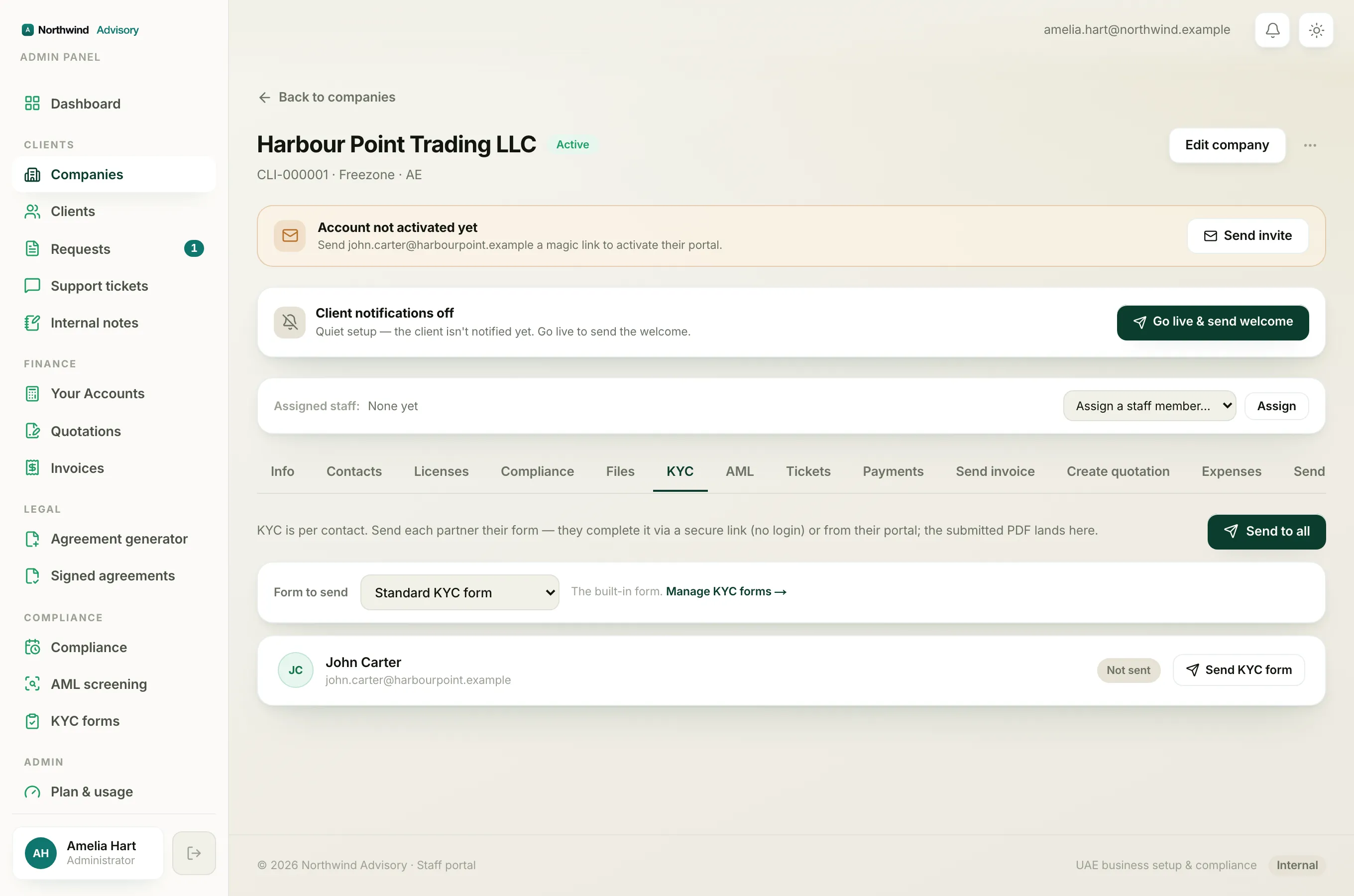
If their status shows Submitted, the link is meant to be dead, and there is no Resend button. Their form is already in. To read it, open View submitted data or download the PDF on the same row. See why you can't resend KYC to someone who already submitted.