What box 9 is
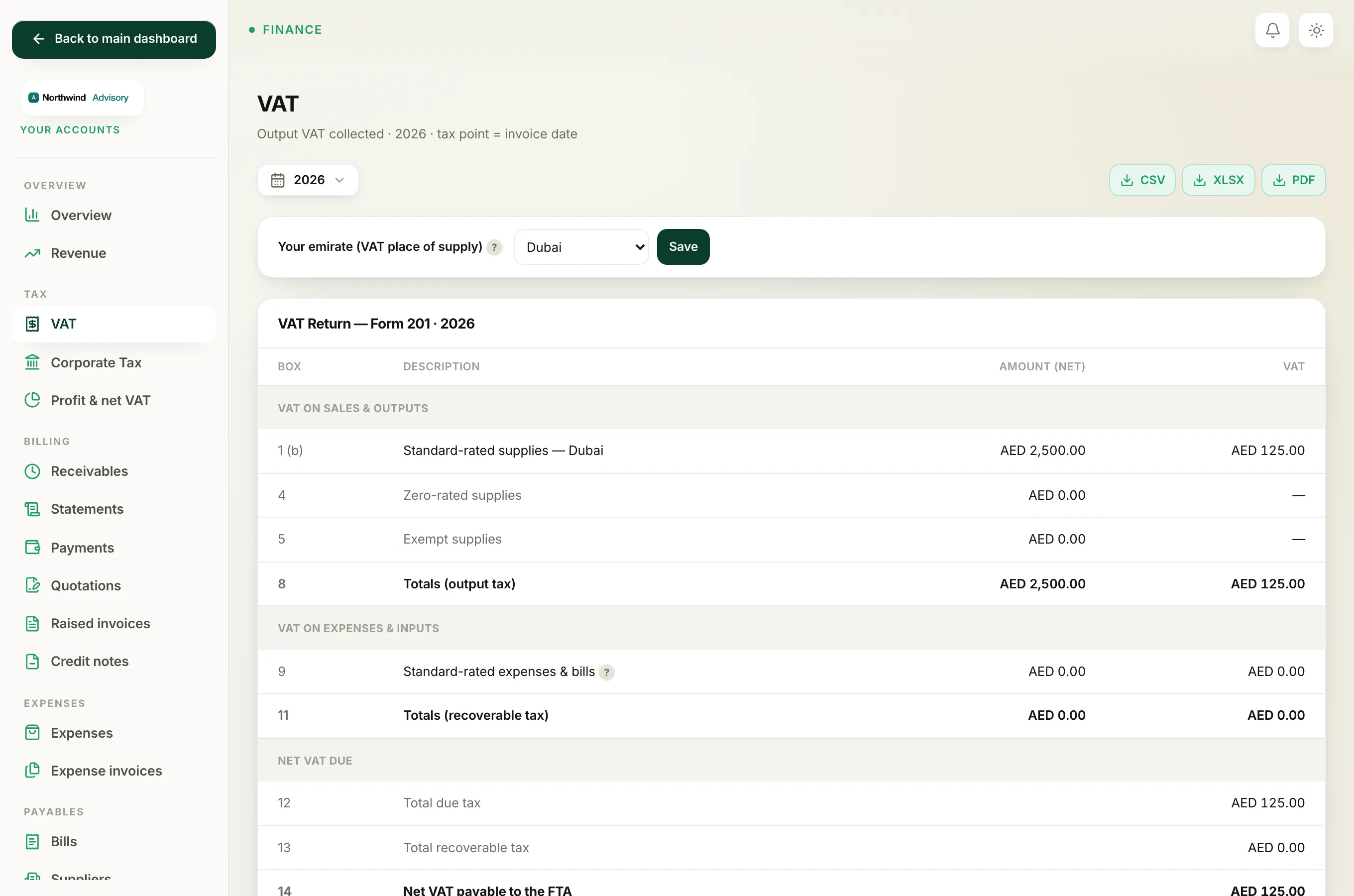
Box 9 on the VAT Form 201 is your recoverable input VAT: the VAT you paid on business purchases that you are allowed to claim back from the FTA. It lowers the net VAT you owe.
- Log in to your workspace.
- In the left menu, under Finance, click Your Accounts.
- In the accounts menu, under Tax, click VAT.
- In the VAT Return, Form 201 panel, find the row Box 9, Standard-rated expenses and bills.
The row shows the net value of the purchases in the Amount (net) column and the reclaimable VAT in the VAT column. Box 11 and box 13 then carry the same recoverable VAT total forward.
Where the figure comes from
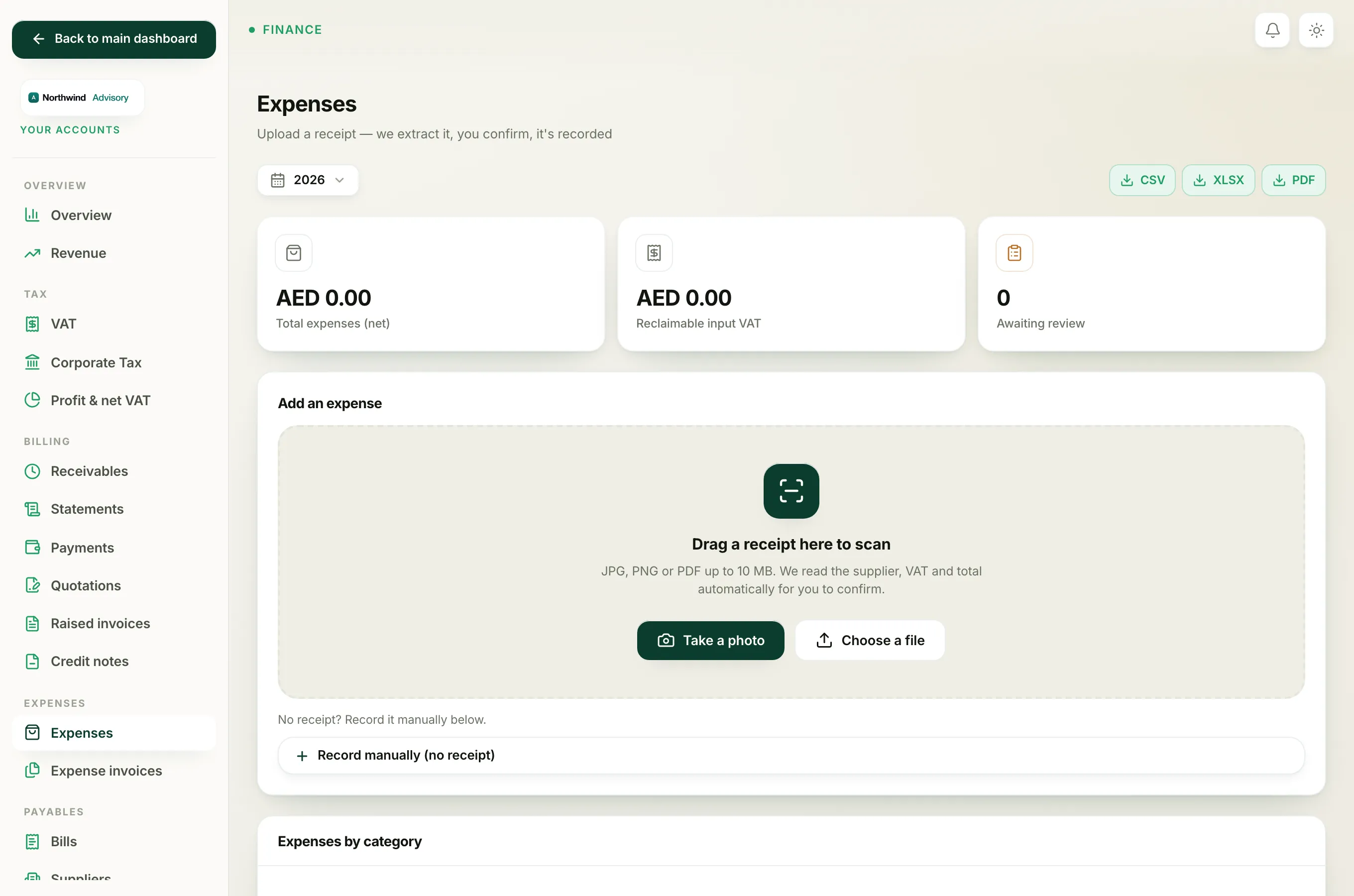
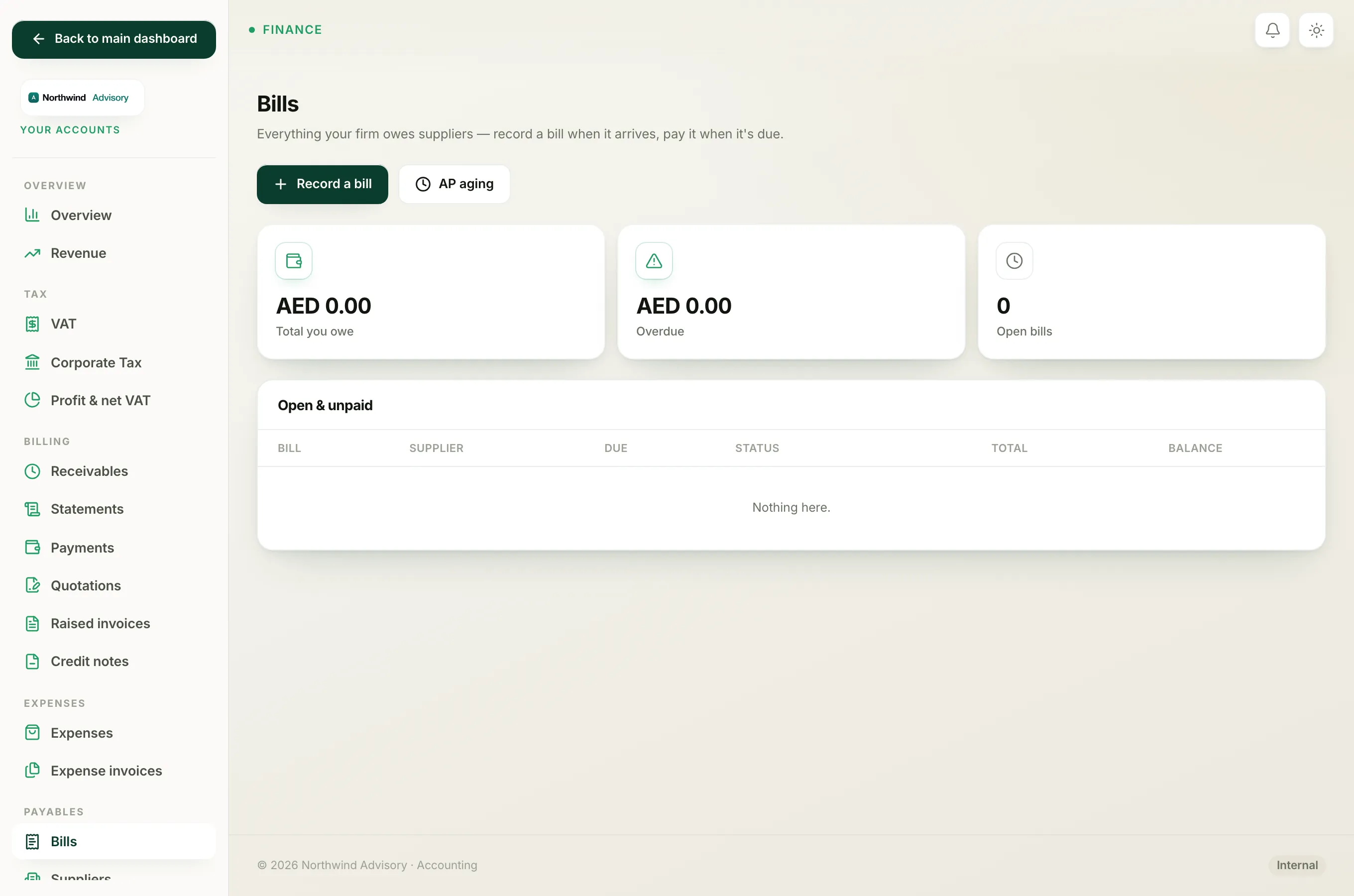
Box 9 is built from two places, added together:
- Your recorded expenses (from Your Accounts, under Expenses).
- Your recorded supplier bills (from Your Accounts, under Bills).
Both feed the same box, so a purchase reduces your VAT bill whether you entered it as an expense or as a supplier bill.
Which purchases actually count
A purchase is only included in box 9 when all of these are true:
- It is recorded, not still sitting in the review queue. A receipt you uploaded but have not confirmed yet does not count until you record it.
- Its VAT treatment is Standard 5%. On an expense you can see this in the VAT treatment dropdown. Purchases marked Zero-rated, Exempt, Out of scope or Reverse charge do not go into box 9.
- The VAT reclaimable box is ticked. Some costs carry VAT you are not allowed to claim (for example entertainment, or a purchase with no valid tax invoice). Leave that box unticked and the VAT stays out of box 9. It is still counted as a real cost in your profit figures.
- Its date falls inside the period you are filing. The bill or invoice date is the tax point, the same rule as on the sales side.
Why the supplier TRN matters
You can only reclaim VAT when the supplier gave you a valid tax invoice showing their Tax Registration Number. If you tick VAT reclaimable but there is no supplier TRN on file, IzzyTap shows an amber warning: no TRN, may not be reclaimable. Add the TRN so your claim stands up if the FTA asks for the evidence.
Tip
If your box 9 looks too low, open Expenses and check for receipts still in the Needs review queue, purchases left as Not reclaimable, or a wrong VAT treatment. Recording and correcting those lifts the figure.
Important
Only claim VAT you genuinely hold a valid tax invoice for. When in doubt, leave VAT reclaimable unticked and ask your tax agent.
Related: Record a supplier bill, Prepare your VAT return and What each box on the VAT Form 201 means.