When to delete an import
Sometimes you upload the wrong file. Maybe it was last month's statement, the wrong account, or a duplicate of one you already imported. You can delete an import and start again.
Deleting is safe. When you import a statement, the lines just sit in a waiting list. Nothing is posted to your books until you actually reconcile each line. So removing an import that you have not reconciled changes nothing in your accounts.
Delete a statement import
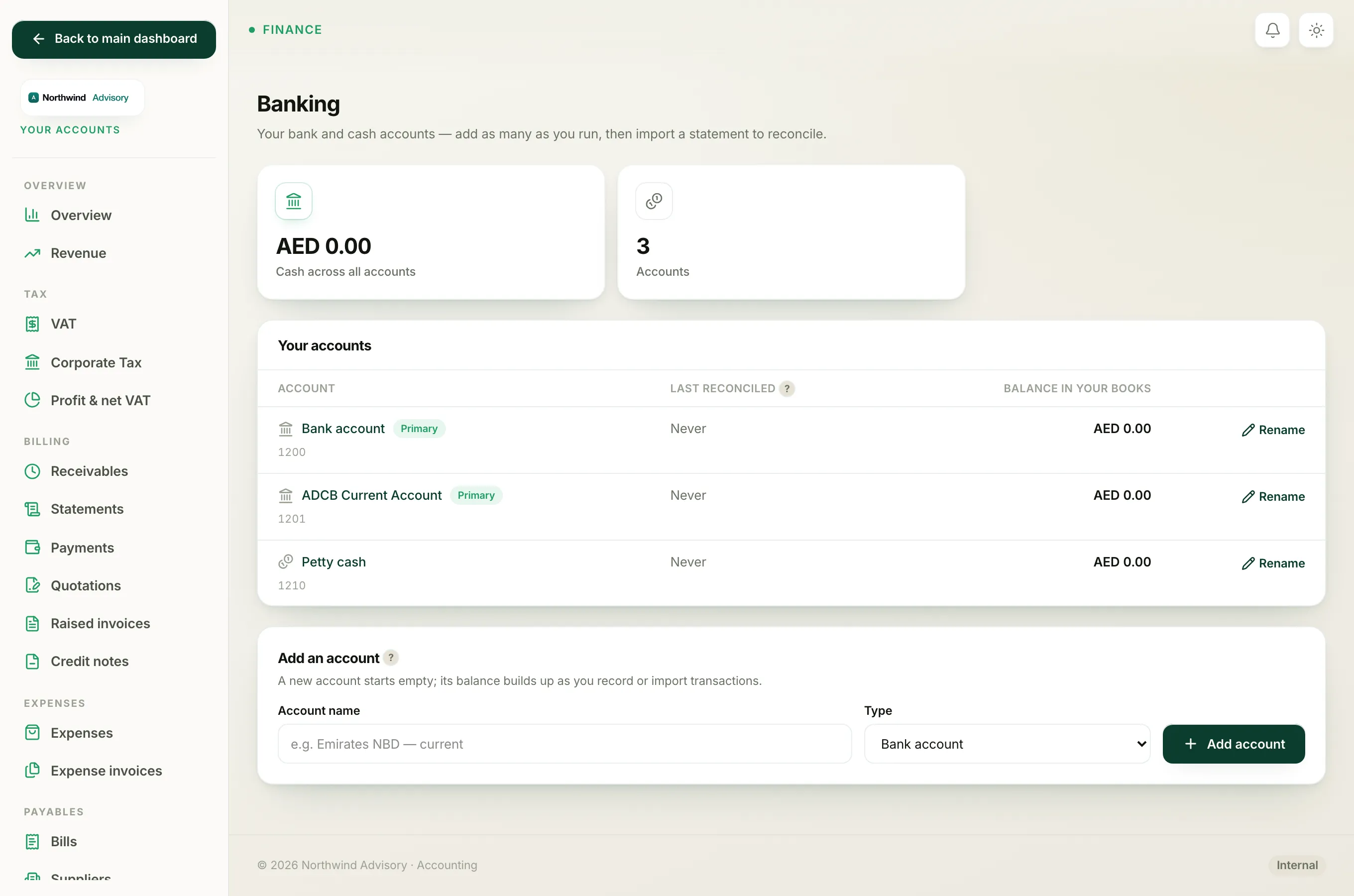
- Log in to your workspace.
- In the left menu, under Finance, click Your Accounts.
- In the accounts menu, under Banking, click Bank accounts.
- Click the name of the account.
- Scroll to the Statement imports panel. Every file you have uploaded is listed with its filename, period, row count and import date.
- Find the file you want to remove and click Delete.
The import and its transactions are removed. You can now import the correct file from the Import statement button at the top of the page.
What happens to lines you already worked on
If you had already started reconciling some lines from that import, deleting still unwinds cleanly:
- A line you had matched to a payment or bill in your books is simply un-linked. The payment or bill stays exactly as it was.
- A line you had categorised (recorded as a fee or interest, for example) has its entry reversed out of the ledger, so your books are left correct.
You never lose a real payment or bill by deleting a statement import.
Why deletion is sometimes blocked
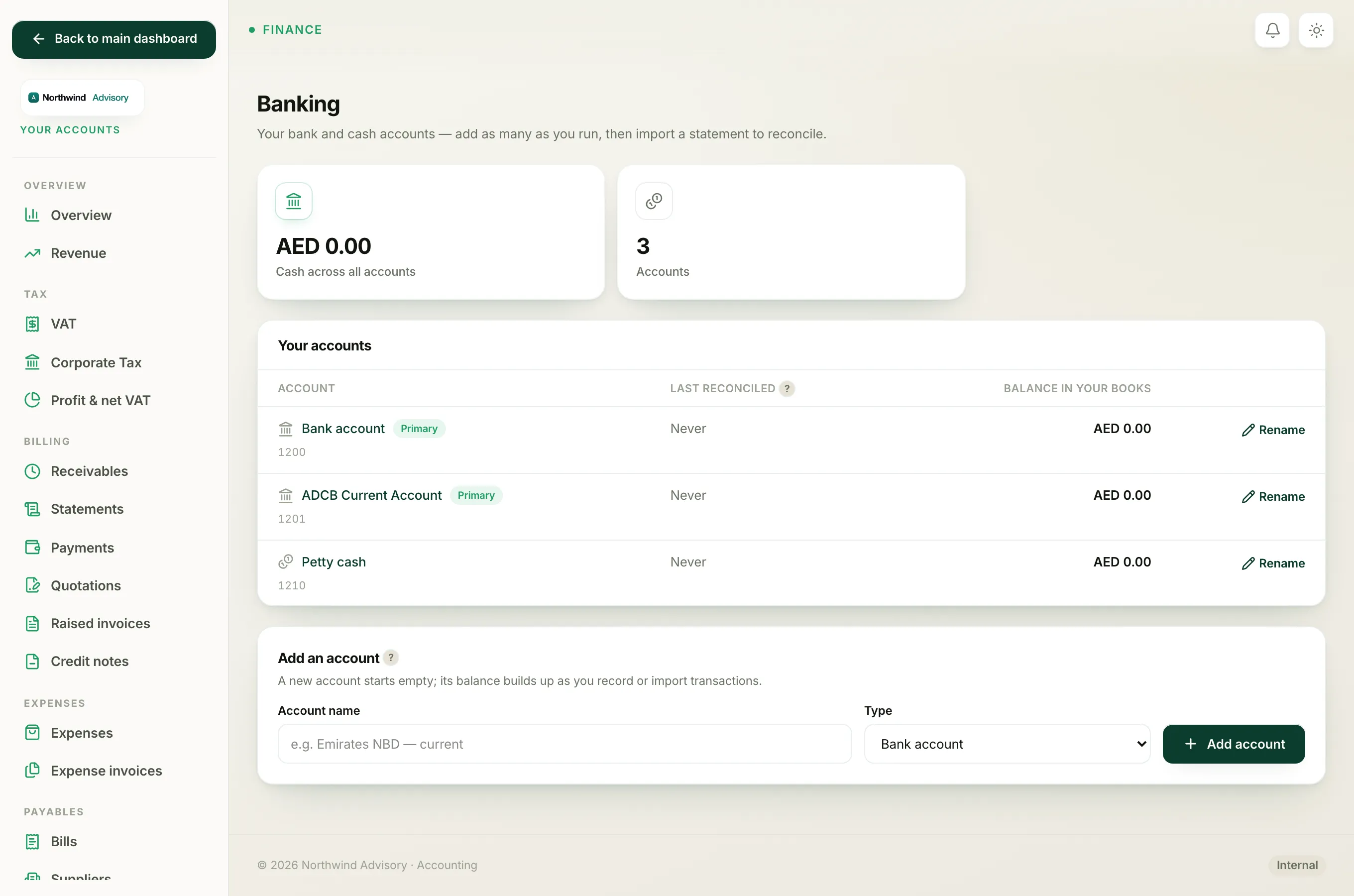
If any line from that statement is inside a locked (finished) reconciliation, IzzyTap will not let you delete the import. You will see a message telling you to unlock that month first.
This protects a month you have already reconciled and filed. To clear the block:
- On the bank account page, find the month in the Finished reconciliations panel.
- Click Undo to unlock it. See Undo a match, a category, or a whole reconciliation for detail.
- Come back to Statement imports and delete the file.
Tip
If every line in a file is a duplicate of one already imported, IzzyTap skips them for you at import time and tells you nothing new was added, so you rarely need to delete a duplicate by hand.
To import the right file, see Import a bank statement.