Why the page asks you to set up your books
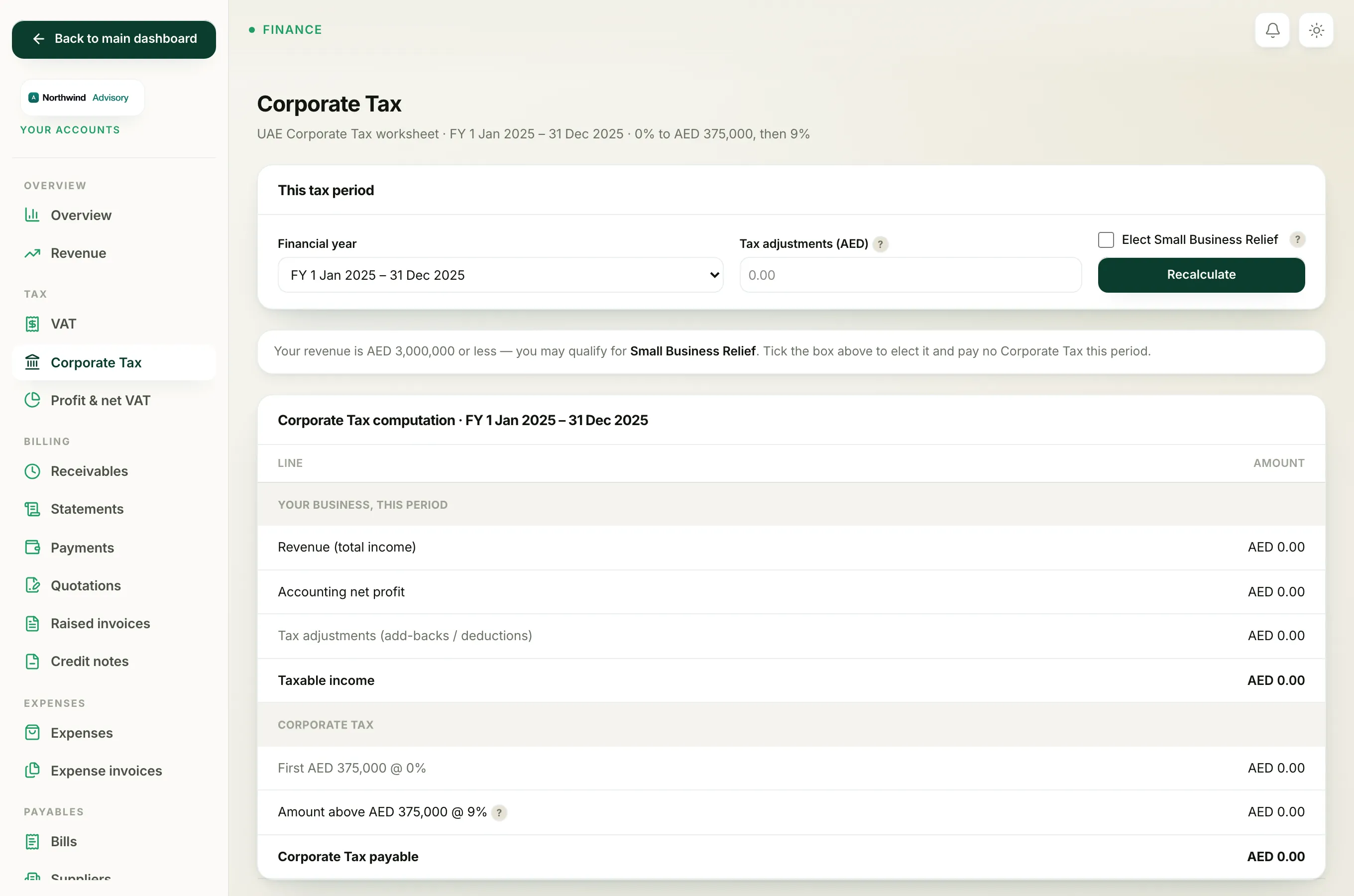
The Corporate Tax worksheet is not something you type in by hand. It is calculated live from your books, using your revenue and your net profit for the year. If your books are not switched on yet, there is nothing to calculate from, so the page cannot show a worksheet.
When that happens you will see a panel that says Your books aren't set up yet, with a short note and a Set up your books button.
How to unlock the worksheet
- Log in to your workspace.
- In the left menu, under Finance, click Your Accounts.
- In the accounts menu, under Tax, click Corporate Tax.
- If you see the Your books aren't set up yet message, click Set up your books.
- Follow the short setup. It takes about two minutes.
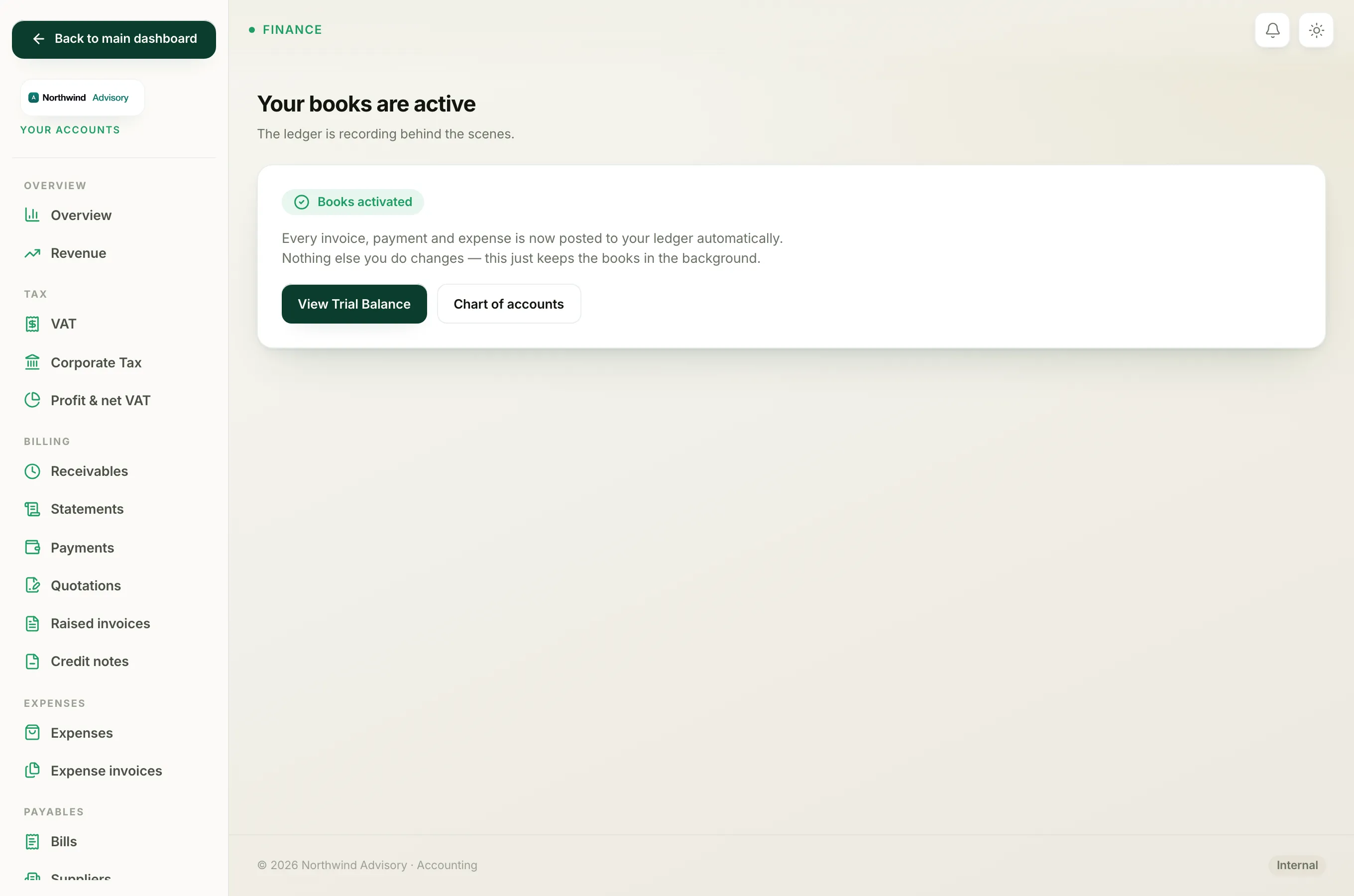
Once your books are active, come back to Corporate Tax and the worksheet appears, built from your ledger.
Note
Activating your books is a one-time step. After it is done, the Corporate Tax page, VAT, and the rest of the accounting reports all work, because they all read from the same ledger.
What activating the books gives you
With your books switched on, IzzyTap pulls your revenue and your accounting net profit for the chosen financial year automatically. It then applies the Corporate Tax bands: 0% on the first AED 375,000 of taxable income and 9% above that. The numbers are worked out by code from your own records, never estimated.
For the setup steps in full, see activate your books. Once the worksheet is showing, the Corporate Tax return walks you through reading and filing it.