IzzyTap keeps a simple list of the real accounts your firm holds money in. Every payment you record, and every bank statement you import, is tied to one of these accounts. This page explains the two account types and how to pick the right one.
Where to find your accounts
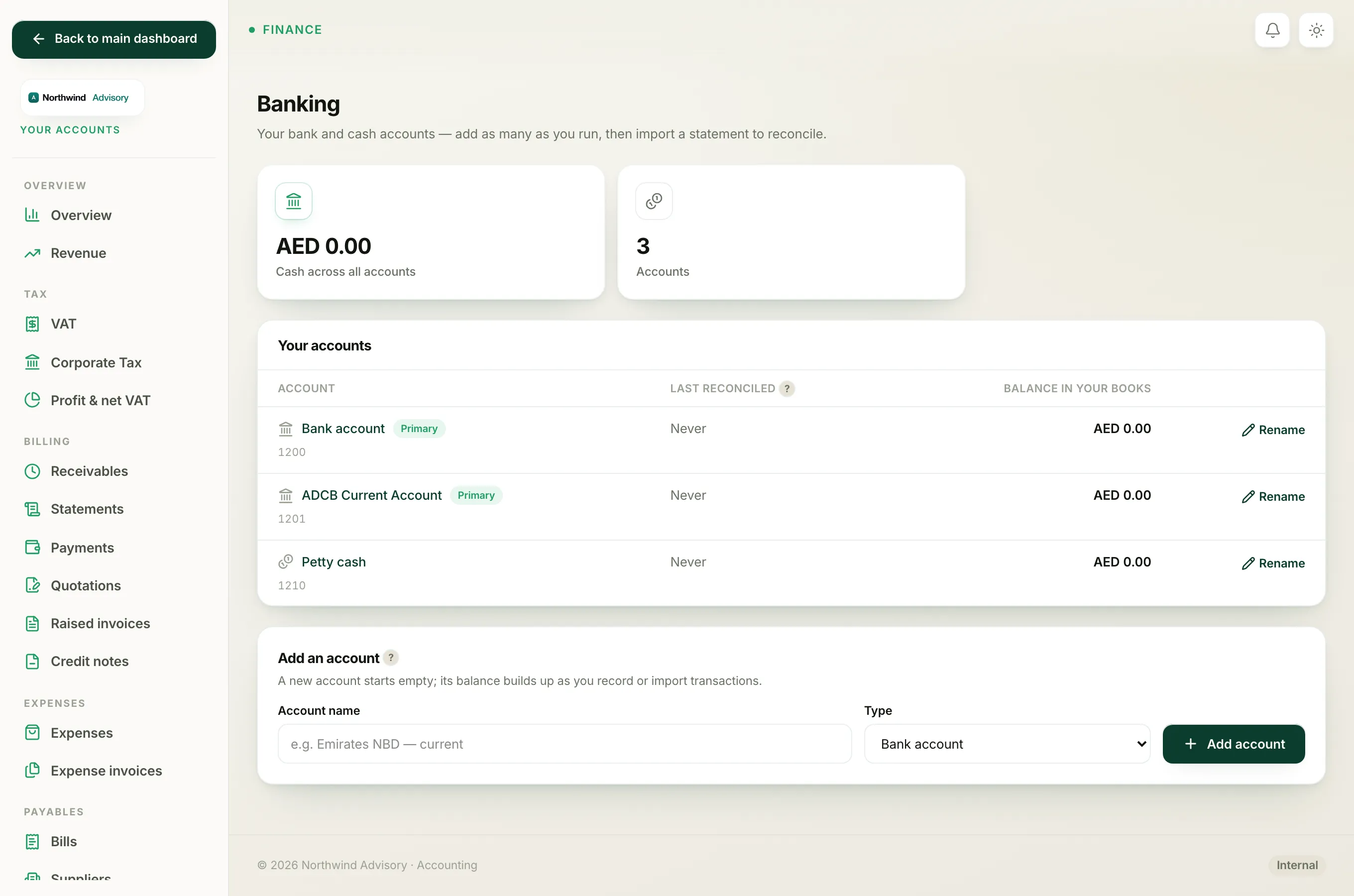
- Log in to your workspace.
- In the left menu, under Finance, click Your Accounts.
- In the accounts sidebar on the left, under Banking, click Bank accounts.
You land on the Banking screen. The Your accounts panel lists every account you have added, with its name, when it was last reconciled, and its Balance in your books.
Note
Banking only appears once your books are switched on. If you see a "not ready" message instead of the list, your firm has not activated its accounts yet.
The two account types
When you add an account you choose a Type:
- Bank account is a real bank account you hold, such as a current or savings account with your bank. In the list these show a small bank icon.
- Cash account is money you hold as cash, such as a petty cash tin or cash in hand. These show a coins icon.
The type is mostly a label so you and your team can tell the accounts apart. Both types work the same way: money only lands in an account when you point a payment, bill or expense at it, or when you match an imported statement line to it. Nothing posts to an account on its own.
The Primary badge
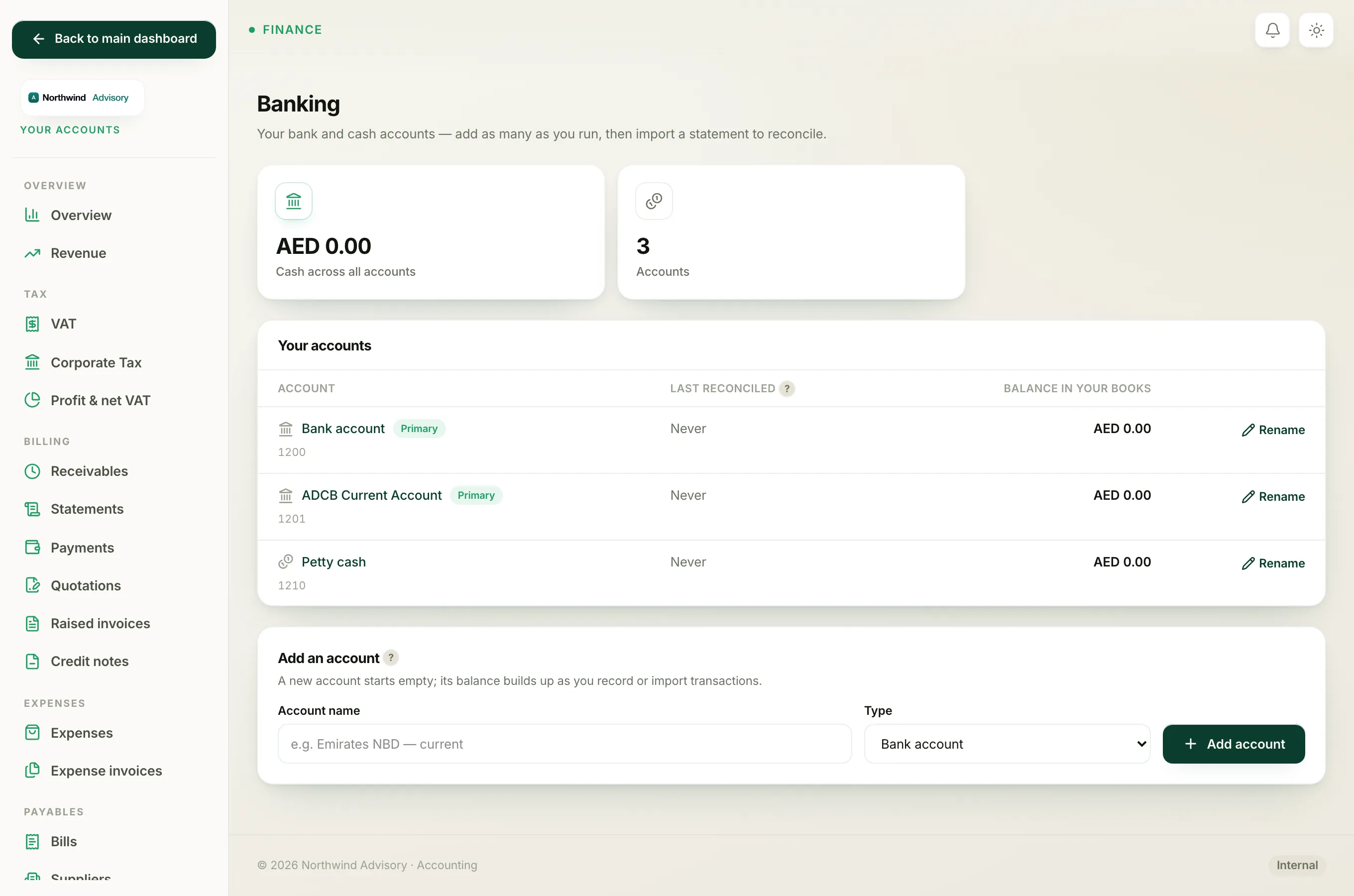
One account carries a green Primary chip. This is your firm's default account. When you record a payment and do not pick a specific account, the money goes to the Primary account. Your books start with a Primary bank account and a petty cash account already set up.
The Primary account and the built-in petty cash account are part of the books, so you can rename them but you cannot hide them. See Rename a bank account or hide one you no longer use.
Which account should you add?
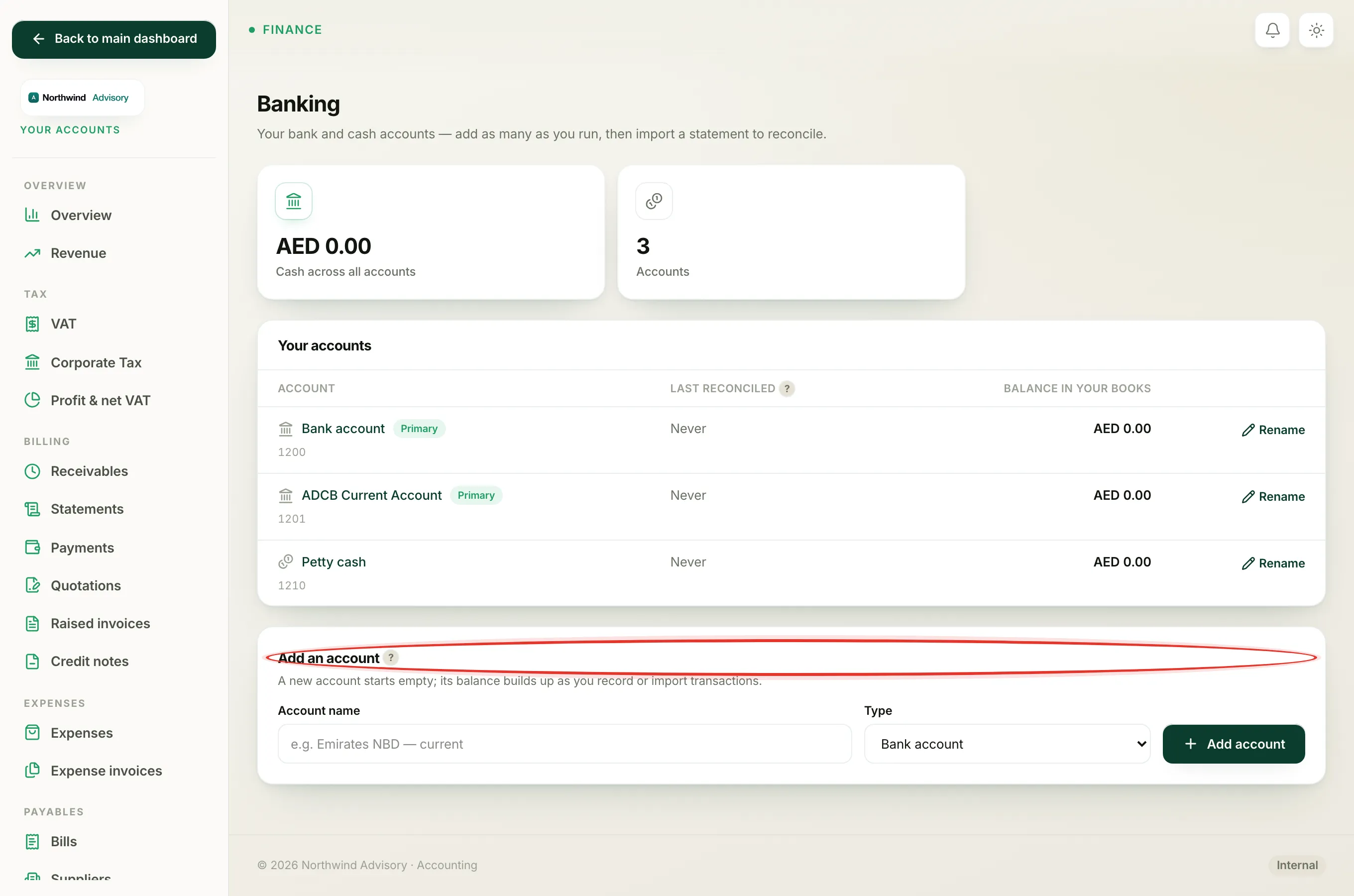
Add one account for each real place you keep money. If your firm runs three bank accounts and a petty cash float, add all four. That way, when you record a payment you can send it to the exact account it landed in, and later reconcile each account against its own statement.
To add one, use the Add an account panel at the bottom of the Banking screen. Full steps are in Add a bank or cash account.
Tip
The Balance in your books shown against each account is what IzzyTap has recorded, not the live figure at your bank. The two line up once you import a statement and reconcile. See Import a bank statement.
Where else these accounts appear
The accounts you set up here are the same ones you pick from when you record a payment. See Choose which bank account a payment lands in. They also sit inside your full Chart of accounts in the 12xx range.