What adverse media is
When you run an AML check, IzzyTap does more than match the name against sanctions, PEP and criminal lists. It also searches the news for stories that link the person to serious wrongdoing. These stories are called adverse media. They are a warning sign worth reading, not a finding on their own.
Adverse media never appears in the client portal. Like every part of a screening, it is internal to your firm.
Where to find it
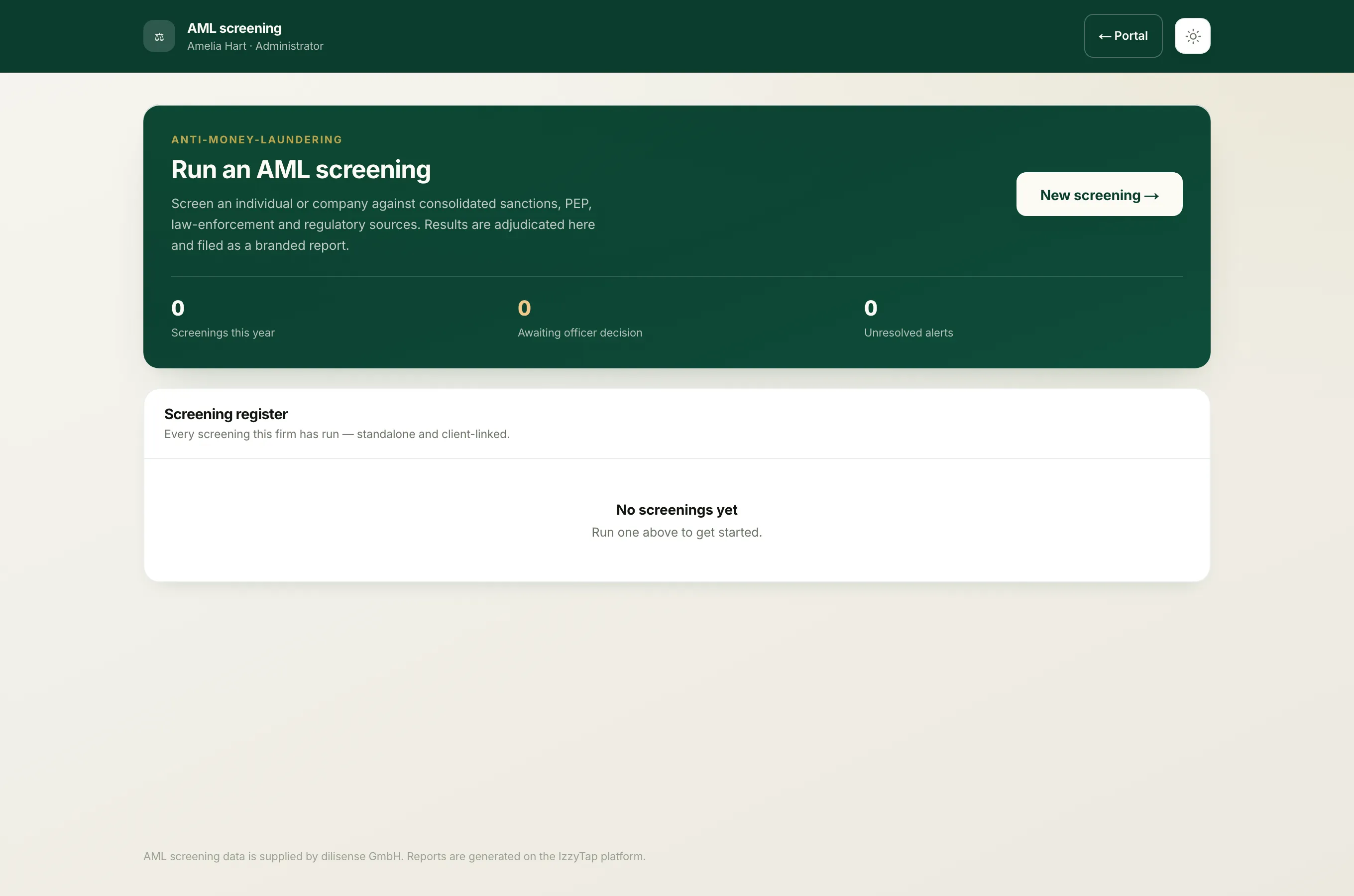
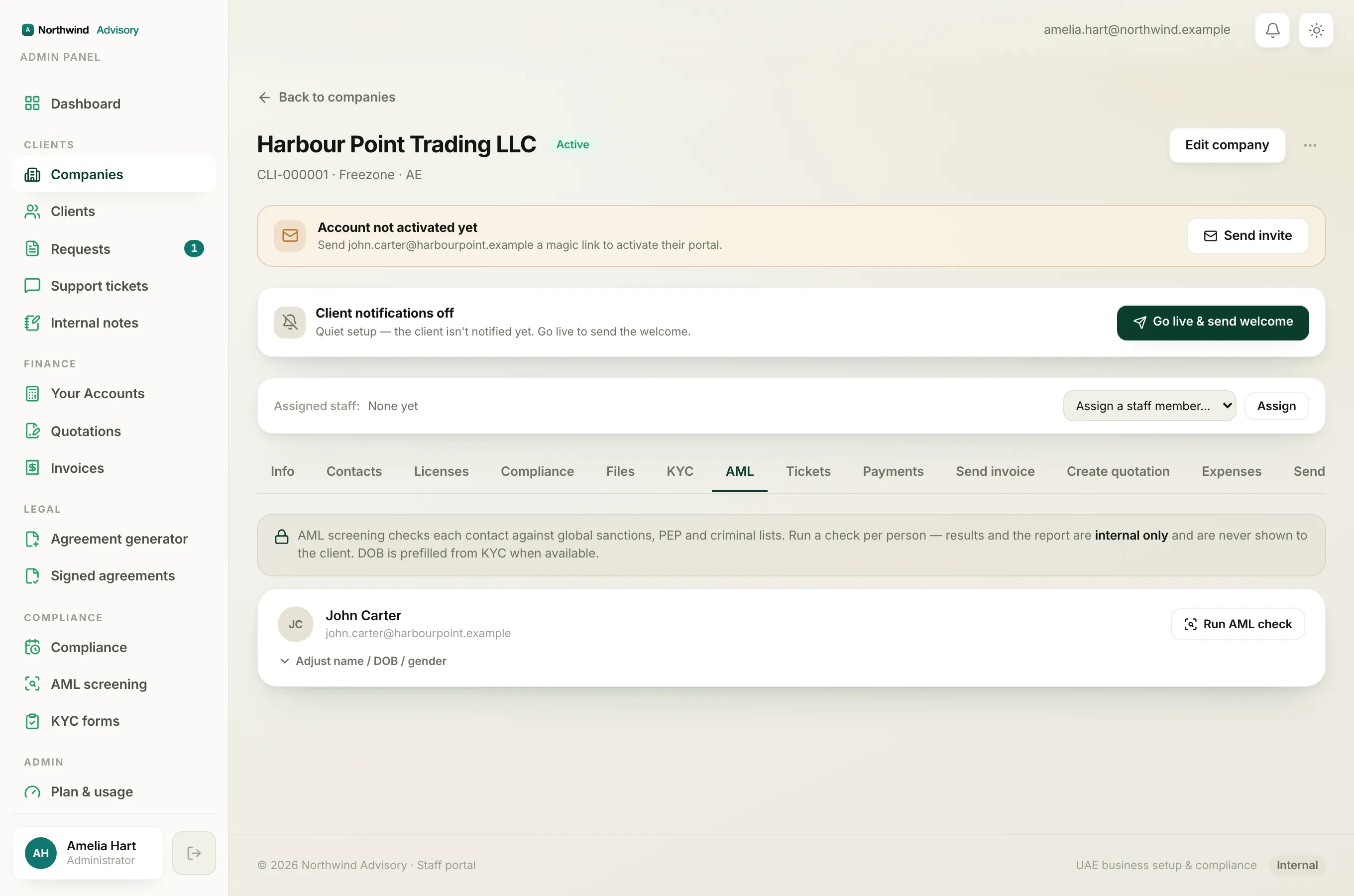
The adverse-media results live inside the screening report PDF, not on the screen list of alerts.
- Log in to your workspace.
- In the left menu, under Compliance, click AML screening.
- Open the screening you want to read.
- At the top of the page, click the Report button to open the PDF in a new tab.
- Scroll to section 05 Adverse media.
You can also reach the same PDF from a company. Open the company, go to its AML screening tab, and click Screening report (PDF) under the contact you checked.
The six categories
Every adverse-media story is sorted into one of six buckets, so you can see at a glance what kind of concern it raises:
- Terrorism
- Financial crime
- Organized crime
- Violent crime
- Regulatory / enforcement
- Political exposure
The first four point to a serious criminal concern. Regulatory and political coverage is lower in weight and is usually there for context.
What each story shows
For every article the report lists the category, the publication it came from, the date where one is available, the headline, a short snippet from the story, and a link to the original article so you can open and read it yourself. Stories are listed newest first, and the same story indexed under more than one category is only shown once.
If the search found more articles than are printed, the report says how many were found in total, so you know the list is a sample of the closest coverage.
Important
Media coverage is indicative, not determinative. A news story is a reason to look closer, confirm the person's identity, and record what you decide. It is not, by itself, proof that your client is the person in the article. Always read the linked story and judge it against what you know about the client.
How it affects the risk level
An article in one of the four serious categories (terrorism, financial crime, organized crime or violent crime) pushes the screening's overall risk up to High. Regulatory or political coverage on its own raises it to Medium. If no adverse media is found, the section simply says so and nothing is added to the risk. For the full picture see How IzzyTap sets the risk level.
When a story is a genuine concern, record your decision on the alerts and, where your process calls for it, refer the screening to a compliance officer. See Read the AML report and Send a screening to an outside compliance officer.