The short answer
Working with KYC needs the KYC permission. The staff roles that have it are:
- Administrator
- Operations manager
- Case manager
- Document officer
These roles can build KYC forms, send them to contacts, and review the completed forms that come back.
These roles do not have the KYC permission:
- Billing officer
- Support agent
- AML compliance officer
Why a teammate can't see the KYC area
The menu only shows what each person is allowed to use. If a teammate does not have the KYC permission, the KYC forms item under Compliance in the left menu does not lead anywhere for them, and the KYC tab actions on a company page are not available to them. This is by design, not a fault.
An AML compliance officer is a deliberate special case. That role is often an outside or part-time compliance person who should only ever see AML screening, so they are kept out of KYC, clients, invoices and everything else.
How to give someone access
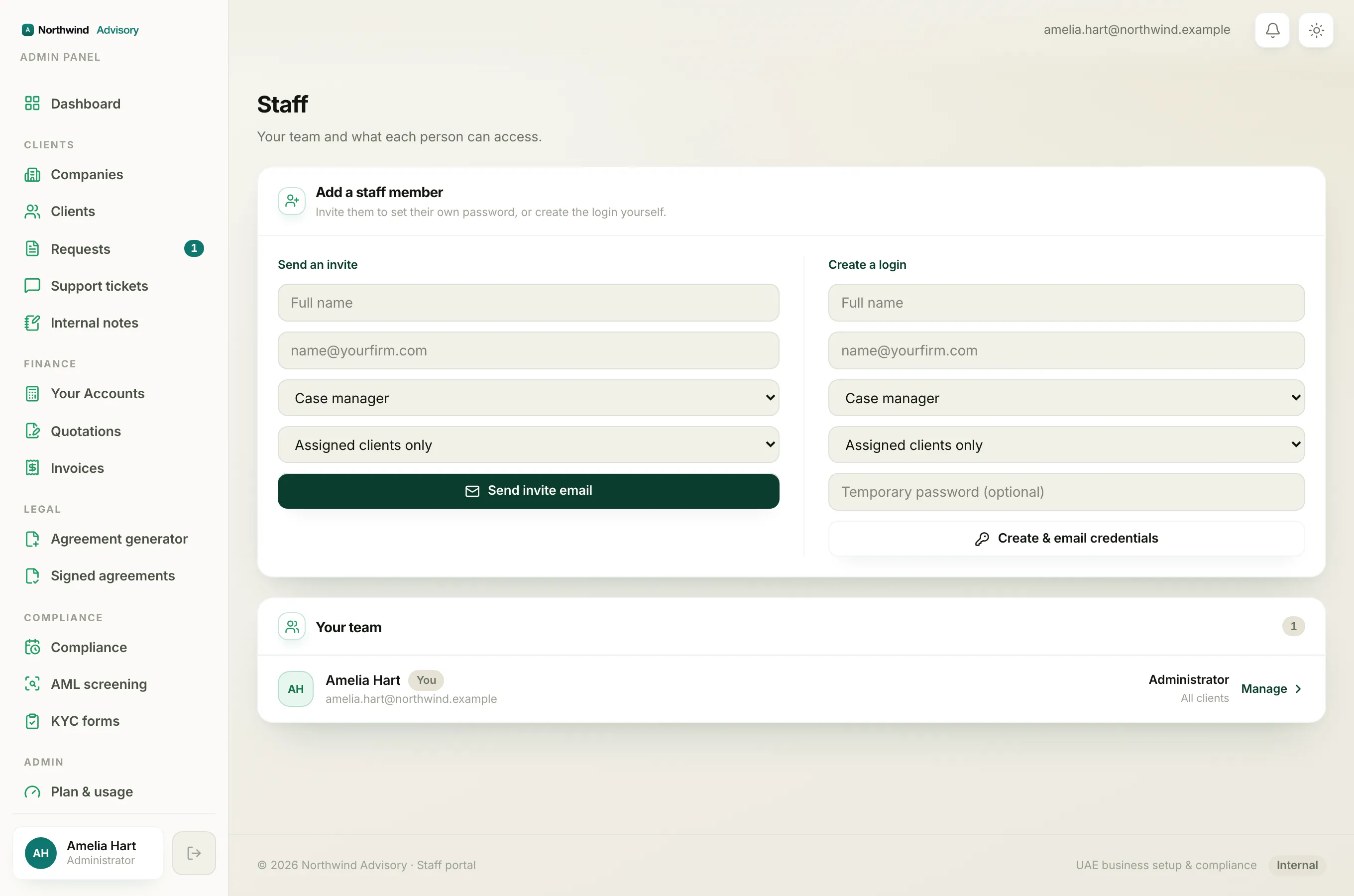
If a teammate needs to work with KYC, an administrator can set them to a role that includes the KYC permission, such as Case manager or Document officer. To read what each role can do, see staff roles explained. To bring someone new onto the team, see add a team member.
Note
Only an administrator can add staff or change a teammate's role. If you are not an administrator, ask the person who runs your workspace to make the change.
Once someone has access
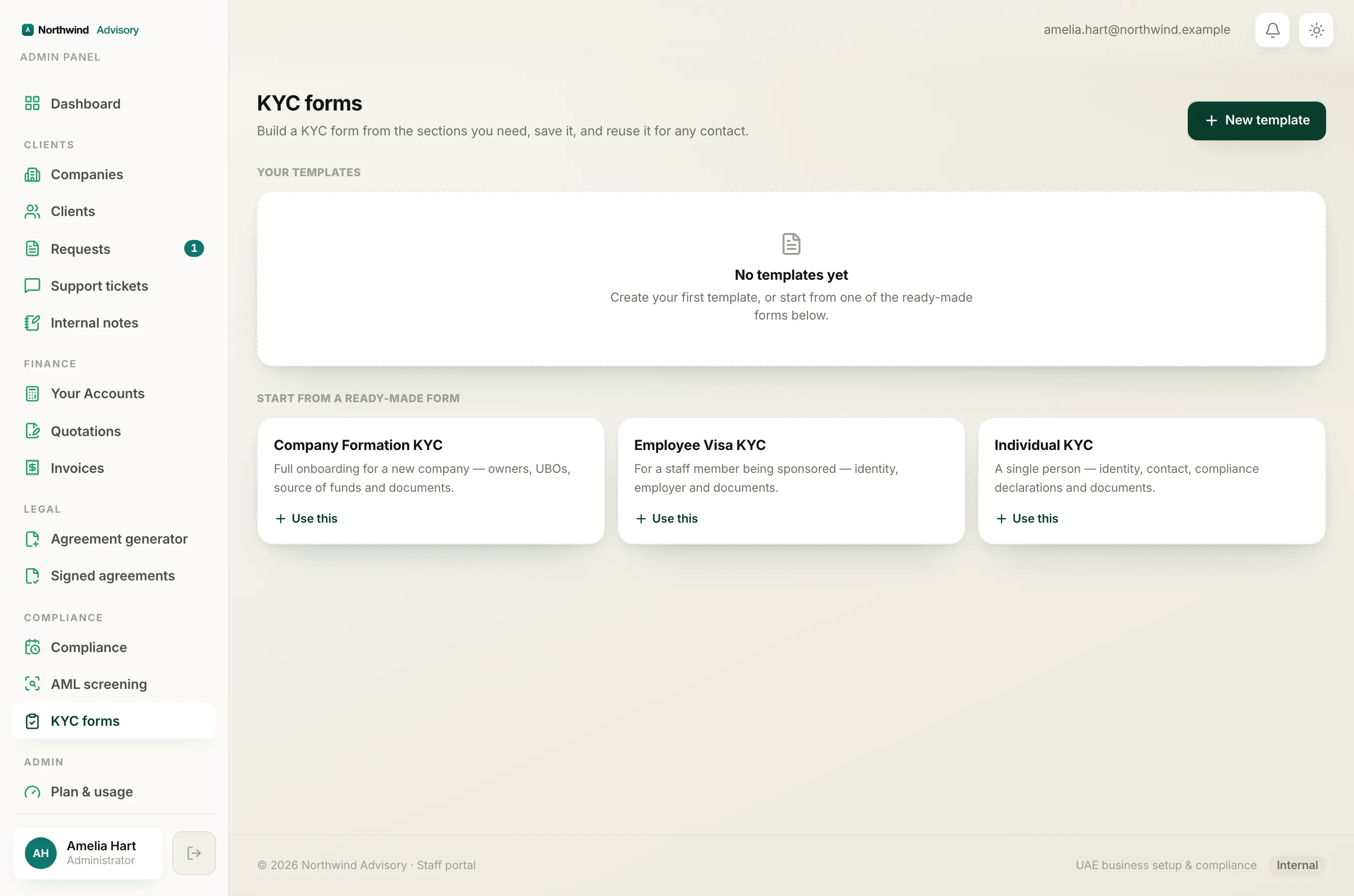
With the KYC permission in place, a teammate can:
- Build and save KYC forms. See build your own KYC form.
- Send a form to a contact or to a whole company. See send a KYC form.
- Read and download completed forms. See review a completed KYC form.