What this means
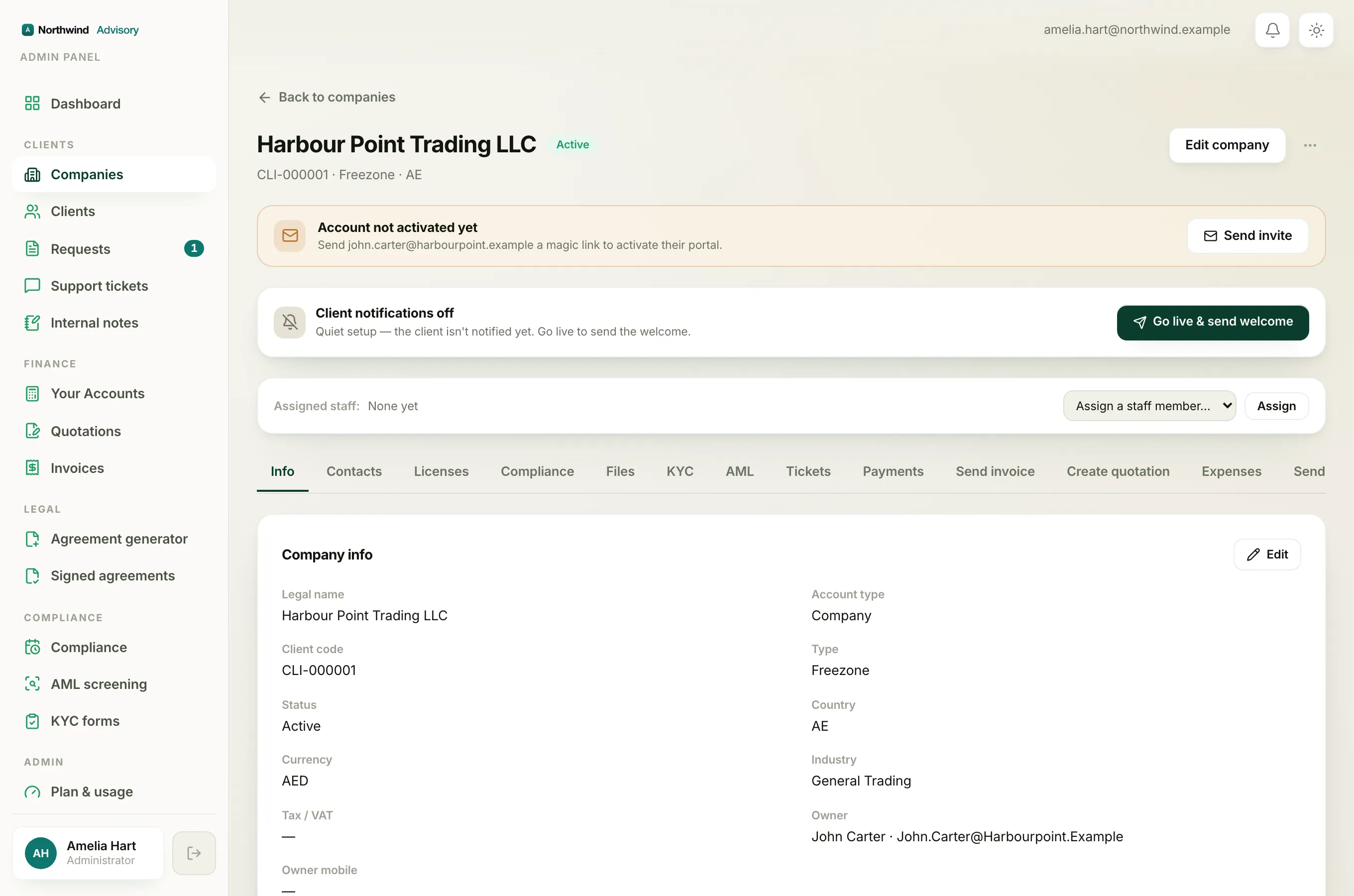
Sometimes you sign in to your portal and, instead of your usual home page, you see a notice that your company is on hold or archived. This is set by your service provider, not by you. Your records are always kept safe. This page explains what each state means and how to get back to normal.
"On hold"
When your company is on hold, you can still sign in, but a notice appears on your home page:
[Your company] is on hold Access to this company's services and compliance is currently paused. Your records are safe. Please contact us to restore access.
While a company is on hold:
- You cannot start a new service request.
- Compliance tracking and reminders for the company are paused.
- Everything already on file (documents, past invoices, past requests) is kept safe.
A firm usually puts a company on hold for a short-term reason, for example while an account matter is being sorted out.
"Archived"
An archived company shows a similar notice:
[Your company] is archived This company has been archived, so its portal and services are paused. Your records are safely kept.
Archived usually means the firm has closed the working relationship for now. As with on hold, nothing is deleted. If you return later, your history is still there once the firm restores the company.
"Account access paused"
There is a second, separate situation. If your whole sign-in account has been paused, you will not get past the sign-in screen at all. Instead you land on a page that says:
Account access paused Your account is currently inactive, so portal access has been paused. Your company records are safe. Please contact us to restore access.
This is about your personal login rather than one company.
How to get access back
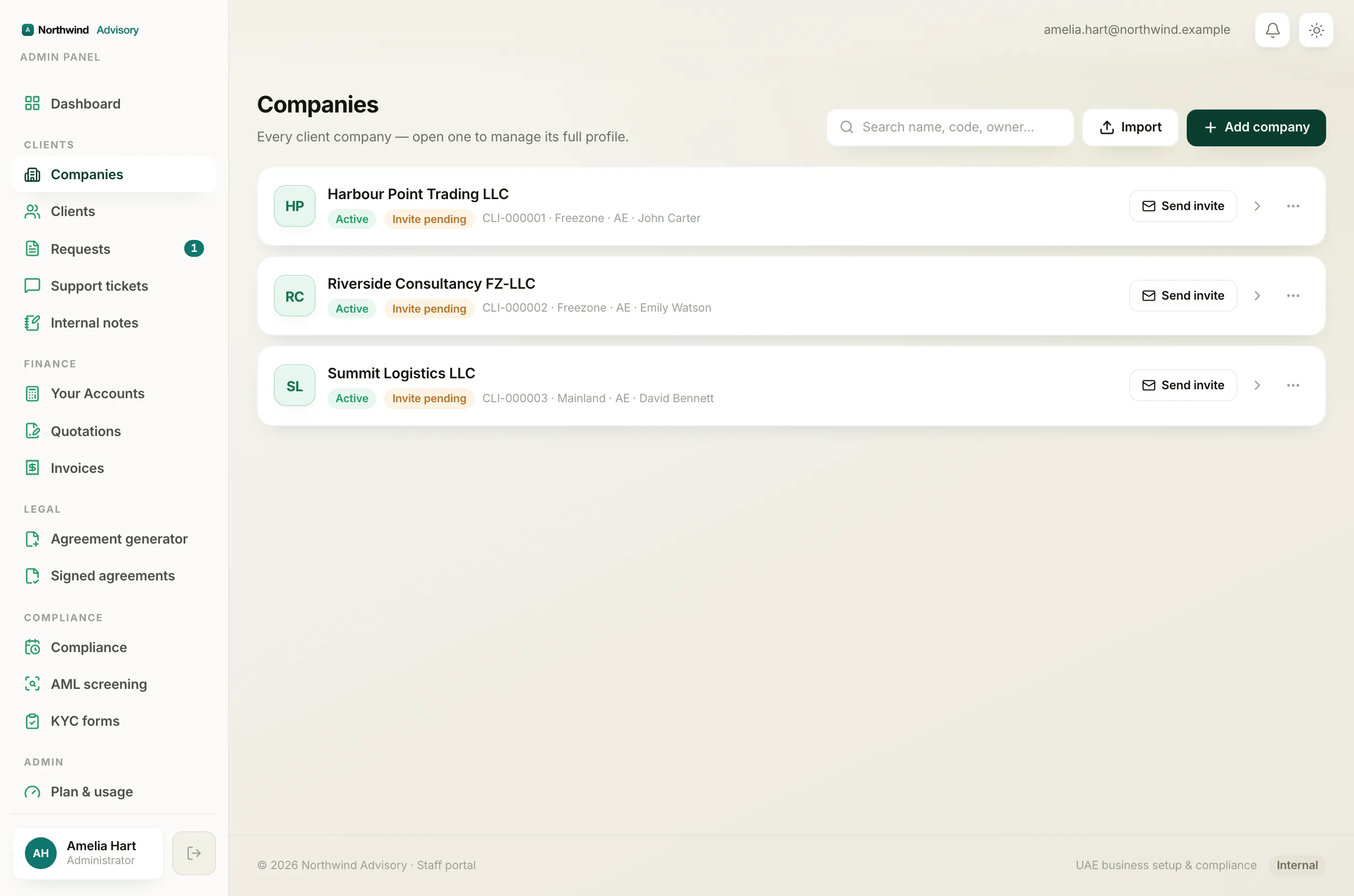
Only your service provider can lift a hold, restore an archived company, or re-enable a paused account. To ask them:
- Log in to your portal, if you can reach it.
- On the on-hold or archived notice, click Contact support to open a message to your firm. You can also read Open a support ticket and track replies.
- If you cannot get past the sign-in screen, reply to the last email your firm sent you, or use the phone number or email they gave you.
Note
Access is restored by your firm, not automatically. Once they switch your company or account back on, log in again and your portal will work as before.
While you wait, remember that no data is lost. If your question is about a filing or renewal deadline, see The Compliance page: what needs you vs what we handle once access is back.