Three things this covers
This article explains how to add a password if you do not have one, change a password you already use, and reset a password you have forgotten. A password is optional. You can always sign in with a magic link instead.
Add or change your password in settings
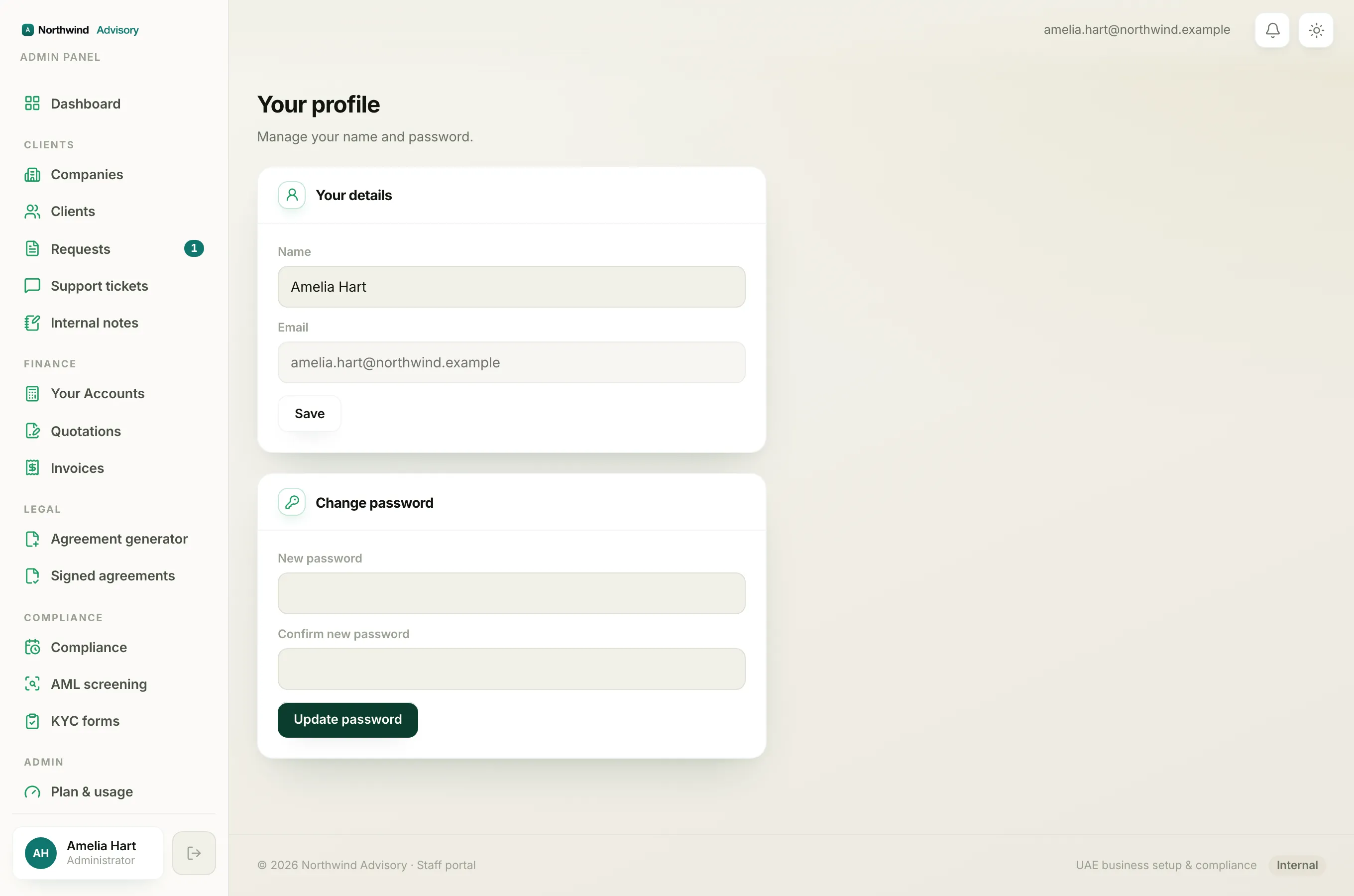
Use this when you are already signed in.
- Sign in to your portal.
- In the left menu, under Manage your account, click Settings.
- Find the Password card. If you do not have a password yet, it is headed Add a password to sign in faster. If you already have one, it is headed Change your password.
- If you already have a password, type it in the Current password box.
- Type your new password in New password. It must be at least 8 characters.
- Type it again in Confirm new password.
- Click Update password (or Set password if you are adding one for the first time).
- You will see Password updated when it saves.
The quick 'Set a password' prompt
Soon after you first activate your account, your portal may show a Set a password screen. It explains you can add a password to sign in faster, and that the secure email link still works any time.
- Type your password in New password (at least 8 characters) and again in Confirm password.
- Click Save password.
If you would rather not set one now, click Skip for now. You can always add one later from Settings.
Reset a password you have forgotten
Use this when you cannot sign in.
- On the sign-in page, under the Password box, click Forgot password?.
- On the Reset your password screen, type your account email in the box.
- Click Send reset link.
- You will see a Check your email message. It notes that if an account exists for that address, a reset link has been sent, and that the link expires in one hour.
- Open the email and click the reset link.
- On the Set a new password screen, type your new password (at least 8 characters) in New password and again in Confirm password.
- Click Set new password.
- You are returned to the sign-in page with a green note confirming your password has been reset. Sign in with your new password.
Note
The reset link expires one hour after it is sent, and it works once. If it has lapsed, just start again from Forgot password? to get a fresh one.
A note on your sign-in email
Your password is tied to the email you sign in with. If you need to change that email, see Change your sign-in email address.