What a KYC form is
KYC stands for Know Your Customer. It is a short set of questions your firm is required to collect about each owner and partner of a company. You fill it in once, sign at the end, and submit. Most fields are optional, so it usually takes only a minute or two.
Each person completes their own form. You cannot fill one in on behalf of someone else, because each form is signed personally.
Open your KYC form
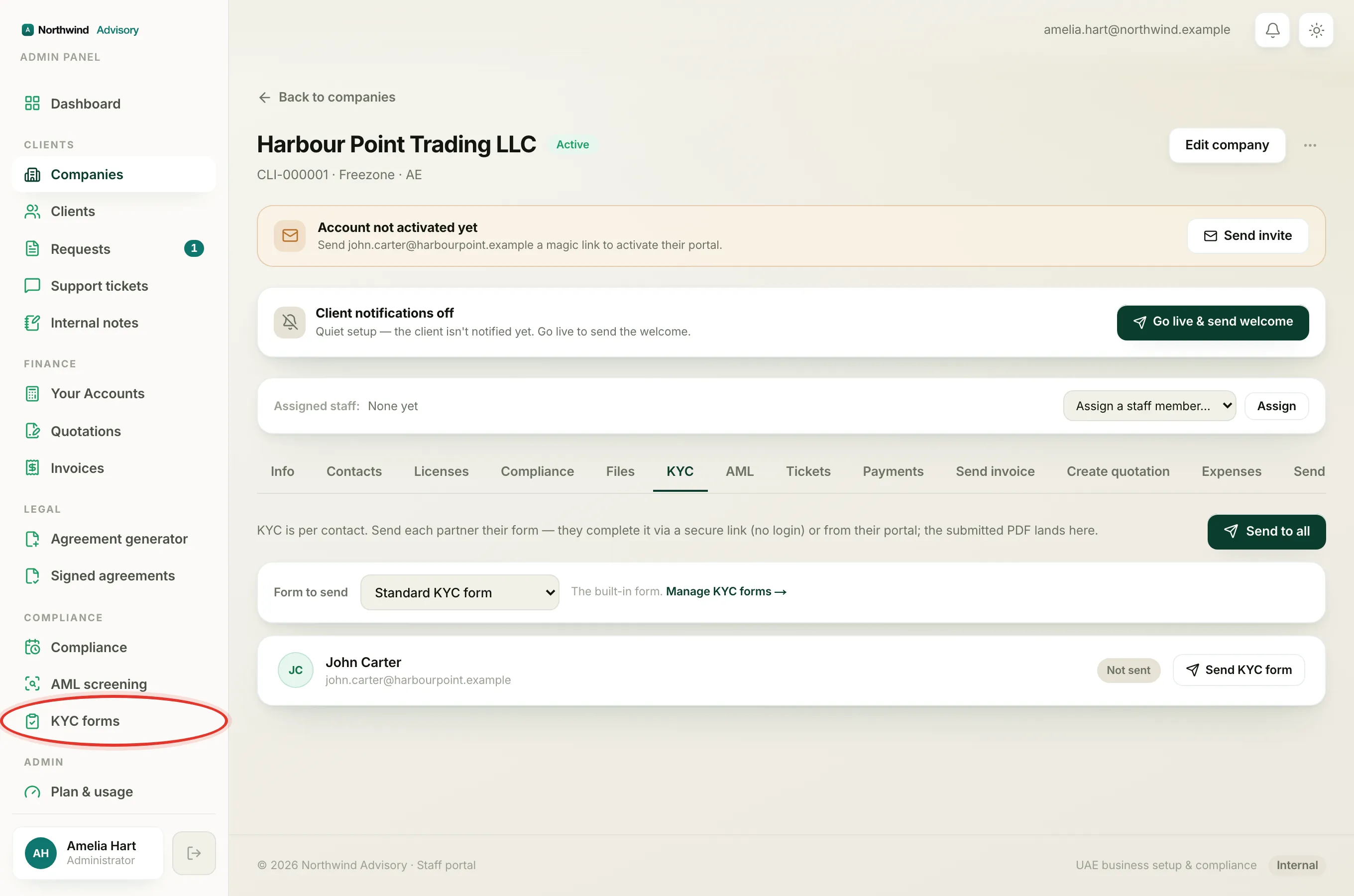
- Log in to your portal.
- In the left menu, click KYC & AML.
- You will see a row for each contact on the company. Find your own row (it is marked with a You tag).
- Click the blue Complete KYC button on your row. If you started earlier and did not finish, the button says Continue instead.
The secure form opens on your firm's own branded page.
Fill in your details
The form is split into a few short steps, shown as Step 1 of 5 (or however many steps yours has) with a progress bar at the top.
- Answer the questions on the step you are on.
- Fields marked with a red star are the only ones you must answer. As the form itself says, you can leave anything you are unsure about and the team will help you finish it.
- When a step is done, click Continue to move on. To go back and change something, click Back.
Upload your ID
Some steps ask you to attach a document, such as a passport or Emirates ID.
- Click the file box on that field.
- Choose the file from your device.
You can upload a PDF, an image (JPG, PNG or WebP), or a Word document, up to 10 MB. If you are collecting details for more than one shareholder or director, some sections let you add a block per person.
Sign and submit
The final step is your signature.
- Sign in the signature box using your mouse, finger or trackpad.
- Tick the confirmation box that says the information you have given is true and correct. This is required.
- Click Submit KYC.
That is it. Your firm is notified straight away, and you get a confirmation email that your verification was received. A PDF copy of your completed form is saved on file.
Tip
Your answers are saved on your device as you go, so if you accidentally refresh the page or lose signal, you will not lose what you have typed. Just reopen the form and carry on. Note that files and your signature are not saved this way, so add those on your final visit.
If you cannot finish in one sitting
You can stop and come back. Your form keeps the same secure link for 14 days. To learn what the status labels mean and how to pick up where you left off, see KYC statuses and continuing a half-finished form.