Open your document vault
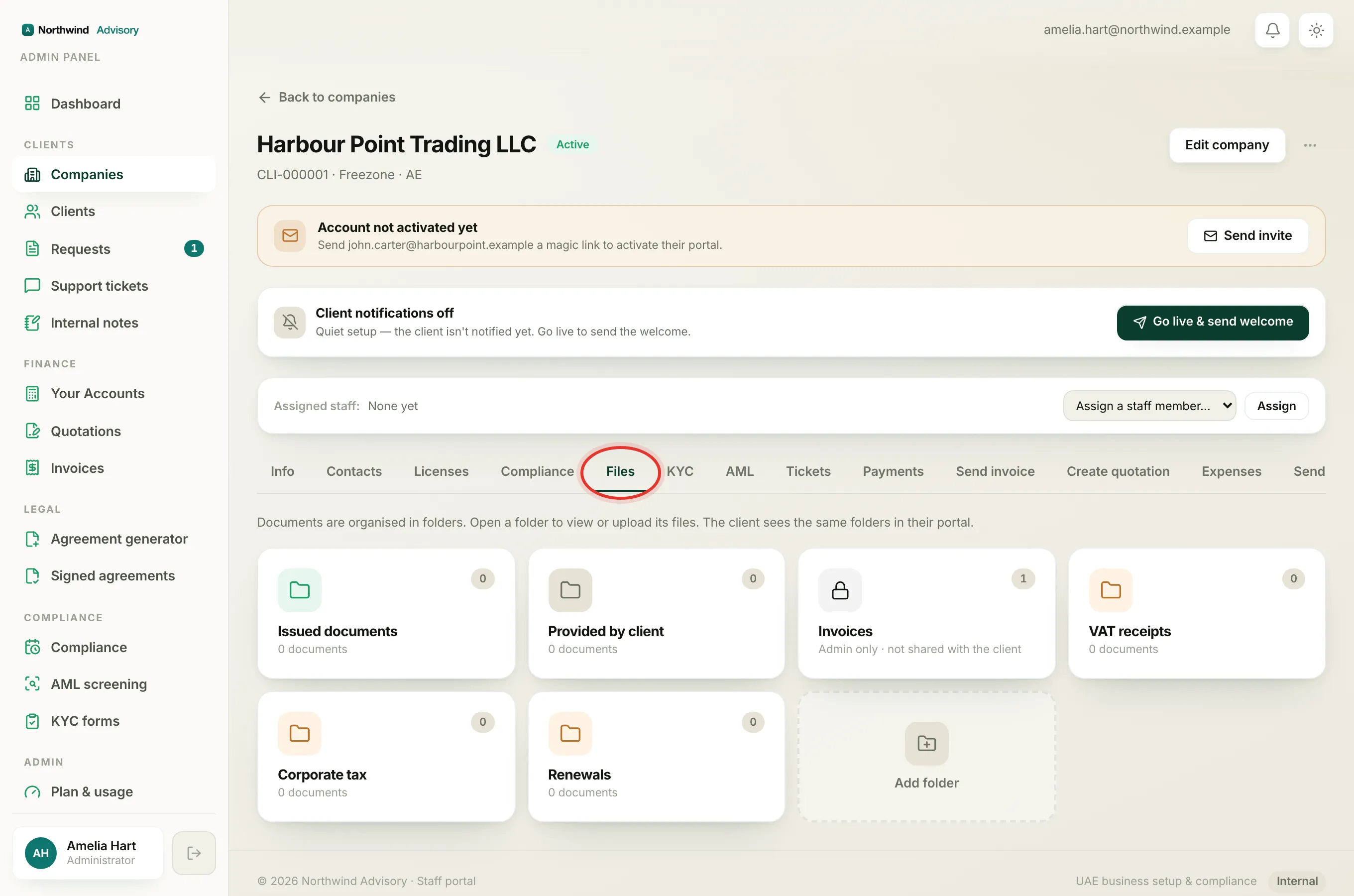
- Log in to your portal.
- In the left menu, click Documents.
You see a grid of folders. This is your company's document vault, holding the papers issued to you and the files you have provided, all in one place.
The folders you will see
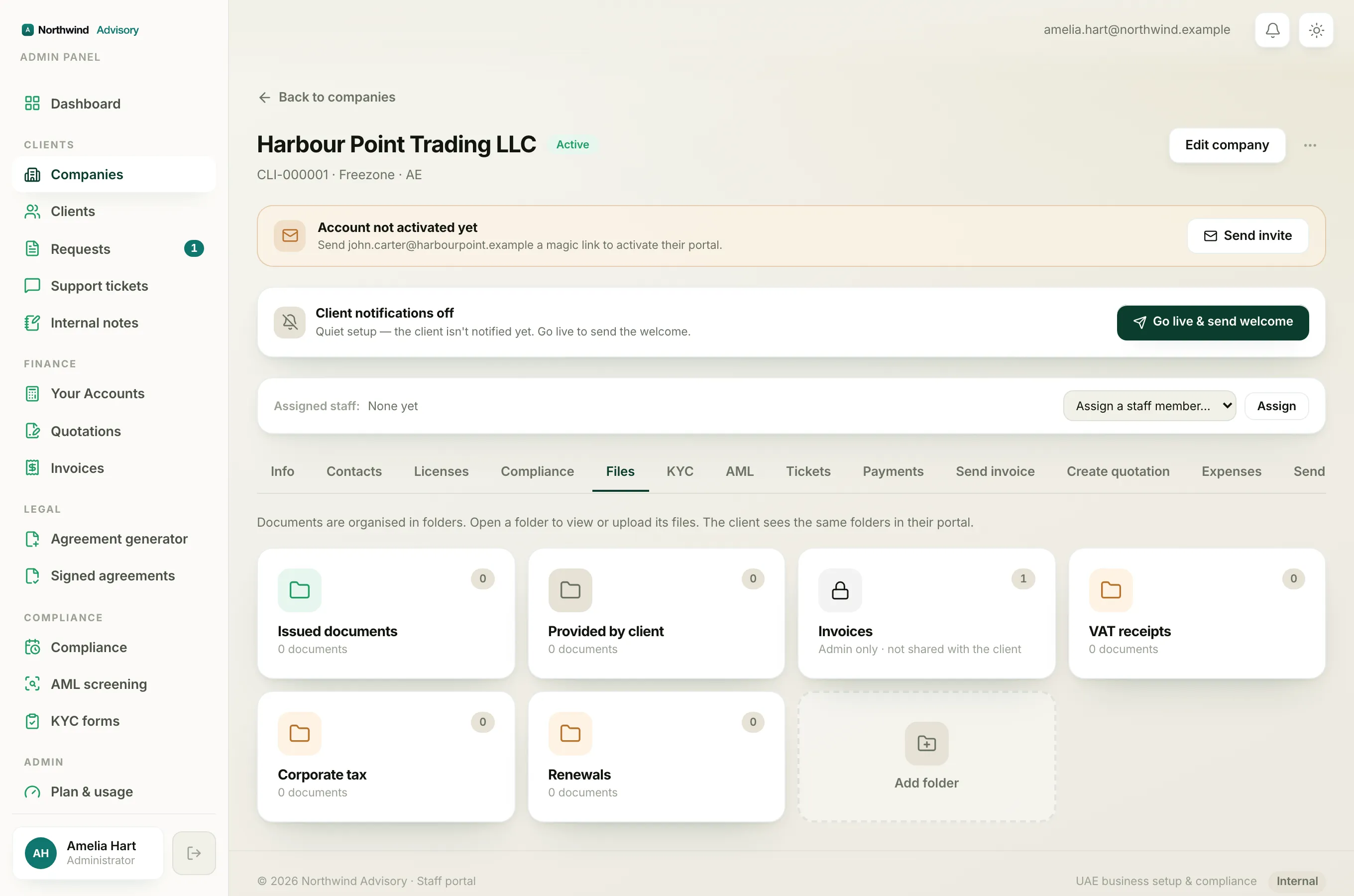
- Issued to you (blue folder) holds official documents your firm has issued to your company, such as a trade licence or a certificate.
- Provided by you (grey folder) holds files you have sent to your firm.
- Custom folders (amber) are any extra folders your firm has created to organise your papers, for example by service or by year.
Each folder shows a small count of how many documents are inside.
Note
You only ever see folders and files your firm has chosen to share with you. Staff-only working folders are never shown in your vault.
Open a folder and download a file
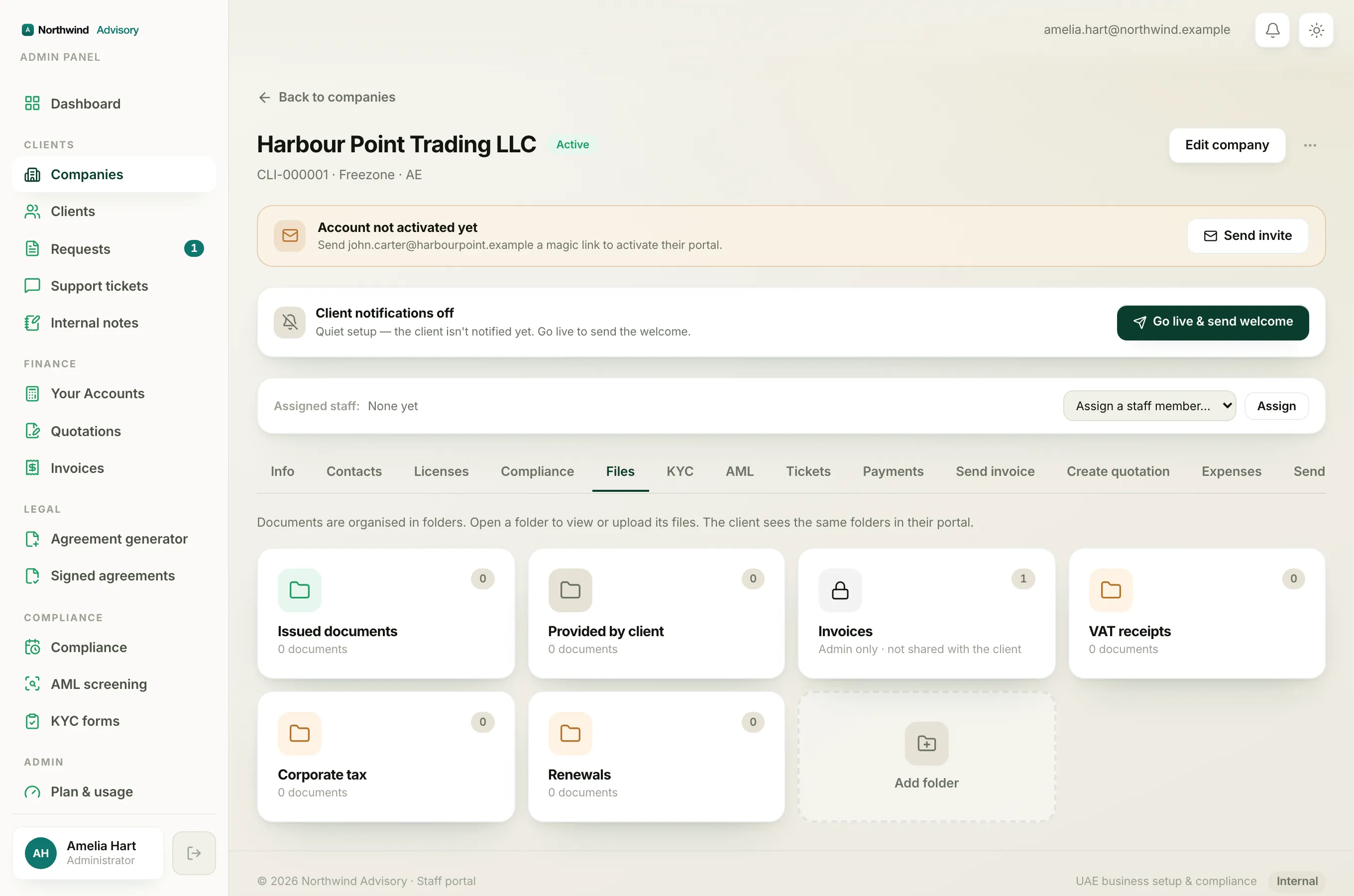
- Click the folder you want to open.
- Inside, each file appears as a row with its name and details underneath, such as the related service, the date it was issued, an expiry date where it applies, and the file size.
- Click a file row to open it. It opens in a new browser tab, where you can read it or save it to your device.
- You can also use the small download arrow on the right of the row.
- To go back to all your folders, click All folders at the top.
Tip
A document that shows an expiry date is worth noting. Your firm tracks these for you on your Compliance page, so you get reminded before it lapses.
If a folder is empty
A folder with nothing in it yet simply says there is nothing there. As your firm issues documents and as you share files, they fill in automatically.
See also: share a document with your firm.