Why assign a company
Assigning a company to a teammate makes ownership clear: it shows who is looking after that client. You can assign more than one person, and you can change it whenever the work moves to someone else.
This is different from assigning a single request. Assigning the company is about who owns the relationship. Assigning a request is about who handles one specific job, covered in assign a request to a teammate.
Assign a staff member
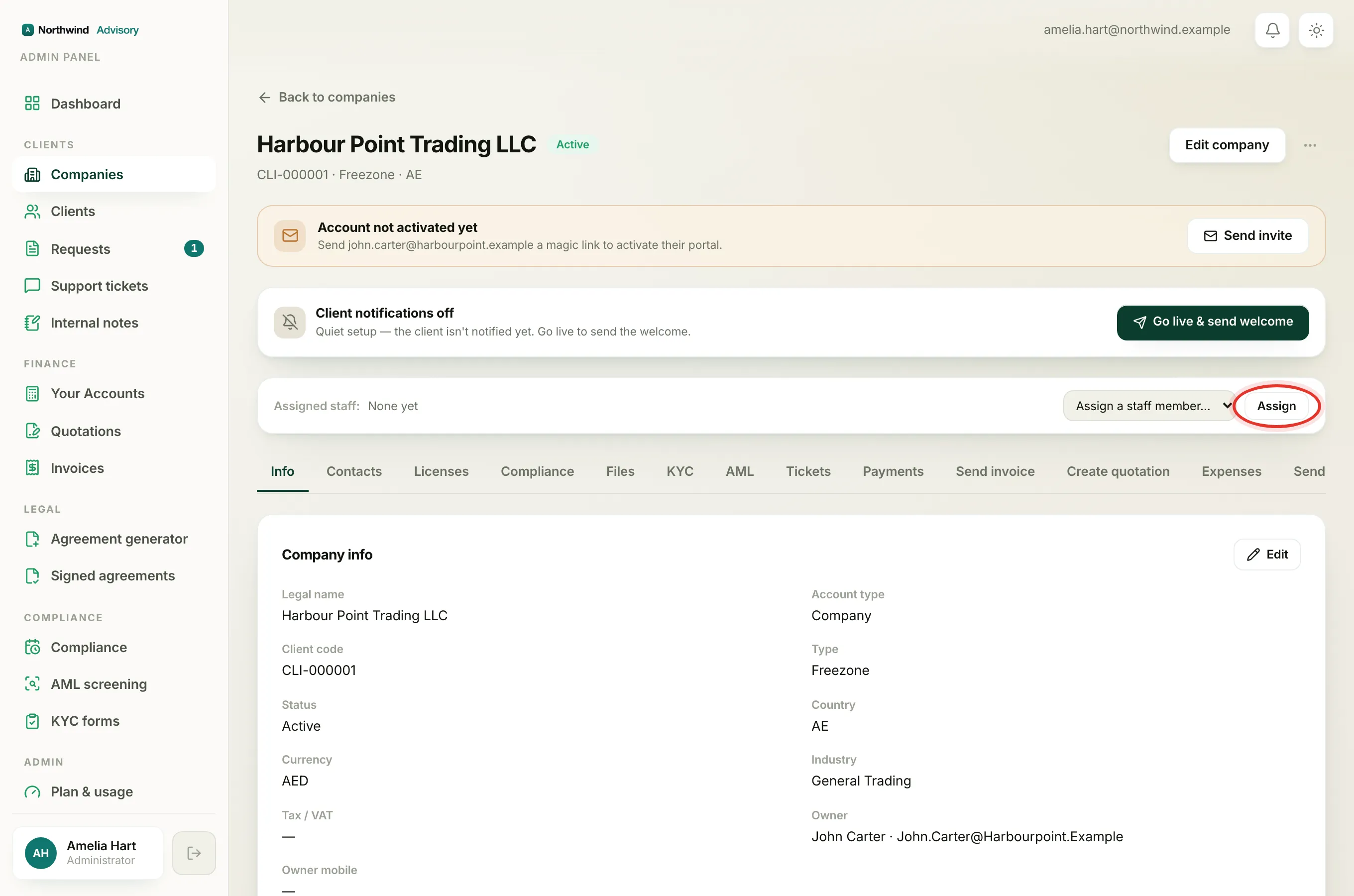
- Log in to your workspace.
- In the left menu, under Clients, click Companies.
- Open the company you want to assign.
- Near the top of the profile, find the Assigned staff: bar. If nobody is on it yet, it reads None yet.
- Open the Assign a staff member… dropdown on the right of the bar. Each person is listed with their name and role, for example Aisha Rahman · Case manager.
- Choose the person and click Assign.
The teammate now appears as a green name chip on the bar. Repeat to add more people.
Remove someone
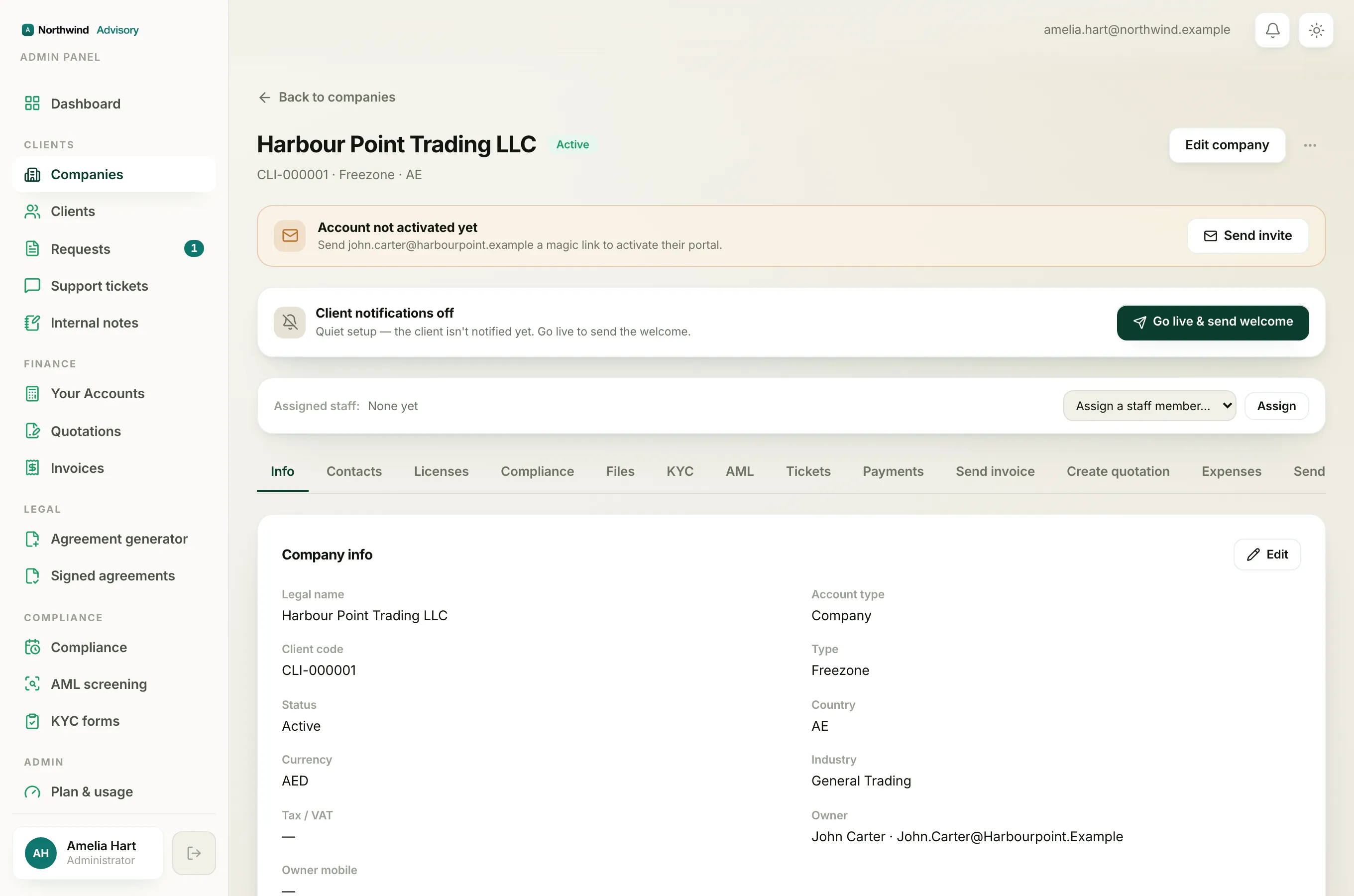
Each assigned person shows as a chip with a small x next to their name. Click the x to take them off the company. This only removes the assignment, it does not touch their account or any of their work.
Why a teammate might not appear in the list
The Assign a staff member… dropdown lists your active staff, but not everyone:
- Admins are left out on purpose. An admin already sees every company, so there is nothing to assign.
- Deactivated or archived staff are hidden. Only active team members can be assigned.
- Someone already assigned drops off the dropdown while they are on the bar, so you never add the same person twice.
To bring a new person onto your team so they can be assigned, see add a team member.
Why you might not see the Assigned staff bar at all
Assigning companies is a permission, not something every staff member can do. The bar only appears for staff whose role can assign work, which is the Admin and Operations manager roles. If you are signed in as, say, a case manager or billing officer, the bar is hidden and you cannot change who owns a company.
Note
If you believe you should be able to assign companies but cannot see the bar, your role does not hold that permission. An admin can review your role, or change it. See staff roles for what each role can do.