If you sent a quotation you should not have, or one with the wrong numbers, you can withdraw it. Withdrawing kills the accept link at once, so the client can no longer act on it, and it lets the client know to disregard it.
Important
You can only withdraw a quote that is still Sent. Once a client accepts, the quote turns into a real invoice, and you cancel the invoice instead. See Why you cannot withdraw an accepted quotation.
Withdraw from the Quotations list
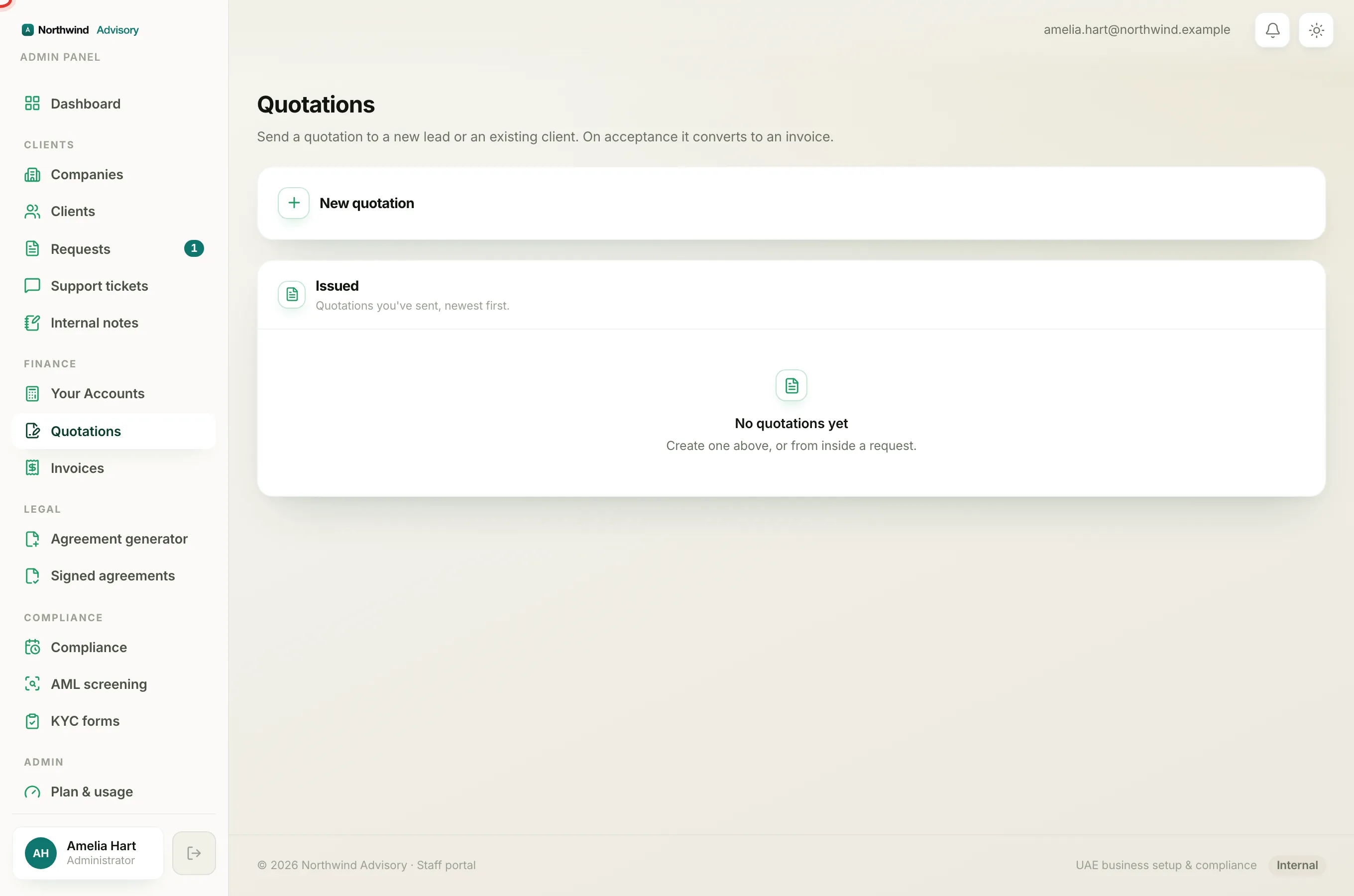
- Log in to your workspace.
- In the left menu, under Finance, click Quotations.
- Find the quote in the Issued list. If it is still Sent, you will see a Cancel button next to the PDF button on that row. (If there is no Cancel button, the quote is no longer in a state that can be withdrawn.)
- Click Cancel.
- A short confirmation appears. You can type an optional note to the client, for example "a corrected quote is on the way". This note is limited to 500 characters.
- Click Withdraw quote to confirm, or Keep it to back out.
Withdraw from inside a request
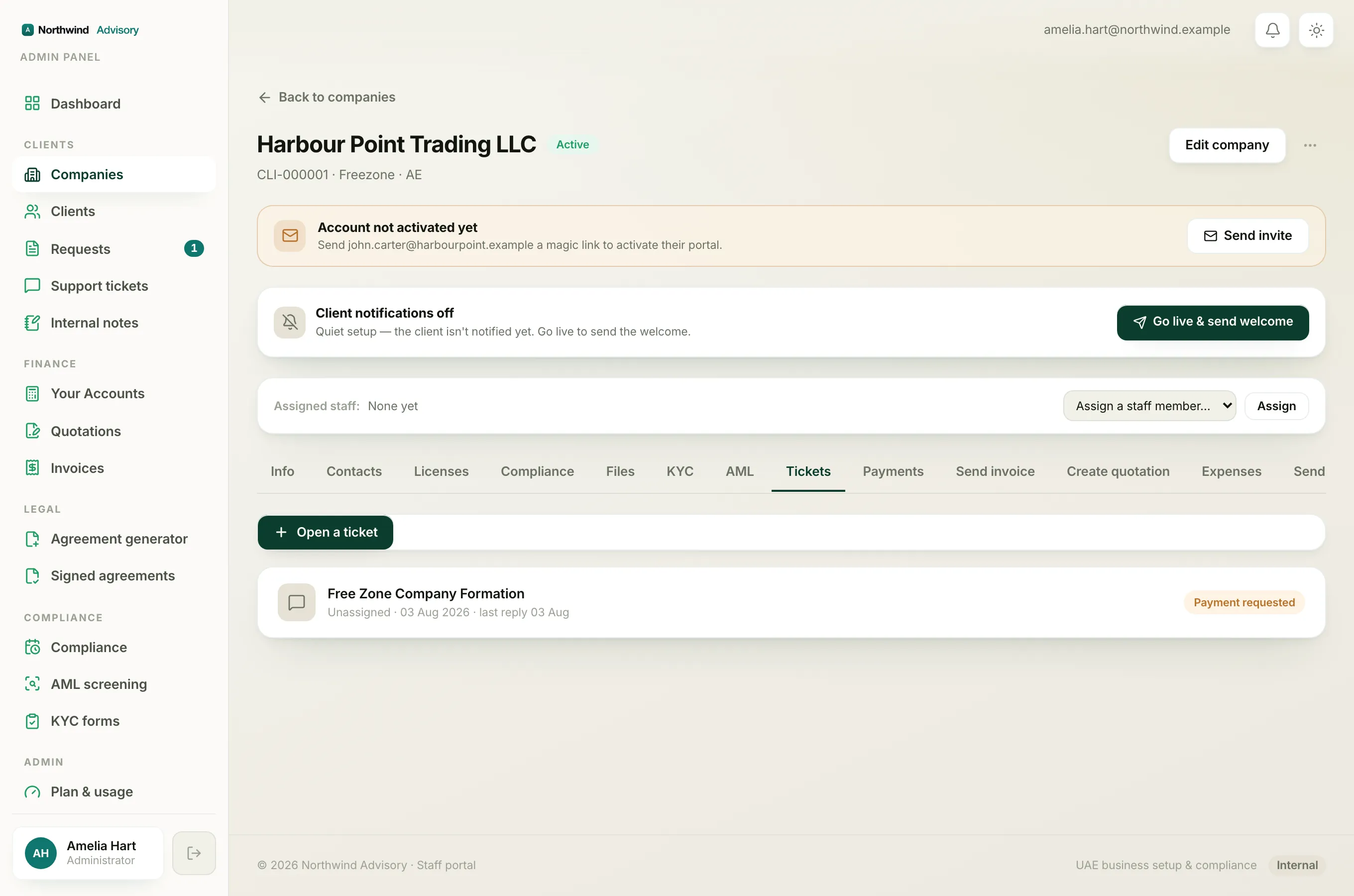
If the quote was raised from a request, you can withdraw it right there in the thread:
- Open the company, then open the request.
- Find the quotation card in the conversation. If the quote is still Sent, the card shows a Withdraw quote button.
- Click Withdraw quote, add an optional note, then confirm.
What happens when you withdraw
- The quote's status changes to Cancelled.
- The secure accept link goes dead straight away. If the client opens it now, they see a "Link not valid" page.
- If the quote was in a request thread, the card flips to Cancelled and a short note is posted in the thread telling the client the quotation has been withdrawn. Your optional note is included if you added one.
- The client is notified. For an existing client that is an in-app alert and an email. For a lead with no account, the note goes to the email address the quote was sent to.
Who can do this
Withdrawing a quotation uses the same permission as creating invoices and quotations. If you cannot see the Cancel or Withdraw quote button, your staff role may not include that permission. An admin can check this for you.
Withdrawing does not delete the quote. It stays in your records as Cancelled so there is always a clear trail of what was sent and what was pulled back.