When you add or remove a module partway through the month or year you have already paid for, you might expect a fresh bill straight away. You do not get one. The change stays on your existing subscription, and the cost or credit is worked out for the days left in your cycle and added to your next bill. This guide explains what happens and what you will see.
What "mid-cycle" means
Your firm pays on one date each month, or once a year if you are on yearly billing. The time from one payment date to the next is your billing cycle. A mid-cycle change is any change you make partway through that cycle, before your next payment date.
When you change your plan, that payment date does not move. You stay on the same subscription.
Make the change
- Log in to your workspace.
- In the left menu, under Admin, click Subscription.
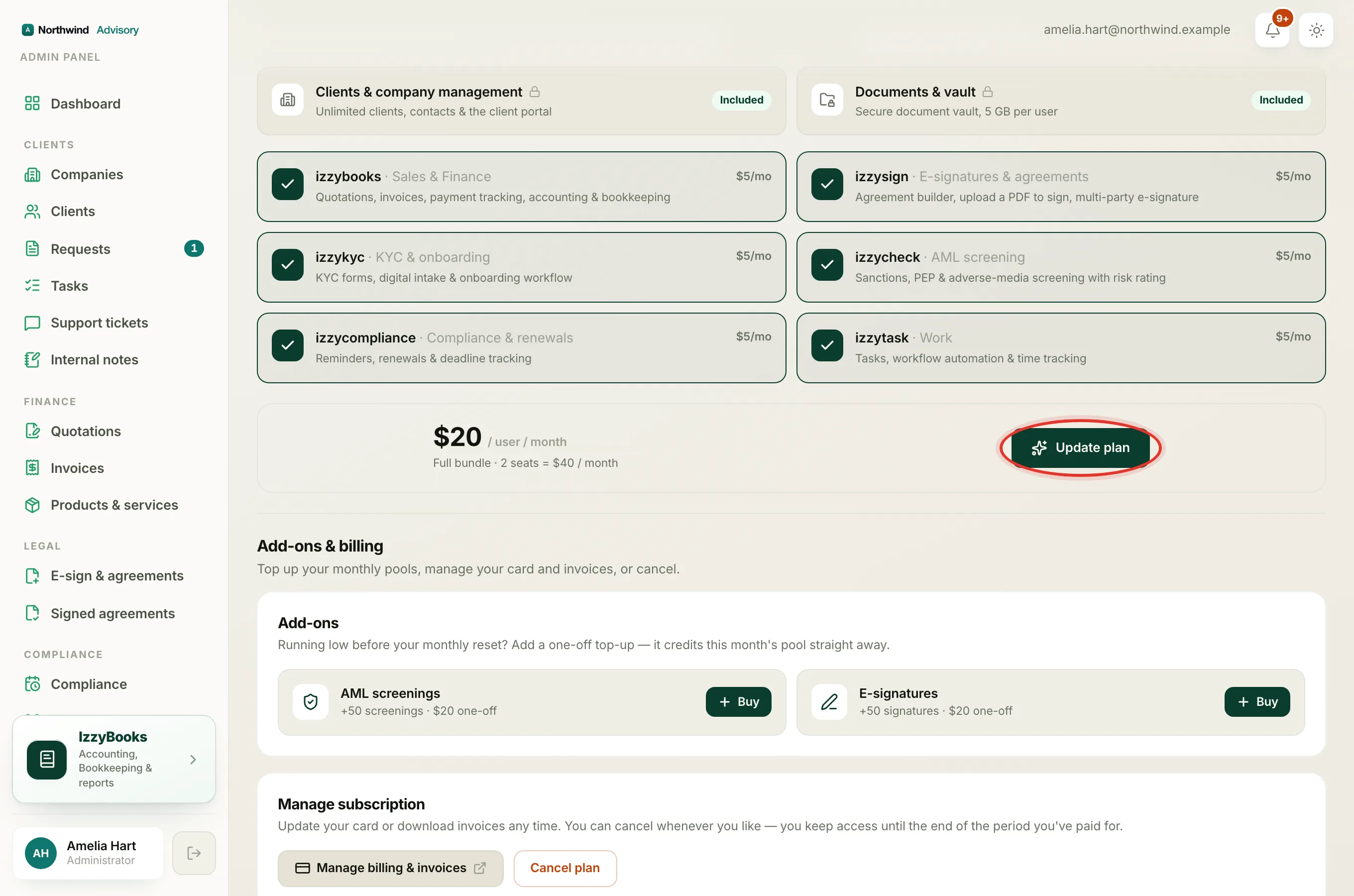
- Scroll down to Change your plan. The page notes that you can add or remove modules any time, and changes take effect straight away.
- Add a module by clicking it so it is ticked, or remove one by clicking it so it is no longer ticked. You can also switch between Monthly and Yearly, or click Get everything to take the full bundle.
- Look at the price card at the bottom. It shows the new price per user and your new total for the cycle.
- Click Update plan.
Note
The button reads Update plan because you already have a plan. A firm buying its first plan sees Subscribe and is taken to a card checkout. A first plan is not a mid-cycle change, so this guide covers Update plan.
If you are removing something you pay for
If your new selection drops a module you currently pay for, the app checks with you first, so you never lose a package by accident. A box appears headed Remove this package?. It names what you are dropping and warns that you will lose access to it.
- To go ahead, click Yes, remove and continue.
- If you only meant to add something, click Keep them. Everything you already have stays, and your new module is added on top.
What you will see after the change
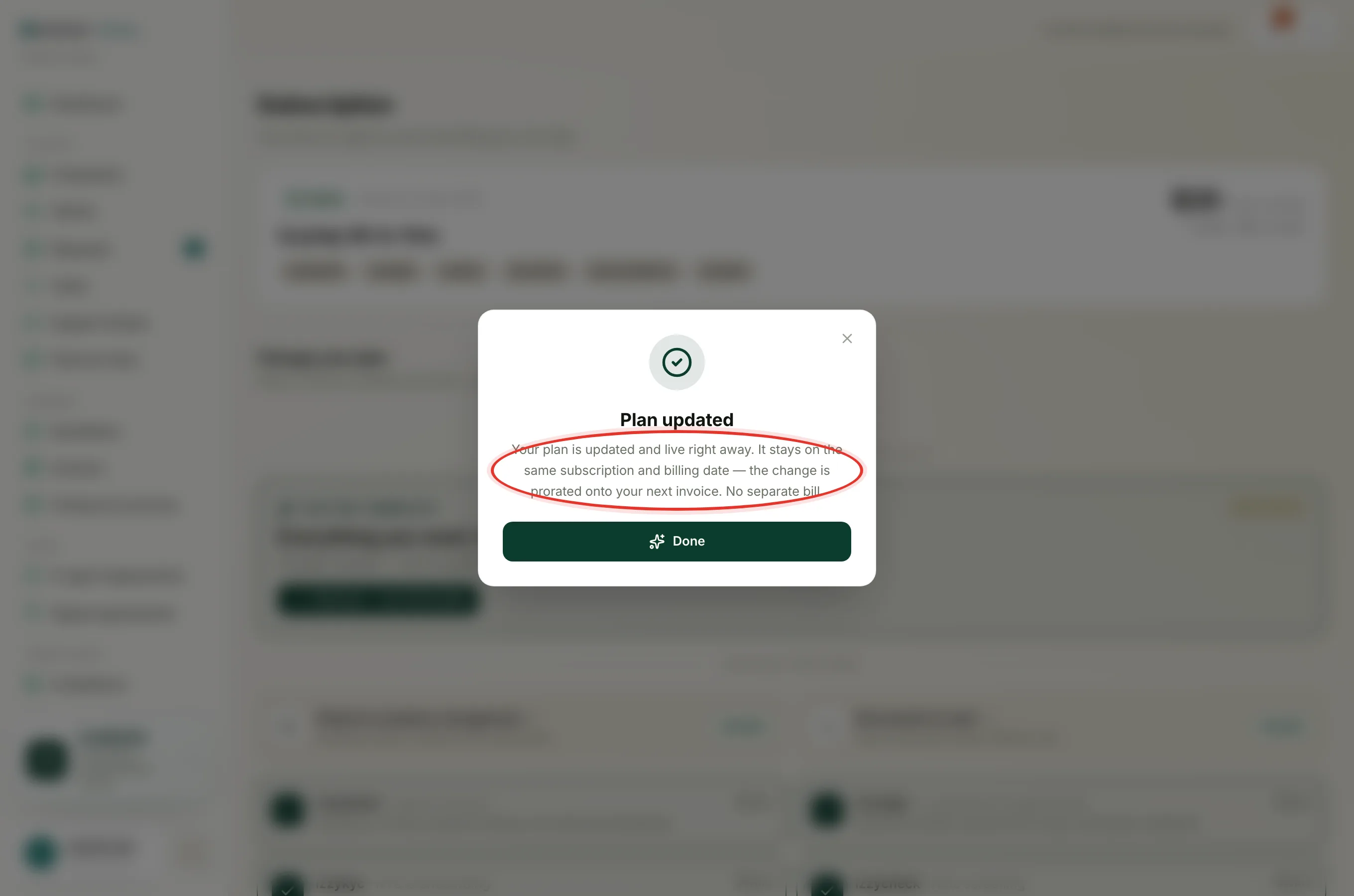
The change is live at once. A short message confirms it, headed Plan updated. It tells you that your plan is updated and live right away, that it stays on the same subscription and billing date, that the change is prorated onto your next invoice, and that there is no separate bill.
One bill, not two
This is the part that matters. You are not charged a second time today. Here is how the money works.
- When you add a module mid-cycle, you do not pay a full month for it right away. The app works out the cost for only the days left in the current cycle. That smaller amount is added to your next bill.
- When you remove a module mid-cycle, the part you have already paid for but will not use becomes a credit. That credit lowers your next bill.
Either way, it is one combined amount on your normal payment date. Your subscription and your billing date stay the same. This is what "prorated" means. You pay for the part of the cycle you actually use.
Note
Because the difference lands on your next invoice, that one bill can read a little higher than usual after you add something, or a little lower after you remove something. It settles back to your steady amount on the bill after that.
Seats work the same way
Adding or removing a staff seat partway through the cycle is billed in the same way. On the Staff page, the seat panel notes that each new seat is billed pro-rata. The seat cost or credit is worked out for the days left in your cycle and added to your next bill, on the same subscription. There is no second charge for a seat either. See Buy or reduce staff seats.
Related
- Build your plan, take the bundle, or switch between monthly and yearly. See Choose or change your plan.
- See how your monthly amounts and one-off top-ups work. See Understand usage and top-ups.