Issuing a document is how you give a client an official paper, for example a trade licence, a visa or a VAT certificate. When you issue it, IzzyTap can start tracking its expiry or its next filing deadline for you, so nothing slips through.
Open the Issue a document panel
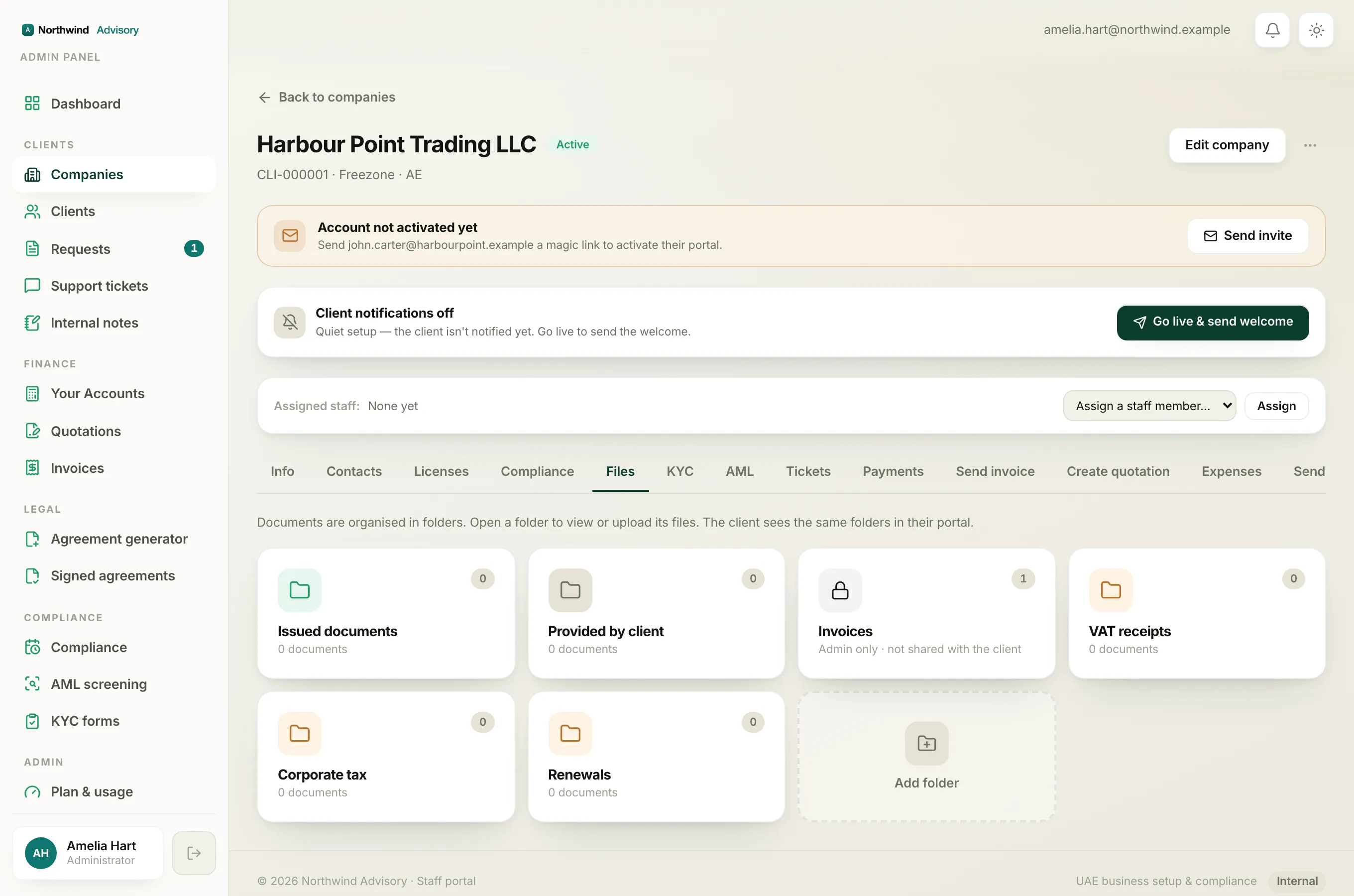
- Log in to your workspace.
- In the left menu, under Clients, click Companies.
- Click the company to open it.
- Click the Files tab.
- Open the Issued documents folder.
- Click Issue a document to expand the panel.
Fill in the document
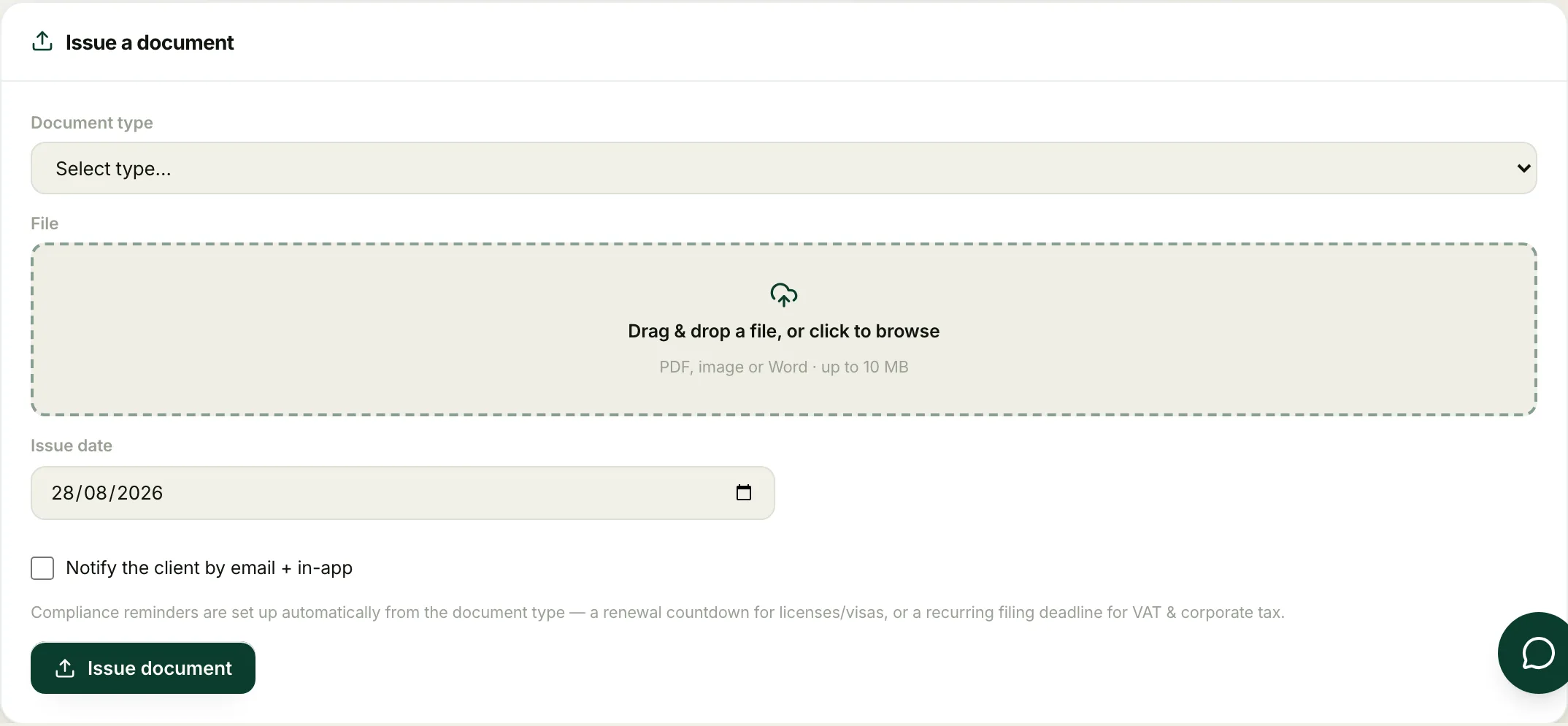
- Pick a Document type. The built-in types include Trade License, Residence Visa, Emirates ID, VAT Certificate, Corporate Tax Certificate, Attested Document, MOA / Memorandum and Tenancy / Ejari. Choose Other (custom)… for anything else, or Company Formation Docs (multiple) to upload many files in one go.
- Drag the file onto the File box, or click to browse. PDF, image or Word, up to 10 MB.
- If you chose Other (custom)…, type a Custom name so the client knows what it is, for example "Board resolution".
- Check the Issue date. It defaults to today, but you can change it.
- Set the compliance date if the panel asks for one (see below).
- If the document belongs to a specific request, use Link to request to attach it there. Otherwise leave it as General company file.
- If the company has its own folders, a File into folder (optional) box appears. Pick a folder to file the document straight into it, or leave it as Issued documents (default) to keep it in the standard folder.
- Tick Notify the client by email + in-app if you want them alerted.
- Click Issue document.
The compliance reminders set themselves up
The reminder fields change to match the document type you picked:
- Licence, visa and Emirates ID (expiry types) ask for an Expiry date. It is pre-filled to a sensible default, but confirm the exact date printed on the document. IzzyTap reminds you to renew, starting 30 days before it expires.
- VAT Certificate asks for the VAT period end date. The filing is due 28 days after the period end, and the deadline rolls forward each quarter.
- Corporate Tax Certificate asks for the Financial year-end date. The filing is due 9 months after the year-end, and it rolls forward each year.
- Other (custom)… lets you choose the reminder yourself. Pick None to just store the file, Renewal by expiry date to be reminded before a date, or Recurring filing for something that repeats. If you pick Recurring filing, a Repeats box appears. Choose how often the filing comes round: Monthly, Quarterly, Half-yearly, Yearly, or Custom. Pick Custom to set your own cadence, then type the number of months in the Every … months box, anything from 1 to 120. The first deadline falls one cycle after the issue date, reminders start 30 days before, then it rolls forward each cycle.
- Types like Attested Document, MOA / Memorandum and Tenancy / Ejari have no reminder. They are simply stored.
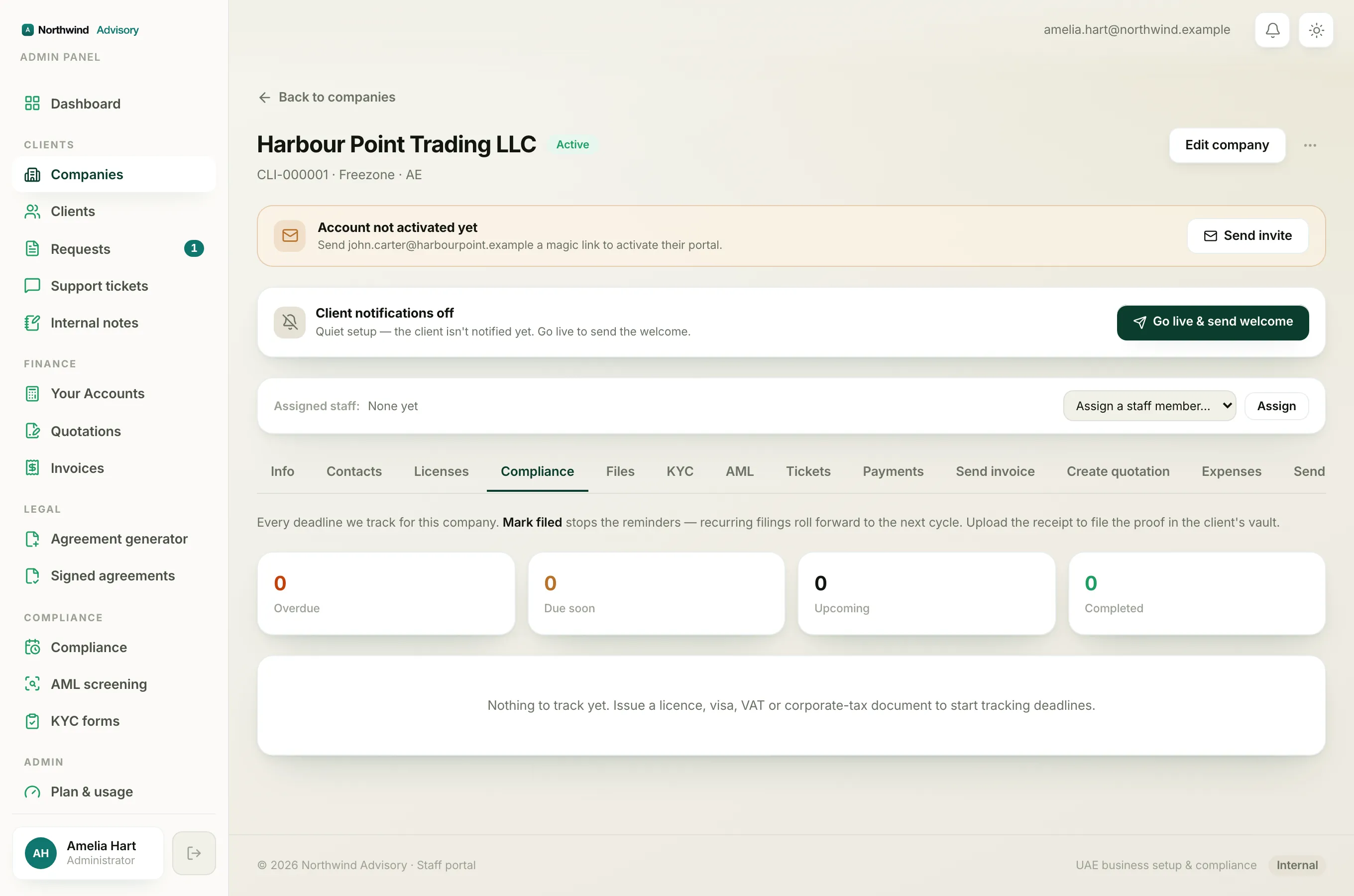
Once issued, the deadline appears on the company's Compliance tab, and licences and visas also show a countdown on the Licenses tab. To keep a trade licence on file specifically, see Store a trade licence.
Tip
If you send a document by mistake or a corrected version is needed, you can withdraw a document you issued so the client can no longer see the old copy.