What a support ticket is
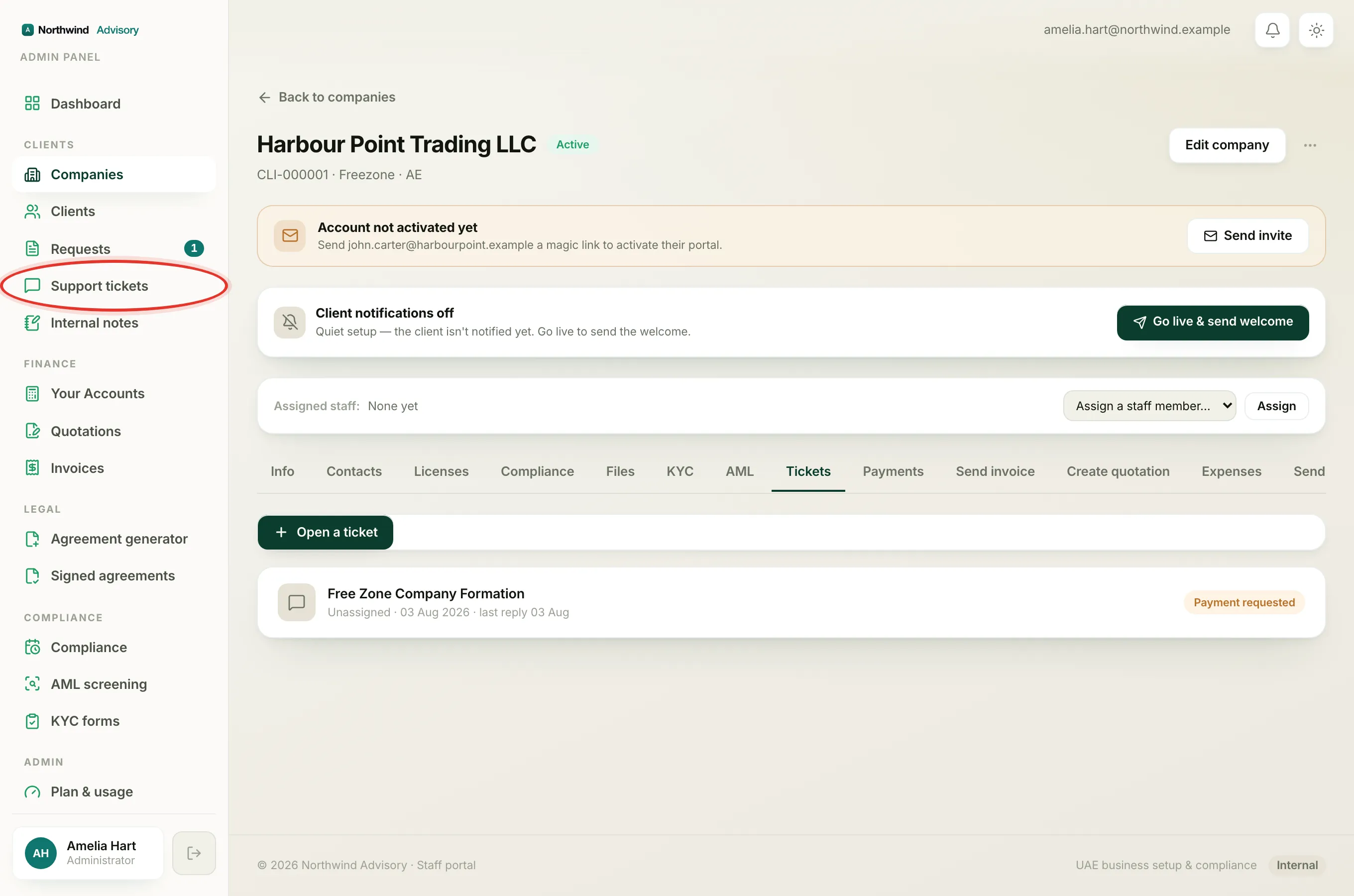
A support ticket is a simple back-and-forth conversation with your firm. Use it for a general question that is not tied to a specific service request, quote, or invoice. Your firm reads it in their office, replies, and you both keep the whole conversation in one place.
Note
Anything you type is private between you and your firm. Other clients never see your tickets.
Open a new ticket
- Log in to your portal.
- In the left menu, under your firm's workspace, click Tickets. The page is titled Support.
- Click Start a ticket.
- In Subject, type a short line that says what you need help with.
- In Message, add the detail. The more you say, the faster your firm can help.
- Click Send.
If you leave either box empty you will see "Add a subject and a message." Fill both in and send again. Once sent, the ticket opens on its own conversation page.
Follow a ticket
Back on the Support page, every ticket is listed with its subject, a status chip, how many messages it holds, and when it was last updated.
The status chip tells you where the ticket stands:
- Open (blue): the ticket is live and your firm is dealing with it.
- Resolved (green): your firm has closed the ticket off.
Click any ticket to open the full conversation.
Read and reply in the conversation
Inside a ticket, messages are shown as a thread. Your own messages sit on one side, and your firm's replies sit on the other under your firm's name. Each message shows the date and time it was sent.
To reply:
- Open the ticket.
- Type into the Write a reply... box at the bottom.
- Click Send reply.
Your reply is added to the thread right away.
Tip
You also get an email when your firm replies, so you do not have to keep checking. You can read the reply in the email, then come back to the ticket to answer. See Check your notifications.
Replying to a resolved ticket
If a ticket is marked Resolved and you have more to add, you can still reply. The page shows "This ticket is resolved, replying will reopen it." Sending a new reply moves the ticket back to Open so your firm picks it up again. You do not need to start a fresh ticket for the same topic.
Tickets vs service requests
A ticket is for a general question. If you want your firm to actually do a piece of work for you, such as a licence renewal or a new visa, that belongs in a service request instead, where you can also send documents. See Reply and attach files in a request.