A big number is normal, and it is not a verdict
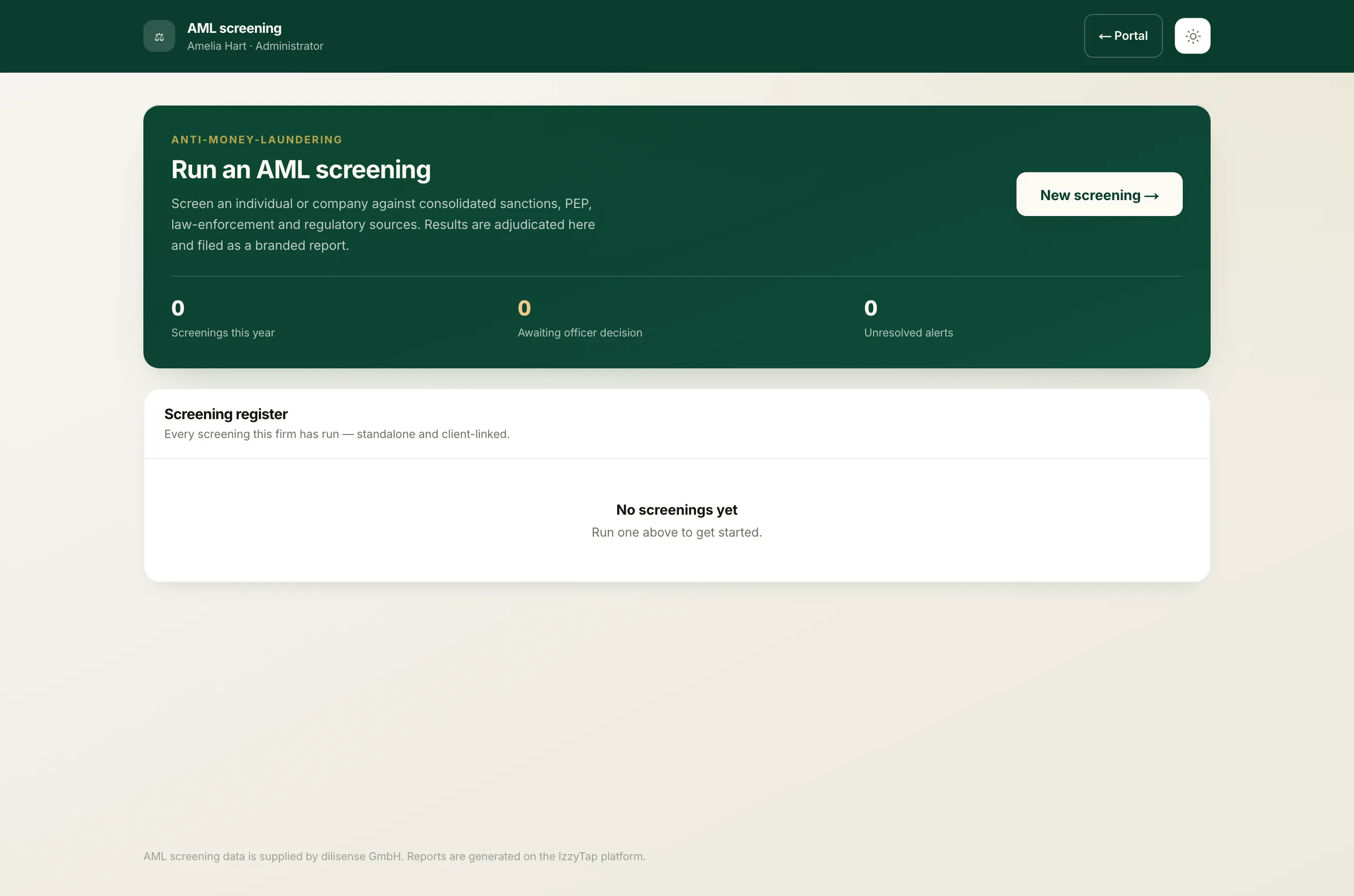
When you screen a name, IzzyTap searches global sanctions, PEP and criminal databases. The search matches on how similar the names are, not on identity, so a common name can bring back a long list of alerts. One real screening returned 234. That does not mean 234 problems. Almost all of those records are different people who simply share the name.
At the top of the screening you will see a reminder that says the same thing: the alert count reflects name similarity against risk databases, not a confirmed identity match.
Why so many
Databases hold millions of names from every country, and many names are extremely common. The search deliberately casts a wide net, including close spellings and transliterations, because it is far safer to show you a near miss than to hide a real match. The cost of a wide net is a longer list to sort through, and that sorting is the whole job of the screening.
How to make the list small and useful
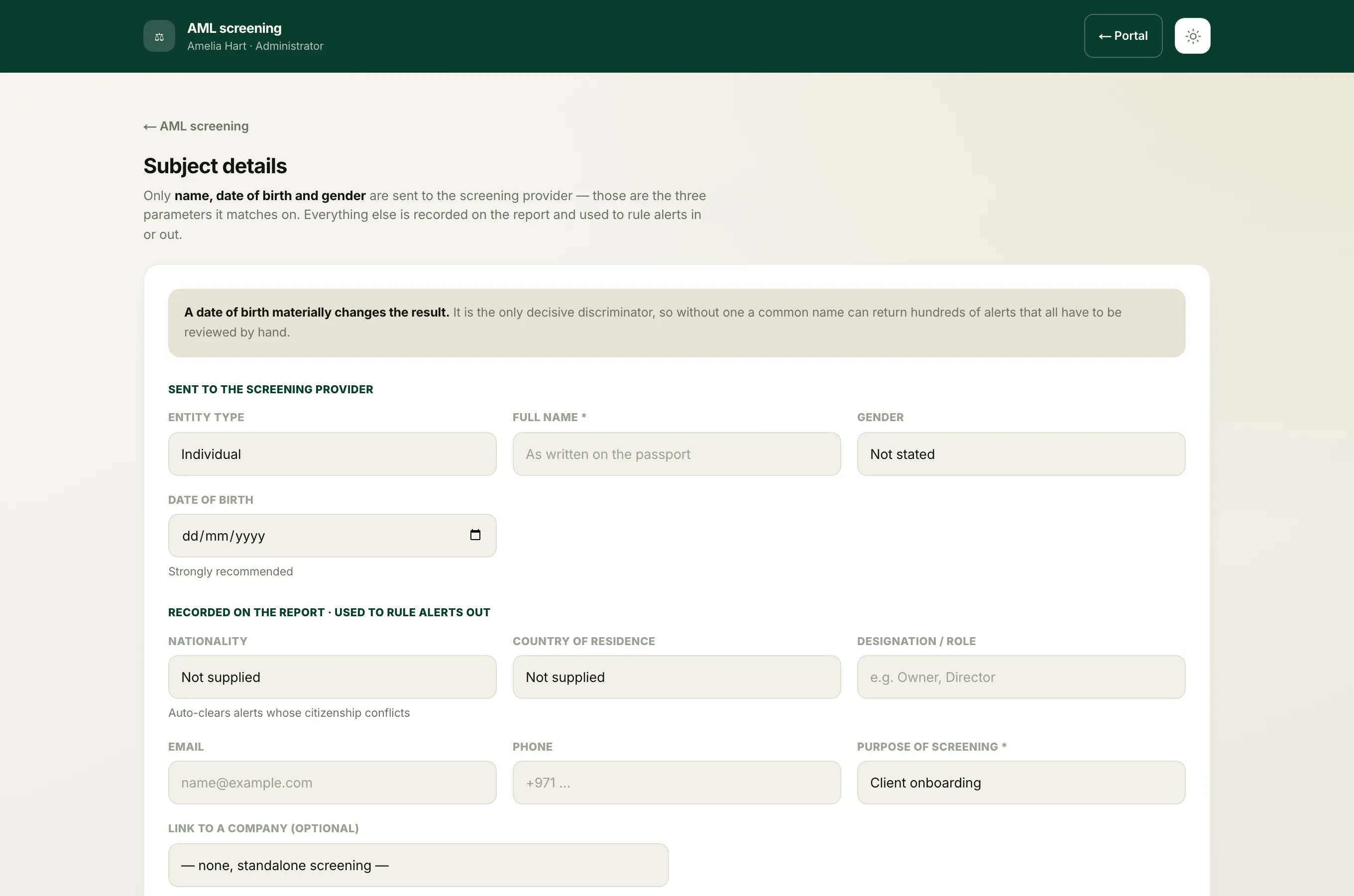
The single most powerful thing you can add is a date of birth. A year of birth that conflicts with a record proves it is a different person, and IzzyTap will clear those alerts for you automatically, leaving only the ones that genuinely could be your client. A common name with no date of birth might return 200 alerts you cannot rule out; the same name with a date of birth might leave only two.
Nationality helps too. It is a softer signal than date of birth, because people hold more than one and the lists are often incomplete, but it still narrows things.
So when you run a screening:
- Log in to your workspace.
- In the left menu, under Compliance, click AML screening.
- When you fill in the subject details, add the date of birth and the nationality if you have them. If the person has completed a KYC form, these are already on file.
Tip
If a screening comes back with an overwhelming number of alerts, the usual cause is a name searched with no date of birth. Get the date of birth, from a passport or a KYC form, and screen again. The list will shrink dramatically.
What the system does with the rest
Even after grouping duplicates and clearing the clear non-matches, a very common name can still leave a large set. IzzyTap ranks them by how close the name is and details the closest 30 on the report, with the more distant, lower-similarity records noted as forwarded rather than examined one by one. See How the name match score works for how that ranking is decided, and Why some alerts clear on their own for how the obvious non-matches are removed.