What deleting a template does
A KYC template is a form you built once and saved so you can reuse it. Deleting one takes it off your template list so you cannot send it again. It does not touch any form you have already sent or that a contact has already submitted. Those keep working and stay on file.
This is because every time you send a KYC form, IzzyTap freezes a private copy of the questions onto that one request. The sent form no longer depends on the template. So removing the template later leaves sent and submitted forms, and their saved PDFs, completely intact. You can read why a saved template edit does not change sent forms for the same reason applied to edits.
Delete a template
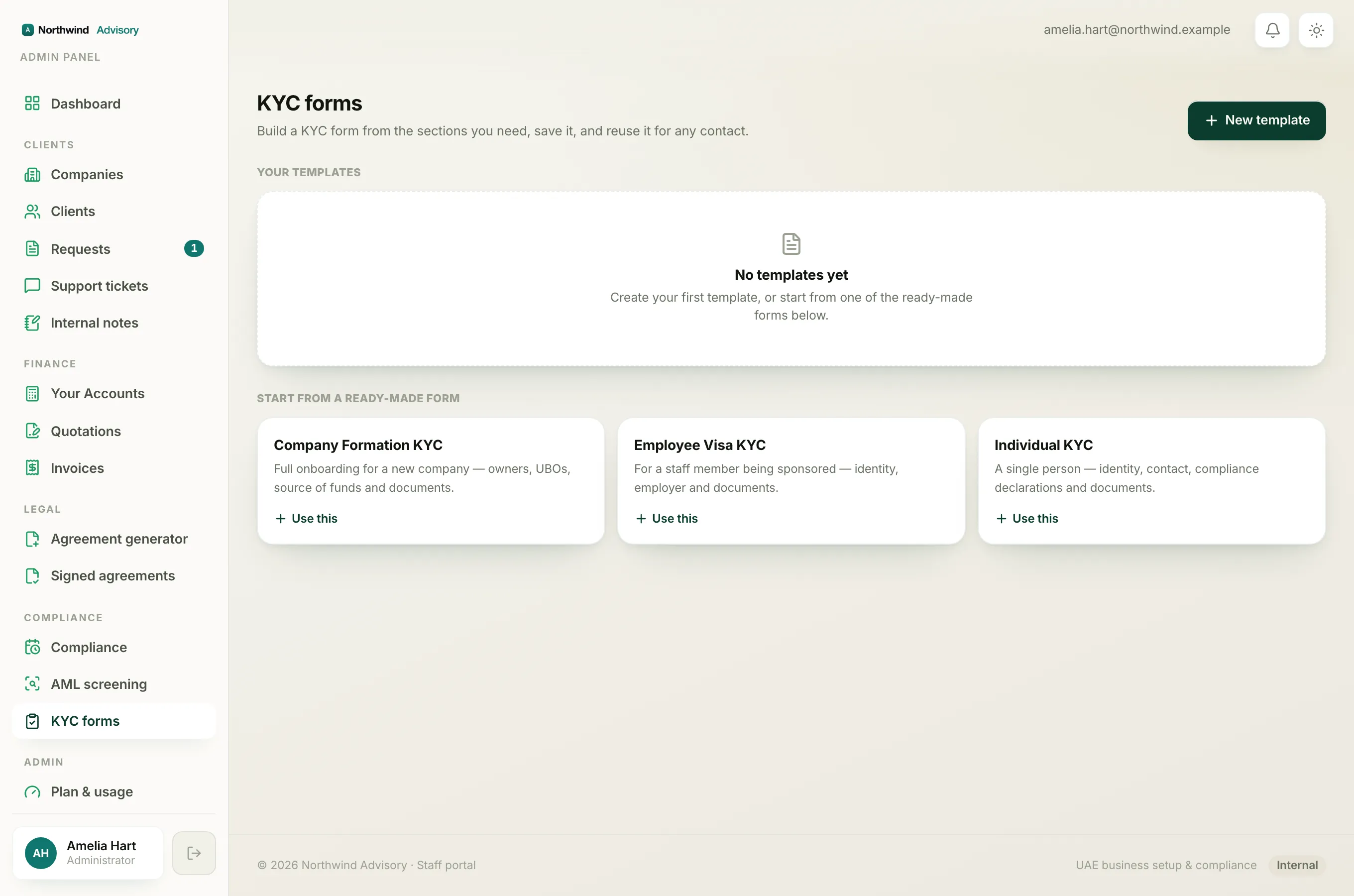
- Log in to your workspace.
- In the left menu, under Compliance, click KYC forms.
- Find the template you want to remove under Your templates.
- On that template card, click the small bin icon (its label reads Delete followed by the template name). It sits next to the Send and Edit buttons.
The template disappears from your list straight away.
Note
There is no separate confirm step, and no undo. If you remove a template you still need, just build it again from New template, or start from one of the ready-made forms. See start from a ready-made KYC form.
What is kept and what is not
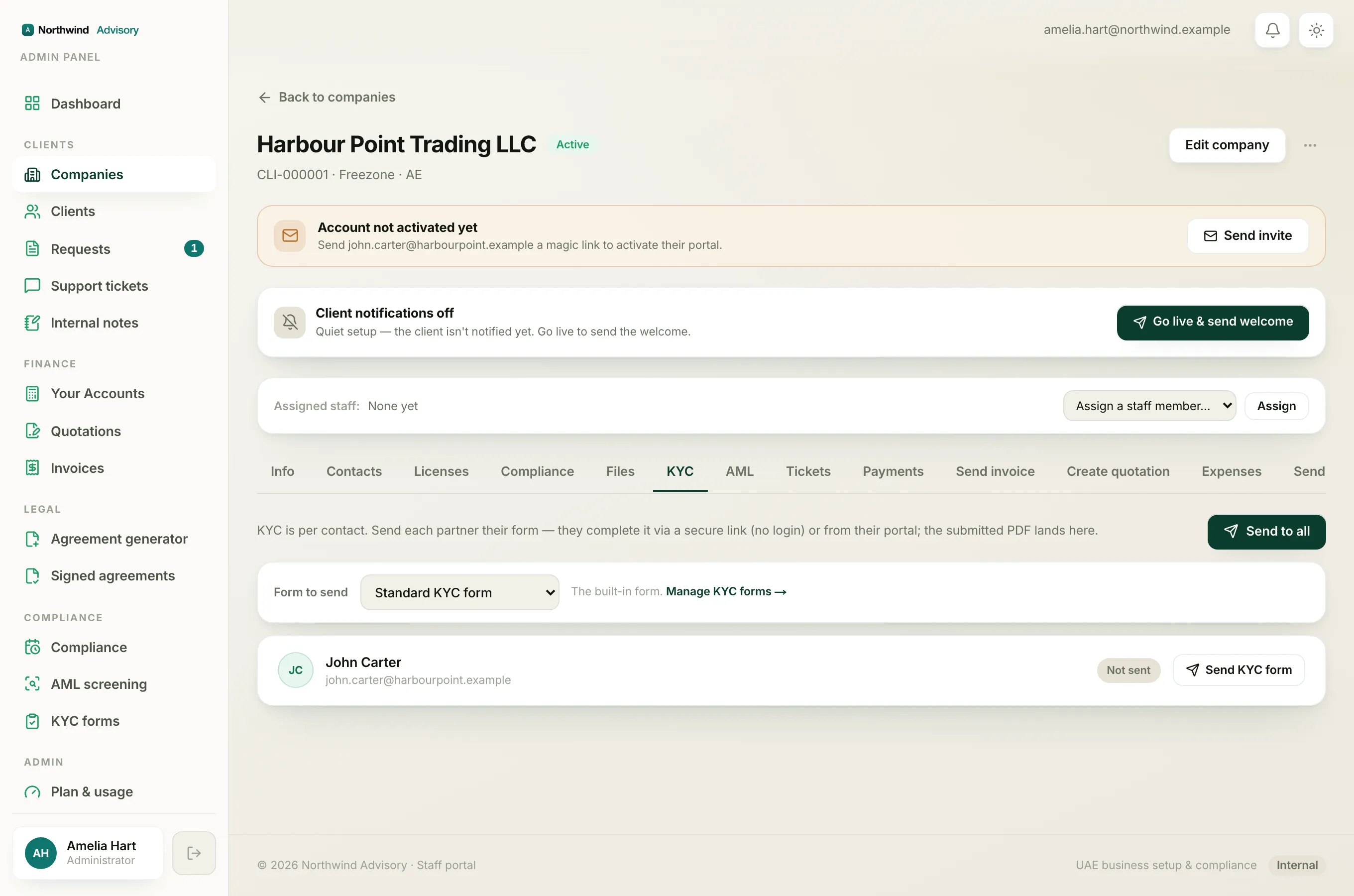
- Kept: every form you have already sent, every form a contact has submitted, and every submitted PDF. You can still open View submitted data and download the PDF on the company's KYC tab as before.
- Kept: the Sent & submitted list on the KYC forms page. Deleting a template does not clear your history.
- Removed: the template itself, from Your templates. You can no longer pick it when sending a new form.
If you cannot see the delete button
The KYC area, including building and deleting templates, needs the KYC permission. If you do not see the KYC forms item in the menu at all, or the bin icon is missing, your staff role may not include it. See which staff roles can build and send KYC.