You can send a professional quotation to someone who is not a client yet, a brand-new lead, without adding them as a company first. If they accept, IzzyTap creates their company workspace and owner contact for you.
When to use this
Use this whenever you want to quote a prospect you have just spoken to and who has no record in IzzyTap yet. There is no need to set them up as a company beforehand. The quote itself is enough to get things moving.
Send the quotation
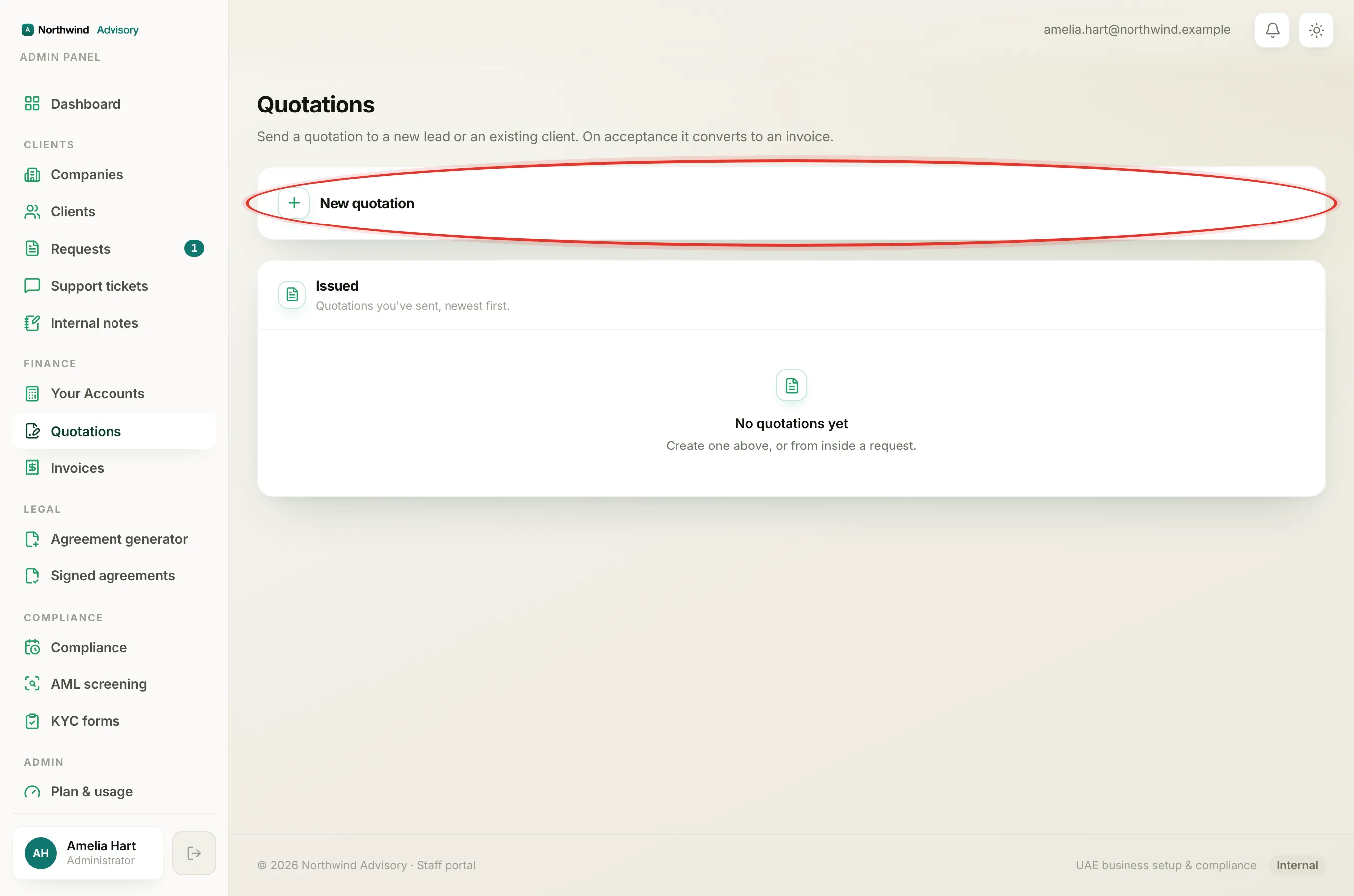
- Log in to your workspace.
- In the left menu, under Finance, click Quotations.
- Click New quotation to open the builder.
- Fill in the recipient:
- Recipient name
- Company name (optional)
- Email (for the accept link). Enter this carefully. The accept link is emailed to this address.
- Phone (optional)
- Choose the Primary service. This sets the terms and conditions that print on the quote.
- Add your line items, each with a description, quantity, rate and a line kind. See Government fee, service charge or other.
- Click Preview quotation to check the PDF exactly as the client will see it. See Preview a quotation before you send it.
- Click Send quotation.
Tip
Fill in the Company name even for a lead. It becomes the name of the new company record if they accept.
The Lead tag
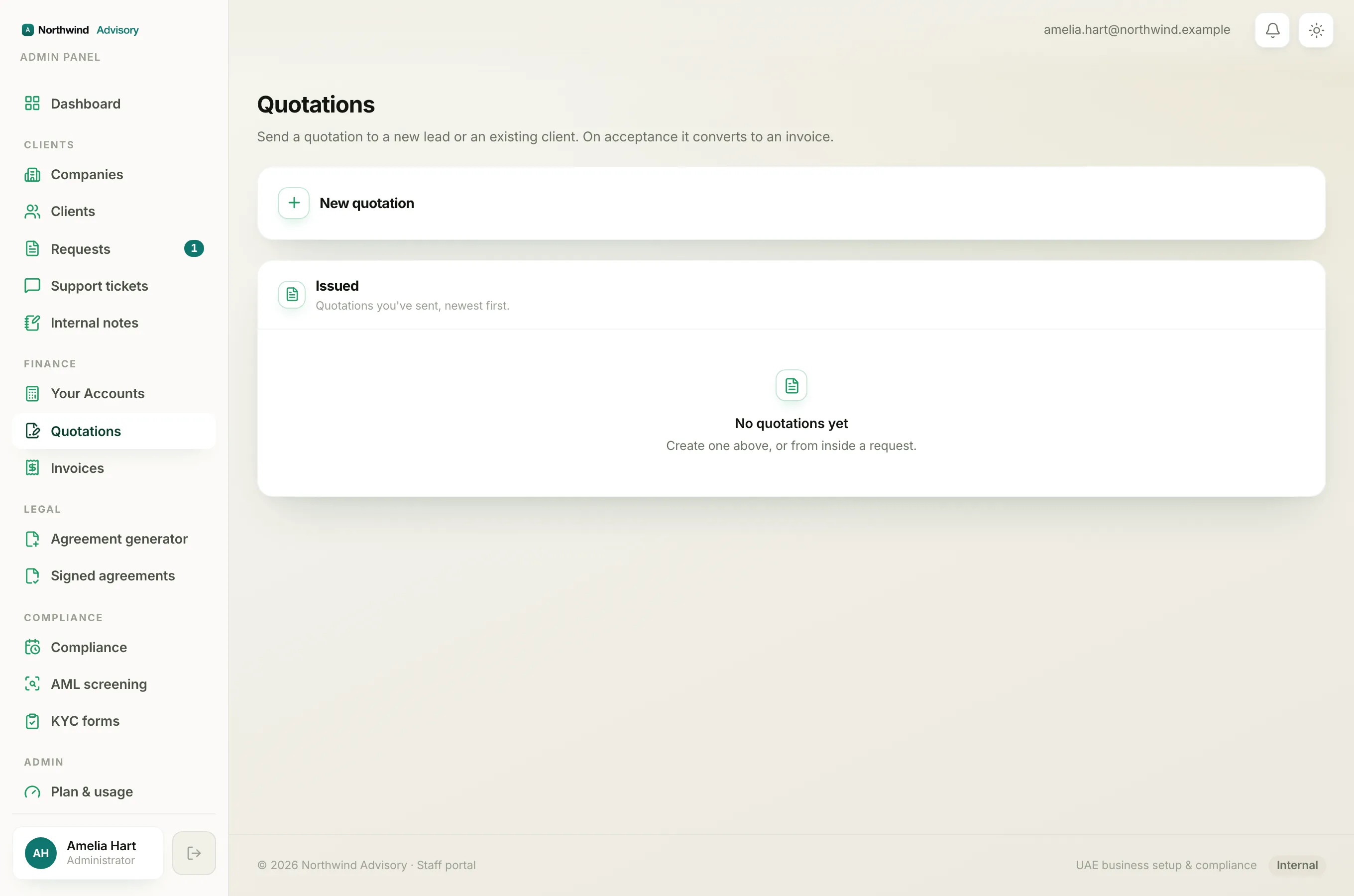
In the Issued list, a quotation to someone with no company shows a grey Lead chip next to its status. That is IzzyTap telling you this quote is not linked to a company yet. Once the lead accepts, the tag goes away because they now have a company.
What happens if they accept
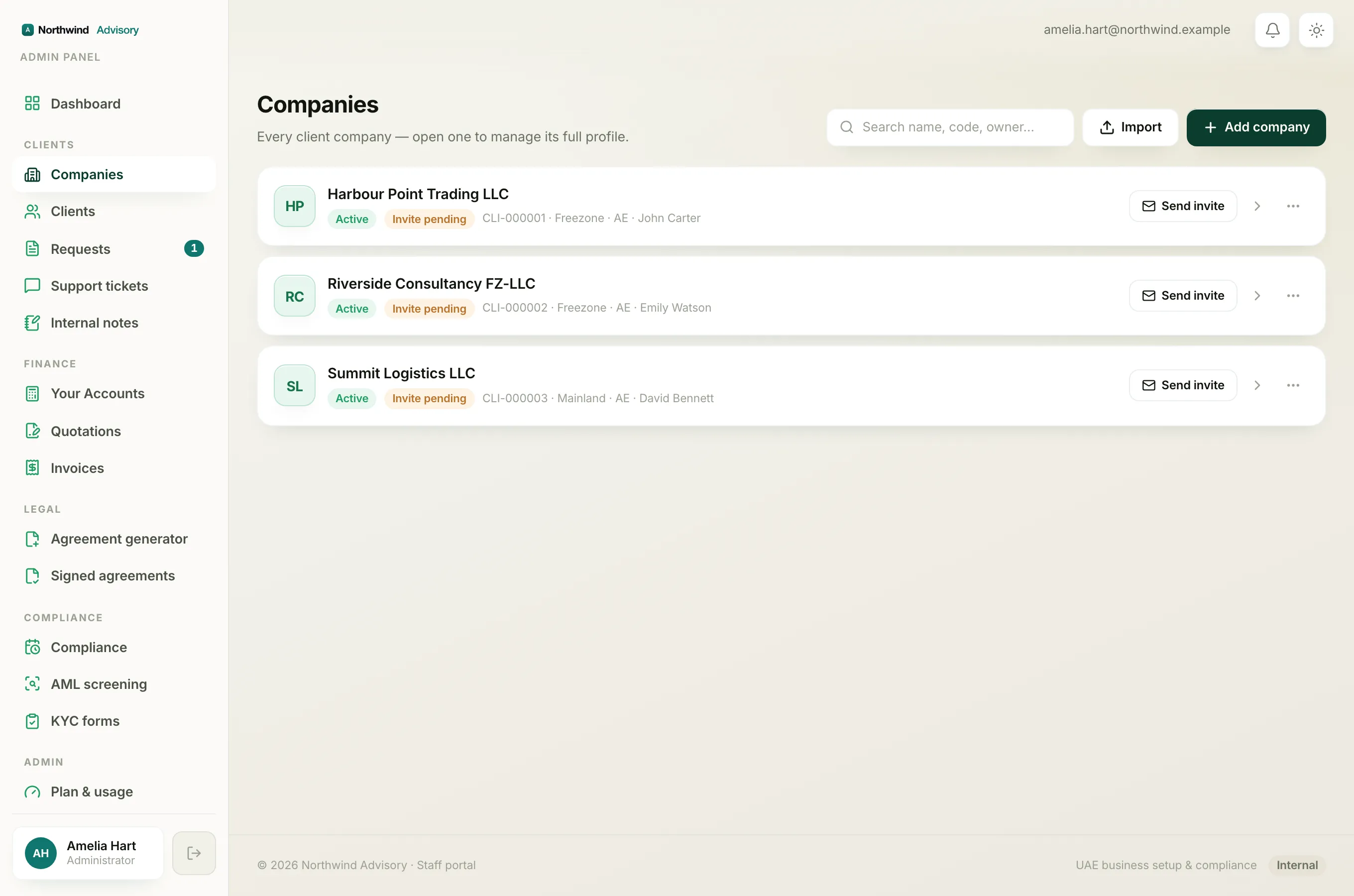
When the lead accepts and signs, IzzyTap automatically:
- creates their company workspace and gives it a client code,
- adds the person as the owner contact,
- converts the quotation into an invoice,
- emails them the invoice and a link to set up their portal login.
From then on they appear under Clients and Companies like any other client. See When a quote becomes an invoice.
Note
You do not need to create anything by hand. If you would rather set up a company yourself first, you can, see Add a company. But for a fresh lead, quoting them directly is the quickest path.