Two ways to clear a line
When you reconcile a bank account, each imported line needs one of two actions:
- Match: tie it to a payment, bill or expense that is already in your books. This posts nothing new.
- Categorise: record a new entry for a line that exists only on the bank statement, like a bank fee or interest.
Choosing the right one keeps your books accurate. Matching money that is already recorded avoids counting it twice; categorising captures money that was never entered anywhere else.
To reach the reconcile screen:
- Log in to your workspace.
- In the left menu, under Finance, click Your Accounts.
- In the accounts menu, under Banking, click Bank accounts.
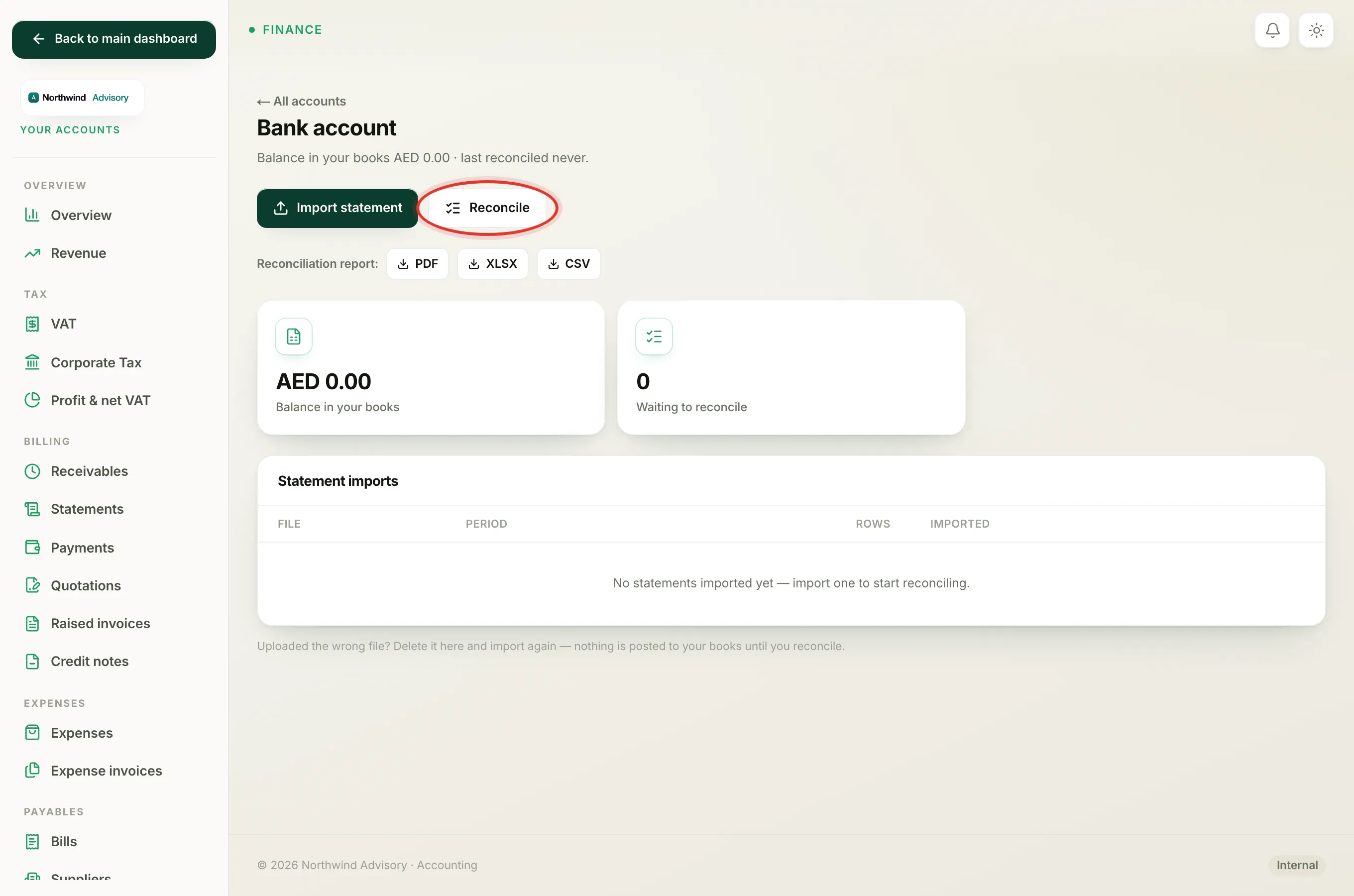
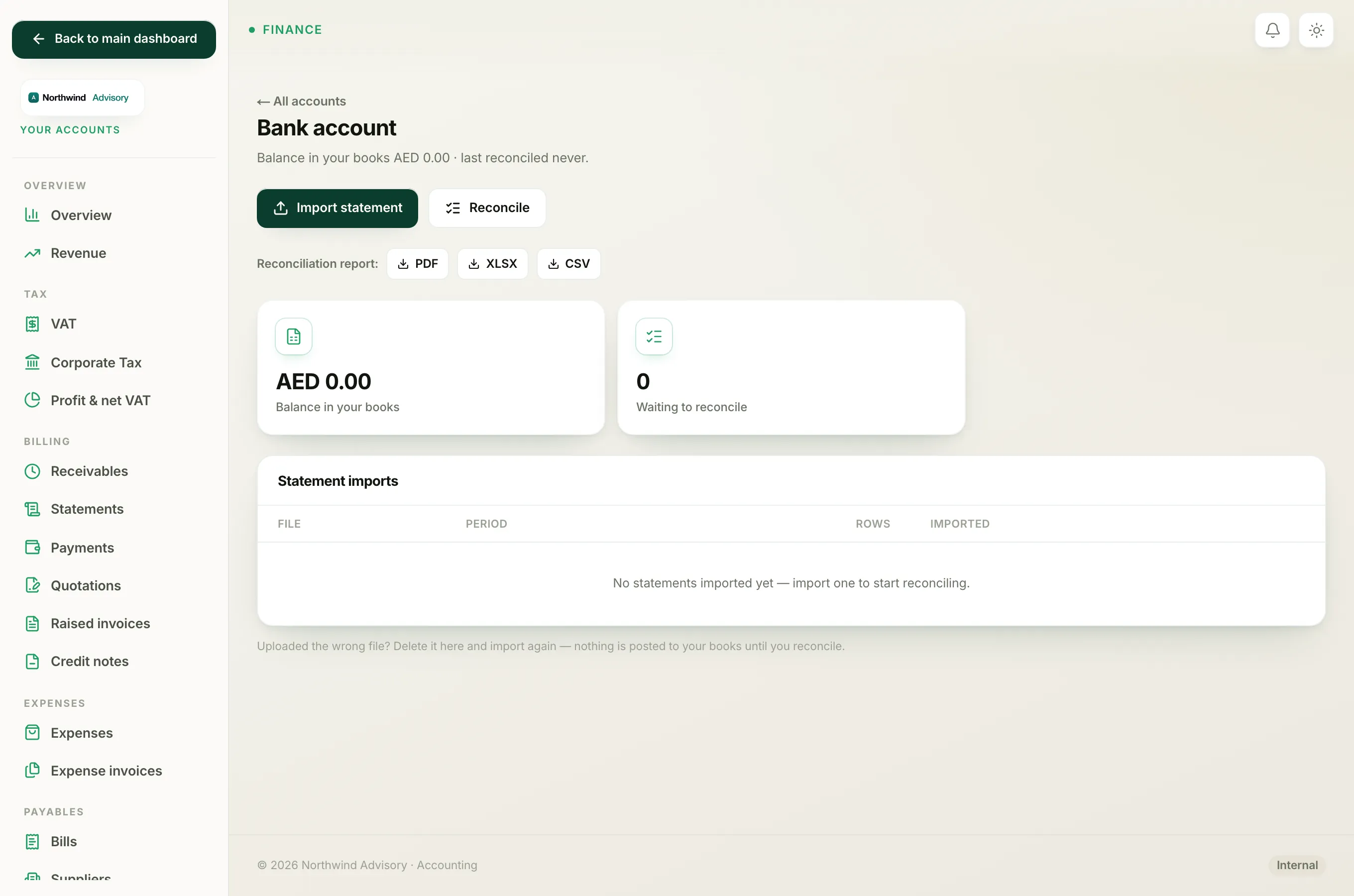
- Click the account, then click Reconcile.
Match, the money is already in your books
Use Match when the bank line is money you have already recorded elsewhere in IzzyTap. For example:
- A customer paid an invoice and you recorded that payment.
- You paid a supplier bill or an expense and recorded it.
Matching simply links the bank line to that existing entry and ticks both as cleared. It does not create a new entry, because the money is already counted. This is the safe choice whenever the transaction rings a bell as something you have handled before.
How the suggested match works
IzzyTap does most of this for you. For each open line it looks through the payments, bill payments and expenses on that same account that have not yet been cleared, and suggests the best fit. To be suggested, an entry must have the same amount (money in matches a receipt, money out matches a payment) and a date within 14 days of the bank line. It picks the closest date and shows it as:
Looks like Customer payment INV-1042
If that is right, click Match and the line is done. Each suggestion is only offered once, so two lines never grab the same entry.
If the suggestion is wrong, click Not a match? Categorise instead to pick a category yourself. If there is no suggestion at all, the line shows No match in your books, categorise it with the category picker ready.
Note
A match is only allowed when the amounts truly agree. If you try to match two lines whose amounts differ, IzzyTap blocks it and asks you to pick a different line.
Categorise, a new, bank-only entry
Use Categorise when the line was never recorded anywhere else. These are usually small bank-driven items:
- Bank charges and account fees.
- Interest earned.
- Card-machine or transfer fees.
Open the Choose a category… dropdown, which lists your Expenses and Income categories (it shows the likely direction first, based on whether the line is money out or money in), pick the right one, and click Record. IzzyTap posts a balanced entry to that category and marks the line cleared.
Tip
If you accidentally categorise a line that should have been matched, click Undo next to it to send it back to the open list and try again. You can undo any time before the month is locked.
A quick rule of thumb
Ask yourself: have I recorded this money before?
- Yes: Match it. Nothing new is posted.
- No, it is a bank fee or interest: Categorise it. A new entry is recorded.
When every line is matched or recorded and the balance ties out, you finish the month. See What Open, Matched, Recorded and Locked mean and Why your reconciliation will not balance.