What this is
When a client pays you outside the system (a bank transfer, cash over the counter, a cheque, a card machine), you record that payment against their invoice by hand. Part of recording it is telling IzzyTap how the money arrived. That is the payment method. It does not change the amount or move any real money. It is a label that stays on the receipt and shows up in your reports, so later you can see how your clients tend to pay you.
Where you pick the method
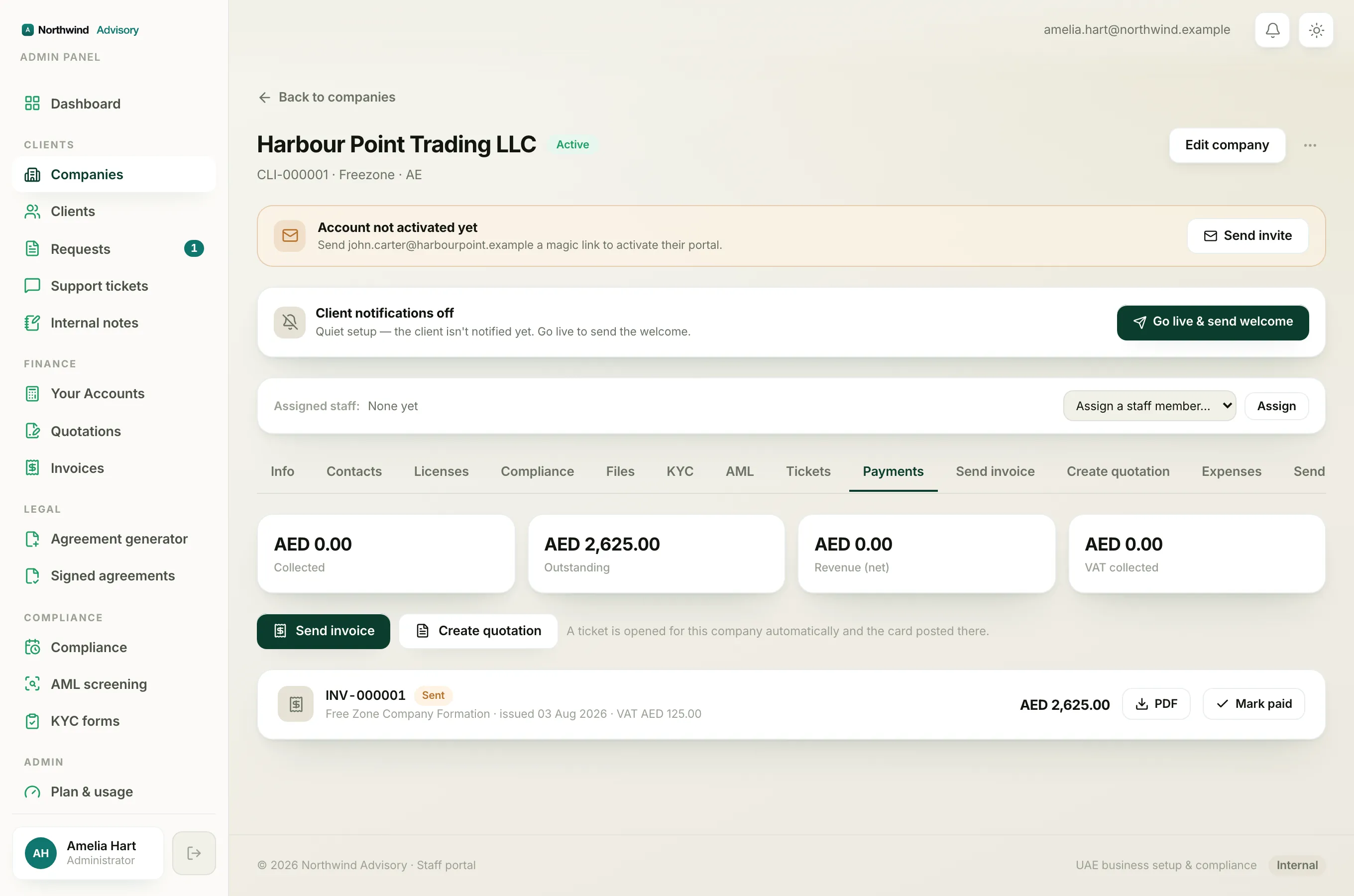
- Log in to your workspace.
- Open the invoice you want to mark paid. You can reach it from a company's Payments tab, from inside a request ticket, or from the Invoices list under Finance.
- Click Mark as received. A small form opens.
- Use the Payment method dropdown to choose how the client paid.
- Fill in the Where / reference note, then click Confirm payment.
Note
The method starts on Bank transfer because that is the most common. Change it only if the client paid another way.
The five methods
- Bank transfer: the client sent money to your bank account (a local transfer, a wire, an online push). This is the default.
- Cash: the client handed over physical cash.
- Card / POS: the client paid on a card machine or point-of-sale terminal.
- Cheque: the client gave you a cheque. Record it when you deposit or bank it, not before it clears if you want your figures to match your bank.
- Other: anything that does not fit the four above (for example an exchange house, or a payment you are still confirming). Use the reference note to say what it really was.
What to write in Where / reference
The Where / reference box is a short free-text note (up to 200 characters). It answers two questions: which of your accounts did it land in, and how would you find this payment again on a statement. Good notes look like:
ADCB a/c · ref TT-12345for a bank transferCash · receipt book #084Cheque 556123, Emirates NBDPOS terminal 2, batch 19
This note is for your team. It sits on the receipt line and helps you match the payment to your bank later. Keep it short and consistent so your Payments report reads cleanly.
Where the method shows up afterwards
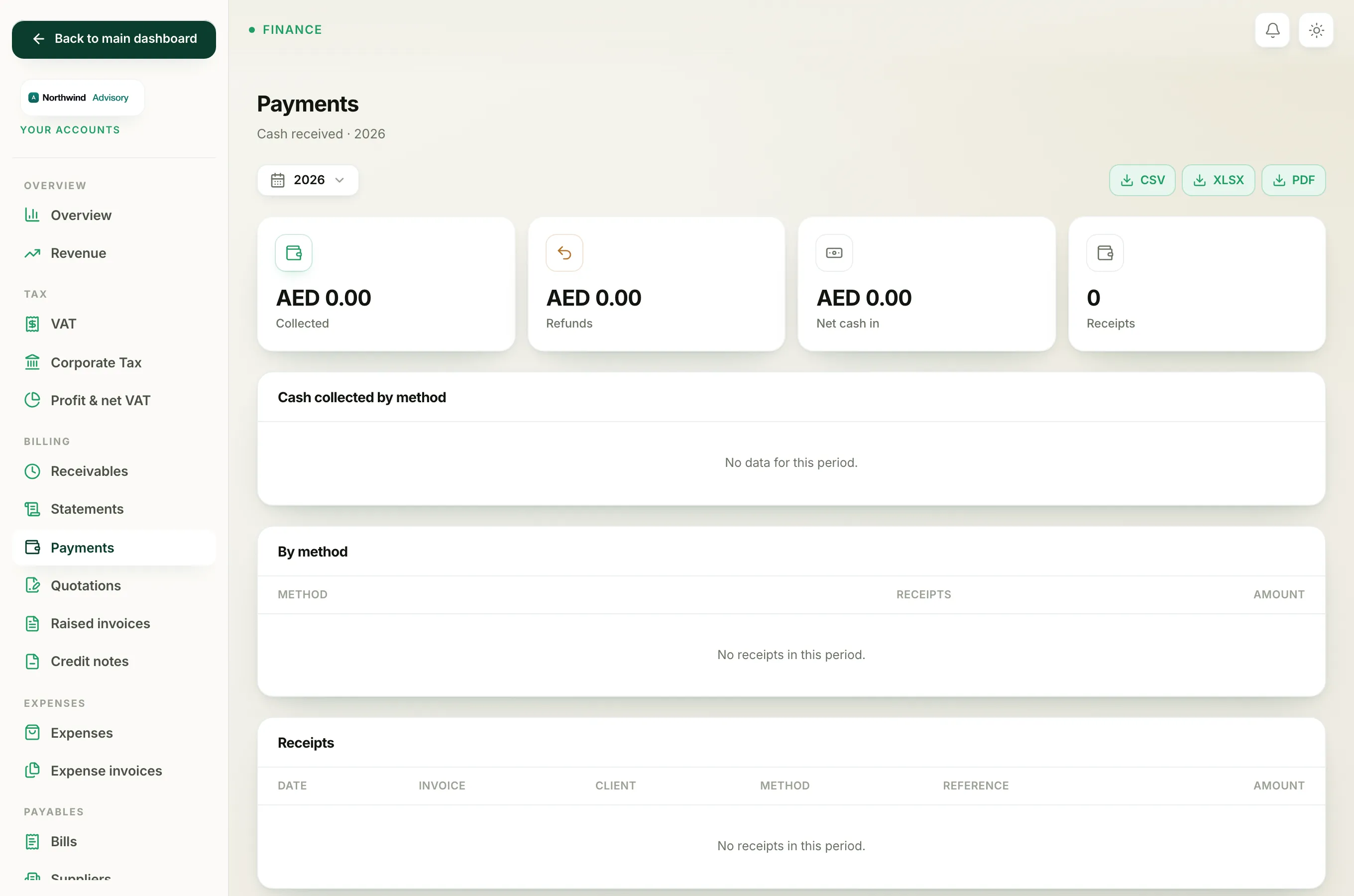
Every payment you record is grouped by method on your Payments report, so you can see, for a chosen period, how much came in by bank transfer versus cash versus card. Picking the right method each time is what makes that breakdown trustworthy.