What this does
Once a contact fills in and signs their KYC form, the result comes straight back to IzzyTap. You can see who has finished, read every answer they gave, and download the signed PDF for your records.
There is no action you need to take to receive it. When the contact submits, their status changes on its own.
Check a company's KYC on the company page
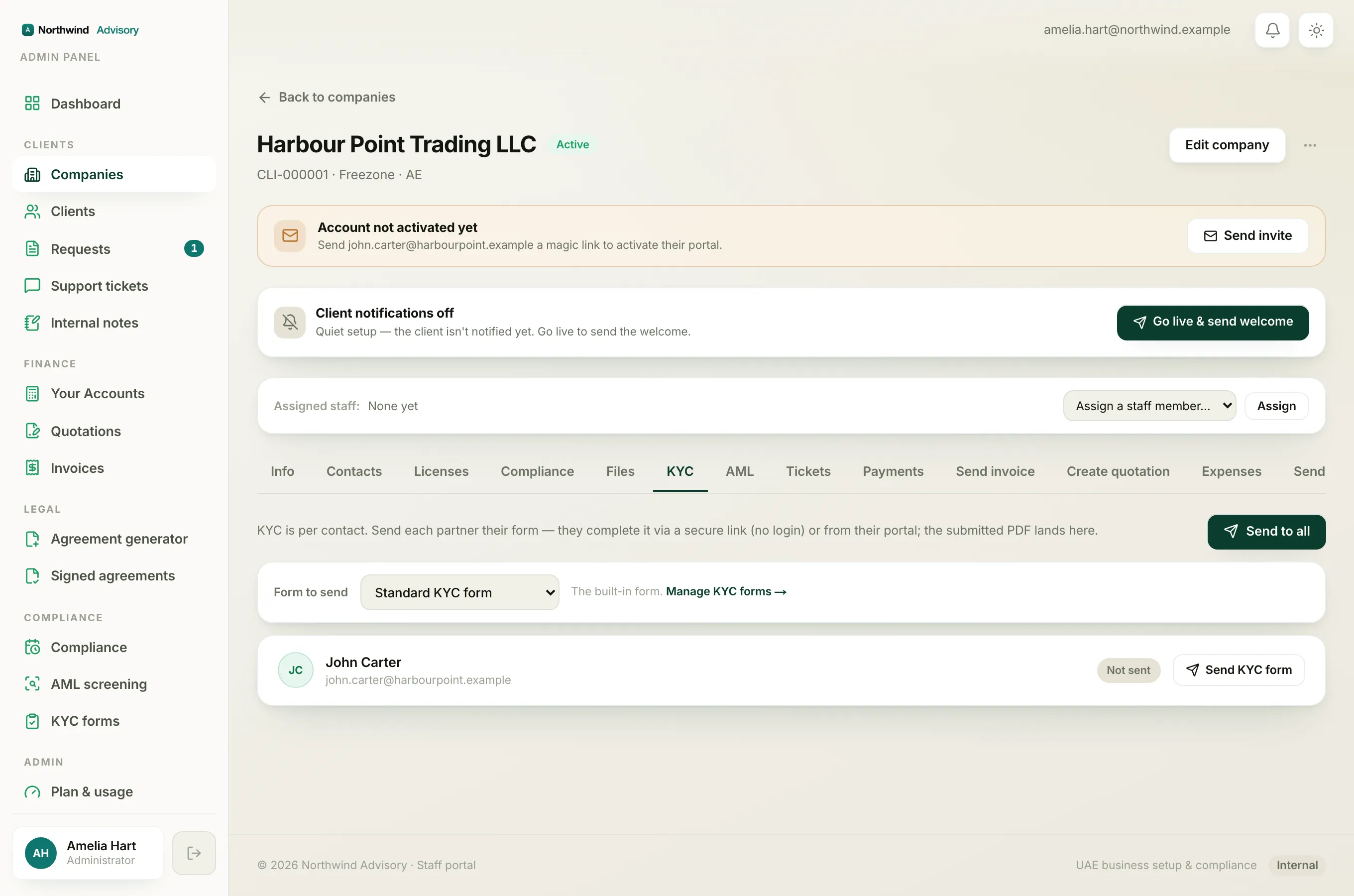
- Log in to your workspace.
- In the left menu, under Clients, click Companies.
- Click the company you want to check.
- Click the KYC tab.
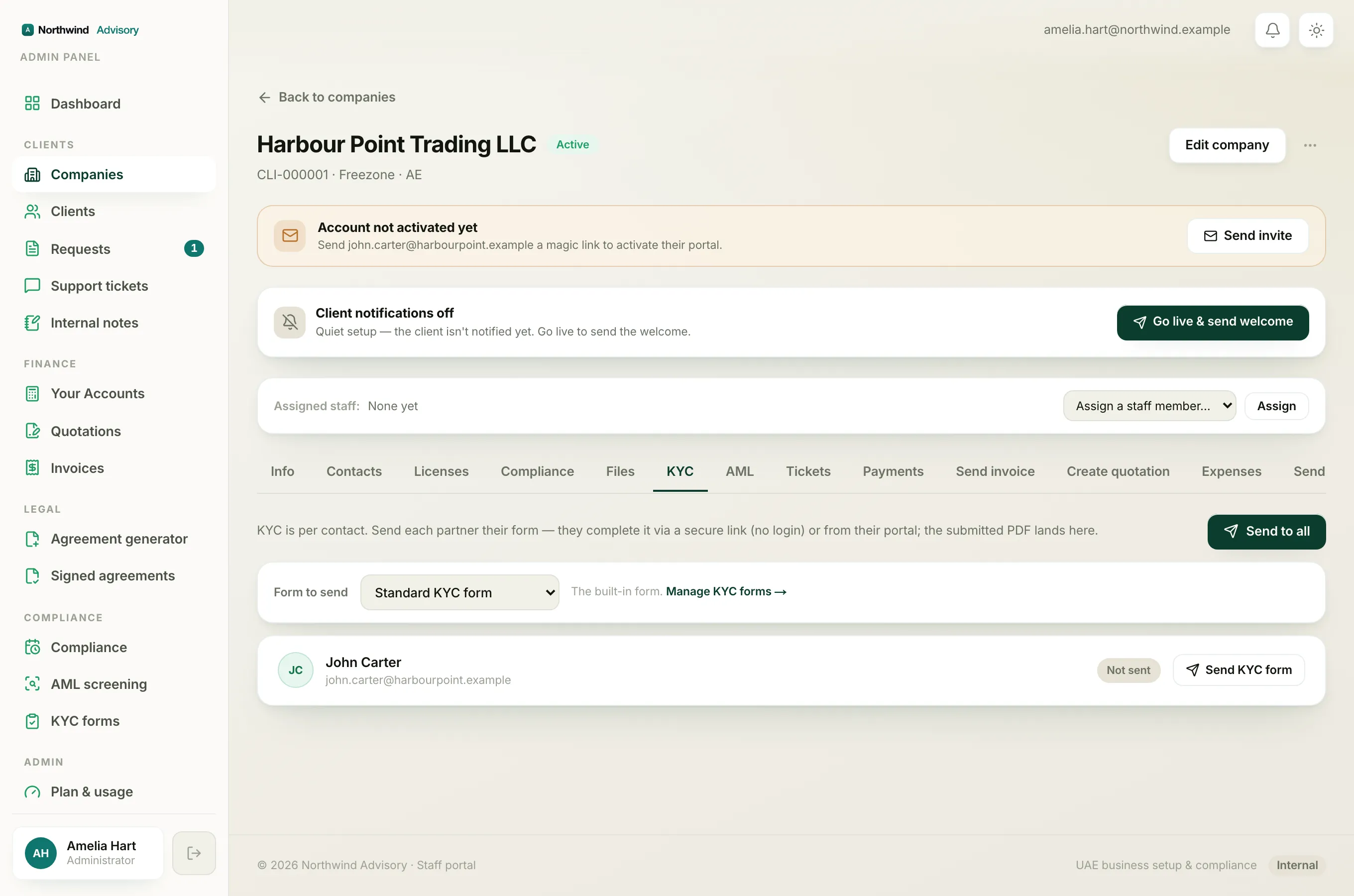
Each contact has a status chip:
- Not sent means no form has gone out yet.
- Sent means the form is with them but not finished. The line under their name shows the secure link.
- Submitted means they have completed and signed it. The line shows when they submitted.
Read what a contact submitted
For a contact marked Submitted:
- Under their row, click View submitted data.
- The answers open below, shown as a tidy list of each question and the answer they gave.
- Click View submitted data again to close it.
Download the signed PDF
For a contact marked Submitted, click the PDF button on their row. The signed KYC form opens in a new tab, ready to save or print. This is the record that holds their declaration and signature.
See everything across all companies
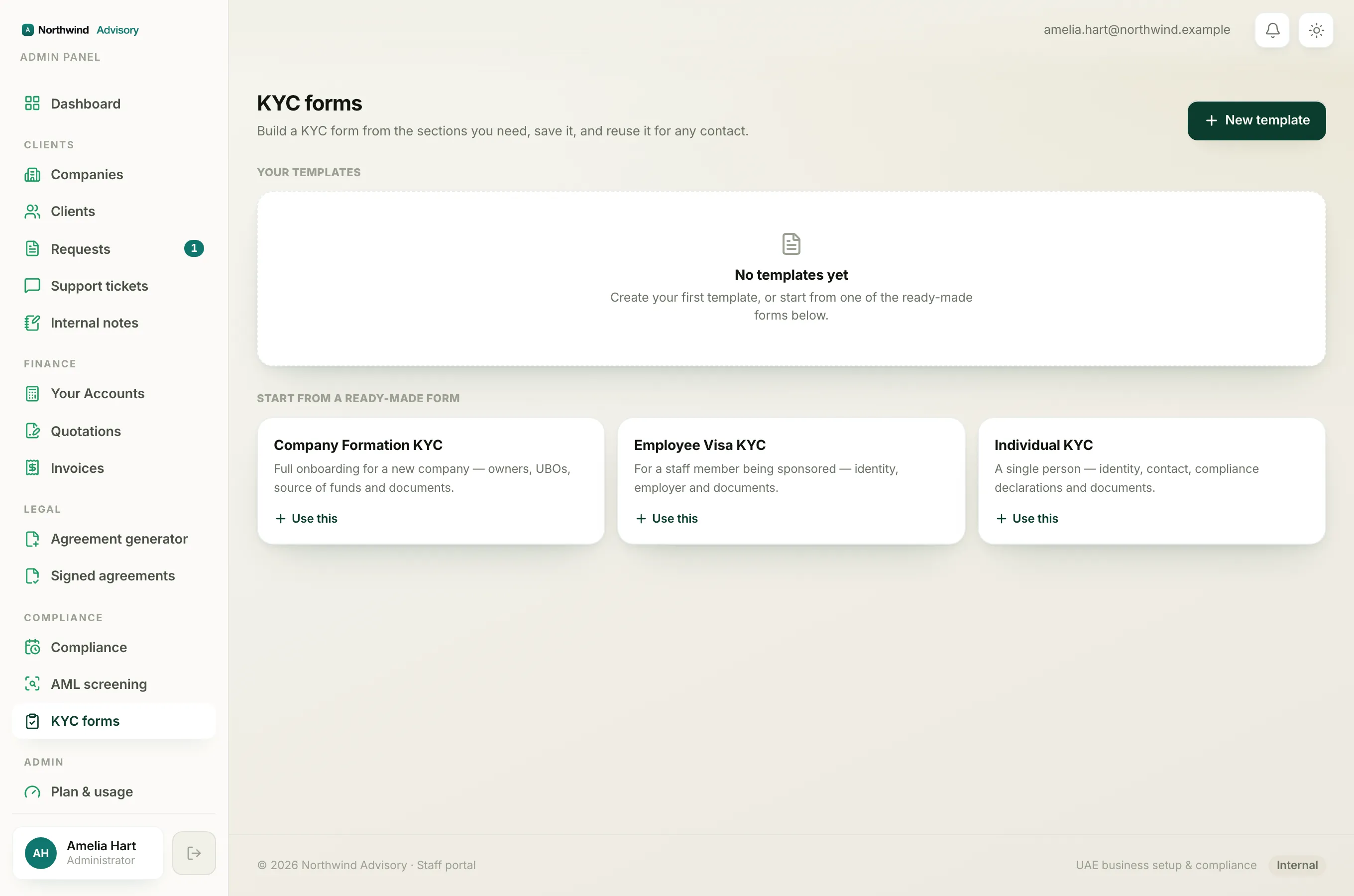
To review KYC activity for every company in one place:
- Log in to your workspace.
- In the left menu, under Compliance, click KYC forms.
- Scroll to the Sent & submitted section near the bottom.
Each row shows the contact, the company they belong to (click the company name to open it), and when it happened. The status reads Submitted or Awaiting. For finished forms, a PDF button lets you download the signed form right there.
Tip
Use the Awaiting rows to see who still owes you their form, so you know who to chase or resend to. To resend, open the company and use the KYC tab. See send a KYC form.
A good next step
With a signed KYC in hand, a background check on the same people rounds out your compliance file. See run an AML screening.