What the Licenses tab is for
The Licenses tab on a company shows every renewable document you hold for that client in one countdown list. Anything with an expiry date lands here: trade licences, residence visas, Emirates IDs and passports. It is the fastest way to see what is about to lapse.
Open the Licenses tab
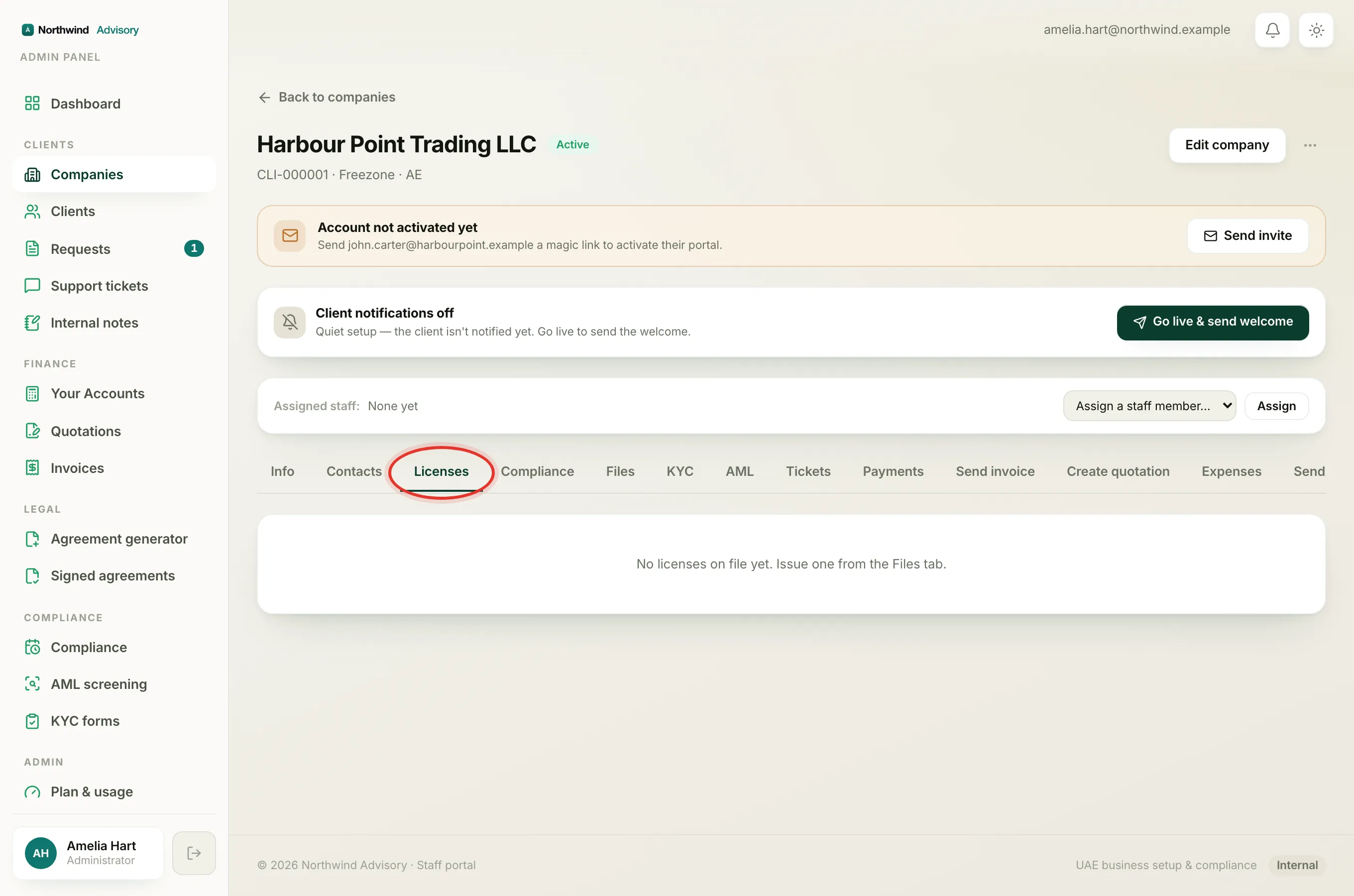
- Log in to your workspace.
- In the left menu, under Clients, click Companies.
- Click the company you want to open.
- Click the Licenses tab along the top of the profile.
The documents are sorted with the soonest expiry first, so the most urgent one is always at the top.
Reading the countdown chips
Each row shows the document name, when it was issued and when it expires, and a coloured chip on the right telling you how long is left:
- Green, for example "120d left": plenty of time. The document is valid and not near renewal.
- Amber, for example "18d left": expiring soon. This appears once the document is within 30 days of its expiry date. Time to start the renewal.
- Red, for example "Expired 5d ago": the expiry date has already passed. Renew this as a priority.
Tip
Amber means the clock is inside 30 days. Treat every amber and red chip on this tab as a to-do, they are the licences and visas your clients are most likely to forget.
Open or download a document
Click any row to open that document in a new tab. There is a download icon on the right of the row as well, so you can save a copy or forward it.
If the tab is empty
If you see No licenses on file yet, this company has no documents with an expiry date recorded. A document only appears here once it has been issued with an expiry date. To add one, go to the Files tab and issue the licence or visa there. See Issue a document to a client.
Where the reminders come from
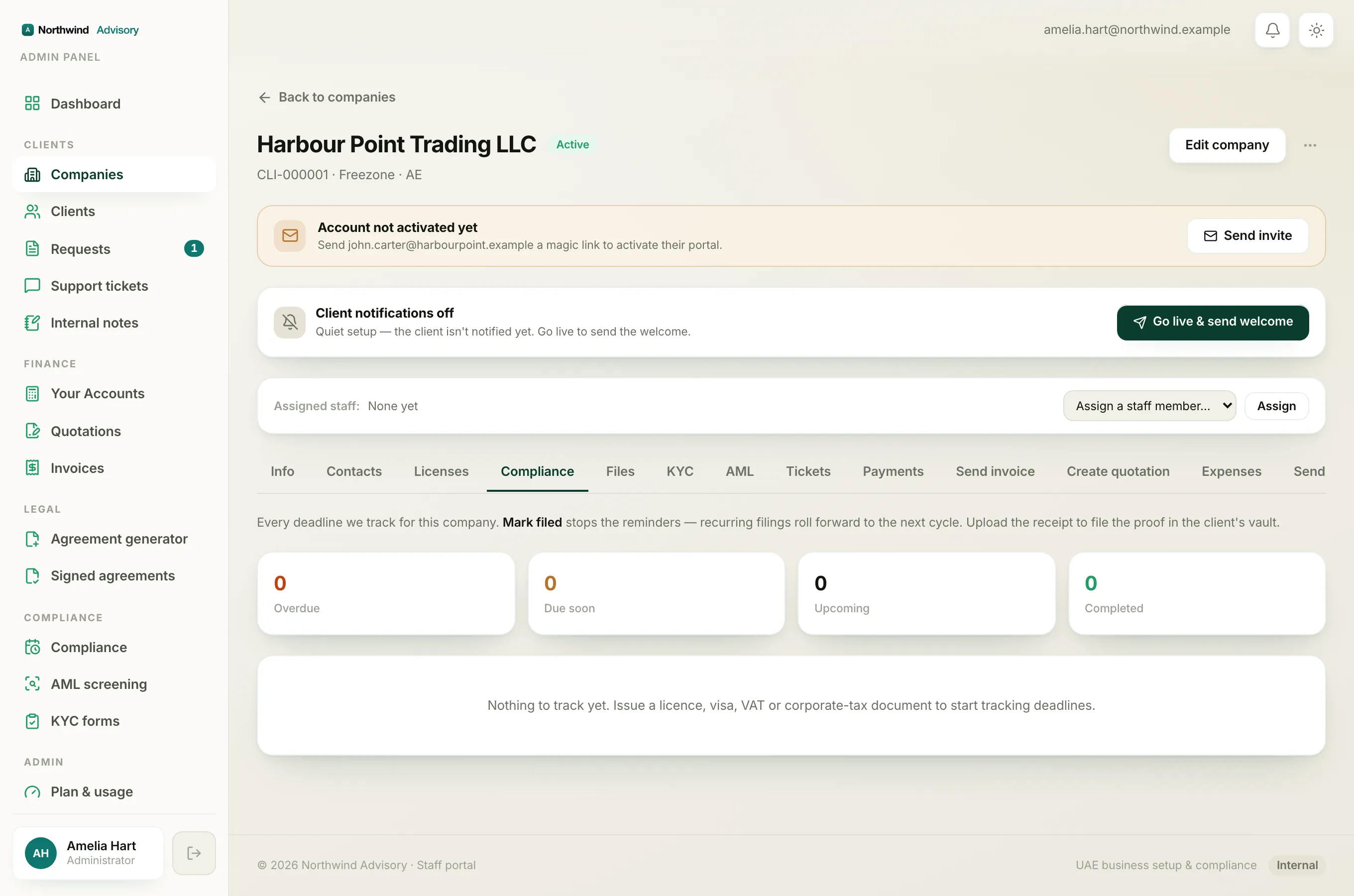
The chips on this tab are a live view. The actual reminder emails are driven by IzzyTap's compliance engine, which starts nudging ahead of the expiry date and continues as it approaches and just after. Every expiring document here also appears as a deadline on the Compliance tab, where you mark it renewed to stop the reminders. See The Compliance tab explained.