What this does
Every deadline IzzyTap tracks for a company sits on its Compliance tab. When you have actually done the work, a VAT return filed, a trade licence renewed, a visa reissued, you tell IzzyTap it is done. This stops the reminder emails for that deadline and files your proof in the client's vault. If the deadline repeats, IzzyTap moves it forward to the next date on its own so it never disappears.
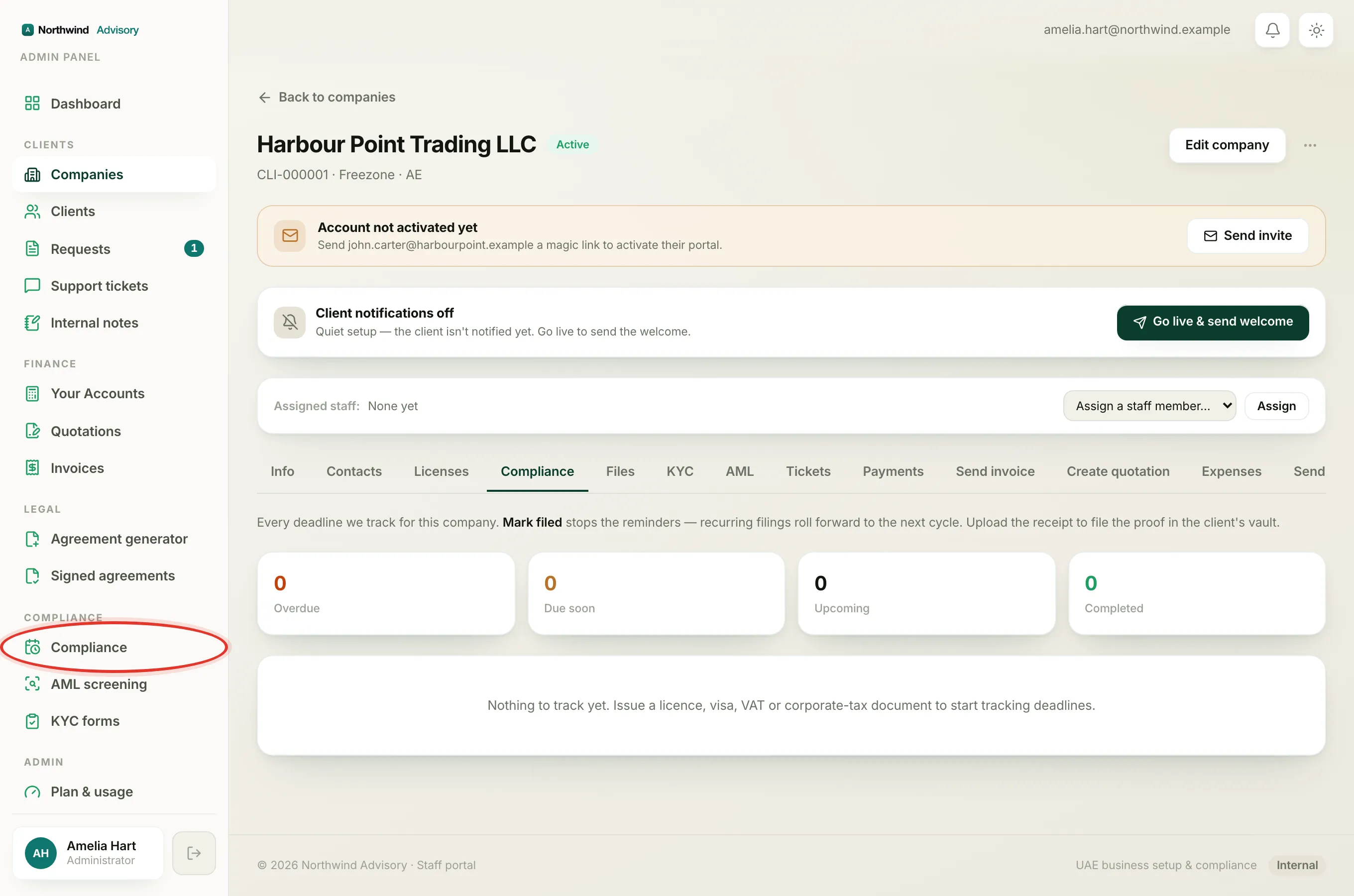
Open the company's Compliance tab
- Log in to your workspace.
- In the left menu, under Clients, click Companies.
- Click the company you are working on to open its profile.
- Click the Compliance tab along the top of the profile.
You will see every deadline for this company, each with an urgency chip, and four counts at the top: Overdue, Due soon, Upcoming and Completed. For more on reading this screen, see The Compliance tab explained.
Mark a deadline done
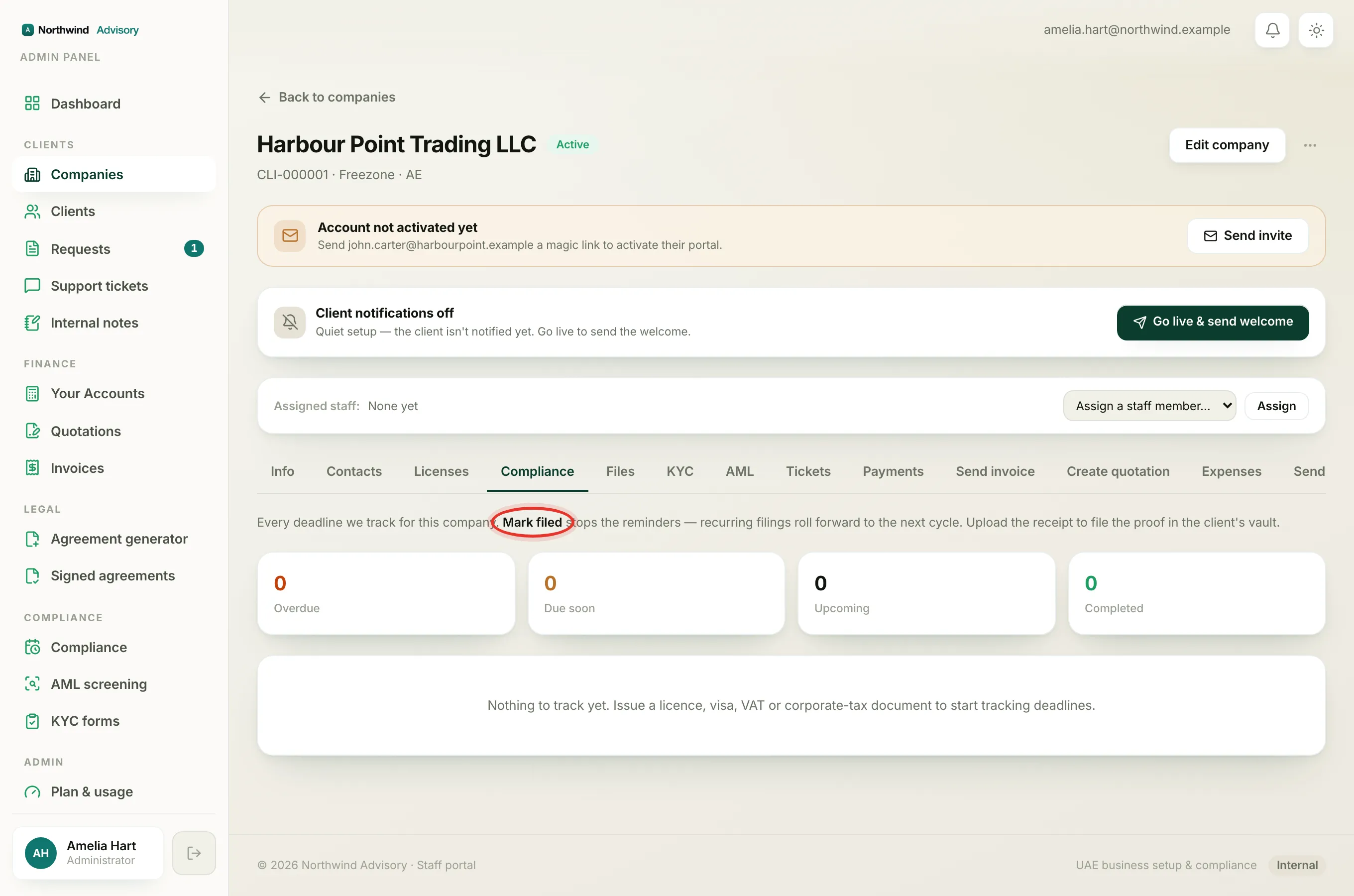
- Find the row you have handled, for example VAT return or Trade licence.
- Click the row to expand it.
- Click the button inside. It reads Mark filed for a filing like VAT or corporate tax, and Mark renewed for an expiry item like a licence or visa.
- The button turns green and shows Filed ✓ or Renewed ✓ so you know it saved. The row also reloads with its next date.
Note
Right next to the button it says Stops the reminders for this deadline. That is exactly what marking it done does. The client, and you, stop getting the reminder emails and in-app alerts for that cycle.
File the proof
When you expand a row that is not yet done, there is also an upload area under the button. Use it to attach the receipt or the filing sheet.
- In the expanded row, use the upload area labelled Upload the receipt / sheet.
- Choose the file or files from your computer.
The files land in the folder named in that same line, in the client's document vault, so the evidence is stored against the right deadline. Uploading the proof is separate from marking the item done, you can do either first.
What happens to a recurring filing
Filings like VAT and corporate tax repeat. When you click Mark filed:
- IzzyTap rolls the deadline forward one cycle. A quarterly filing moves to the next quarter, an annual one to the next year.
- The row comes back with the new due date and sits under Upcoming again.
- A fresh set of reminders will start for the new date closer to the time.
A one-off expiry item, like a passport, has no next cycle, so marking it done moves it into Completed.
What the client sees
If this company has client updates switched on, IzzyTap sends the client a short, reassuring message: their item has been filed or renewed, and when the next one is due, with nothing for them to do. It appears in their portal and, when their emails are on, as a branded email. If the company's updates are switched off, nothing is sent to the client.
Who can do this
Marking a deadline done needs the compliance permission. If you open the Compliance tab and the buttons are missing, your staff role does not include it. An owner or admin on your team can either handle it or change your role.