Small Business Relief lets a smaller firm be treated as having no taxable income for a tax period, which means no Corporate Tax is due for that period. This page explains who qualifies and how to switch it on in the worksheet.
Who qualifies
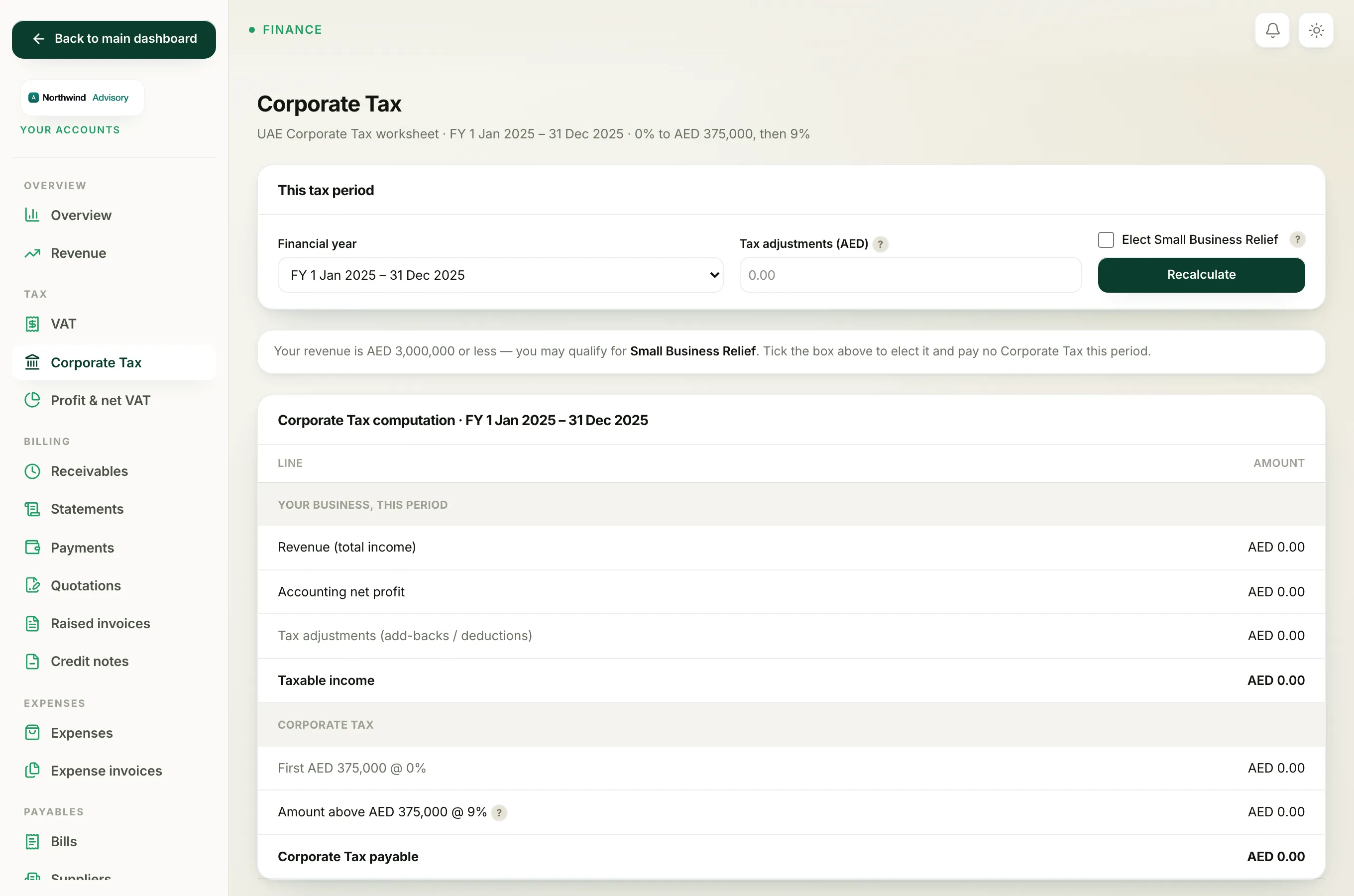
You can elect Small Business Relief for a tax period when both of these are true:
- Your revenue for the period is AED 3,000,000 or less. Revenue is the total income line at the top of the worksheet.
- The tax period ends on or before 31 December 2026. This is the current cut-off date for the relief.
If either of those is not met, ticking the box will not apply the relief. See Why Small Business Relief did not apply.
Note
When your revenue is within the limit and you have not yet elected, the worksheet shows a quiet prompt telling you that you may qualify and inviting you to tick the box.
How to elect it
- Log in to your workspace.
- In the left menu, under Finance, click Your Accounts.
- In the accounts sidebar, under Tax, click Corporate Tax.
- In This tax period, choose the Financial year you are filing.
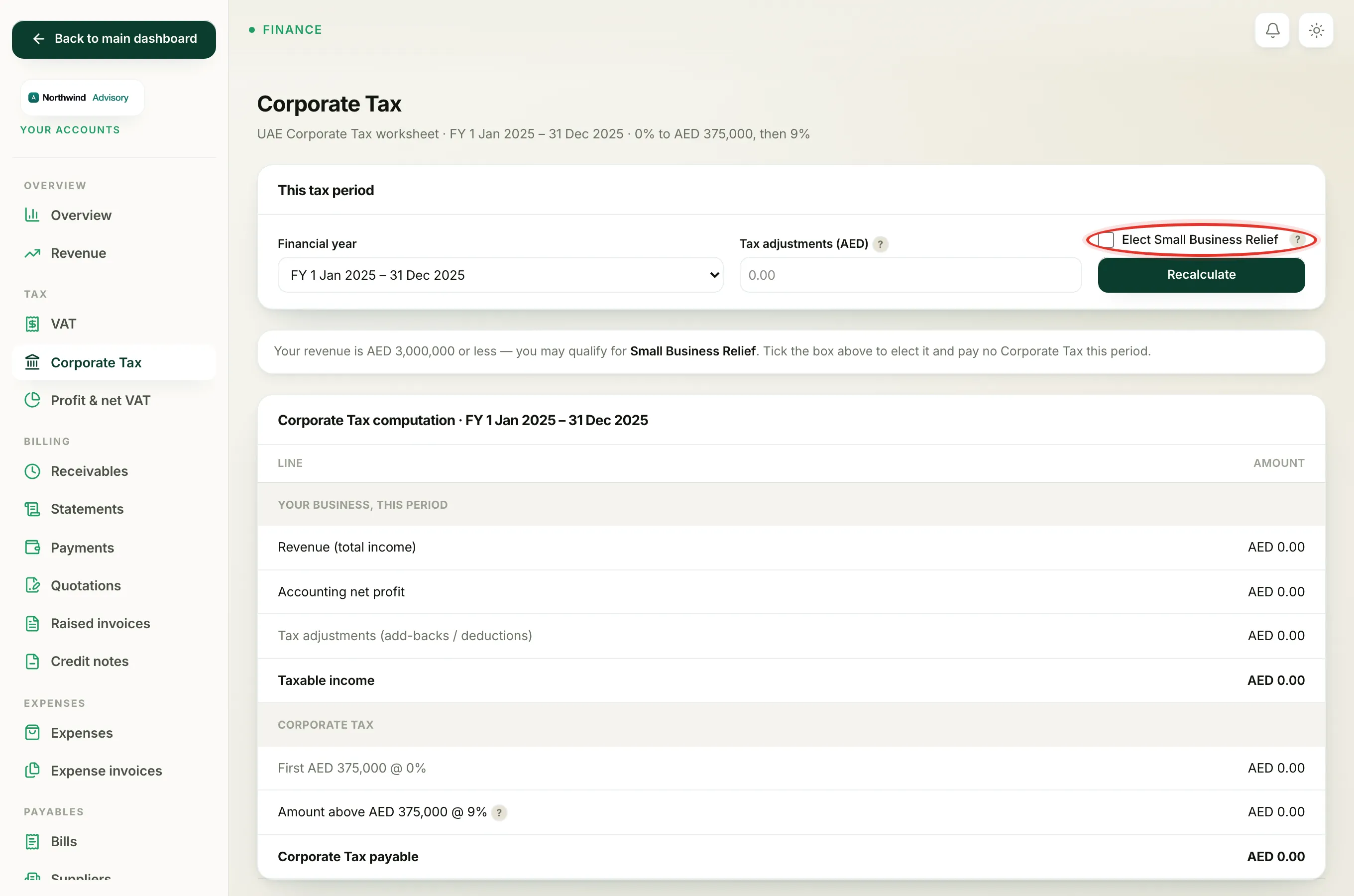
- Tick Elect Small Business Relief.
- Click Recalculate.
What changes when it applies
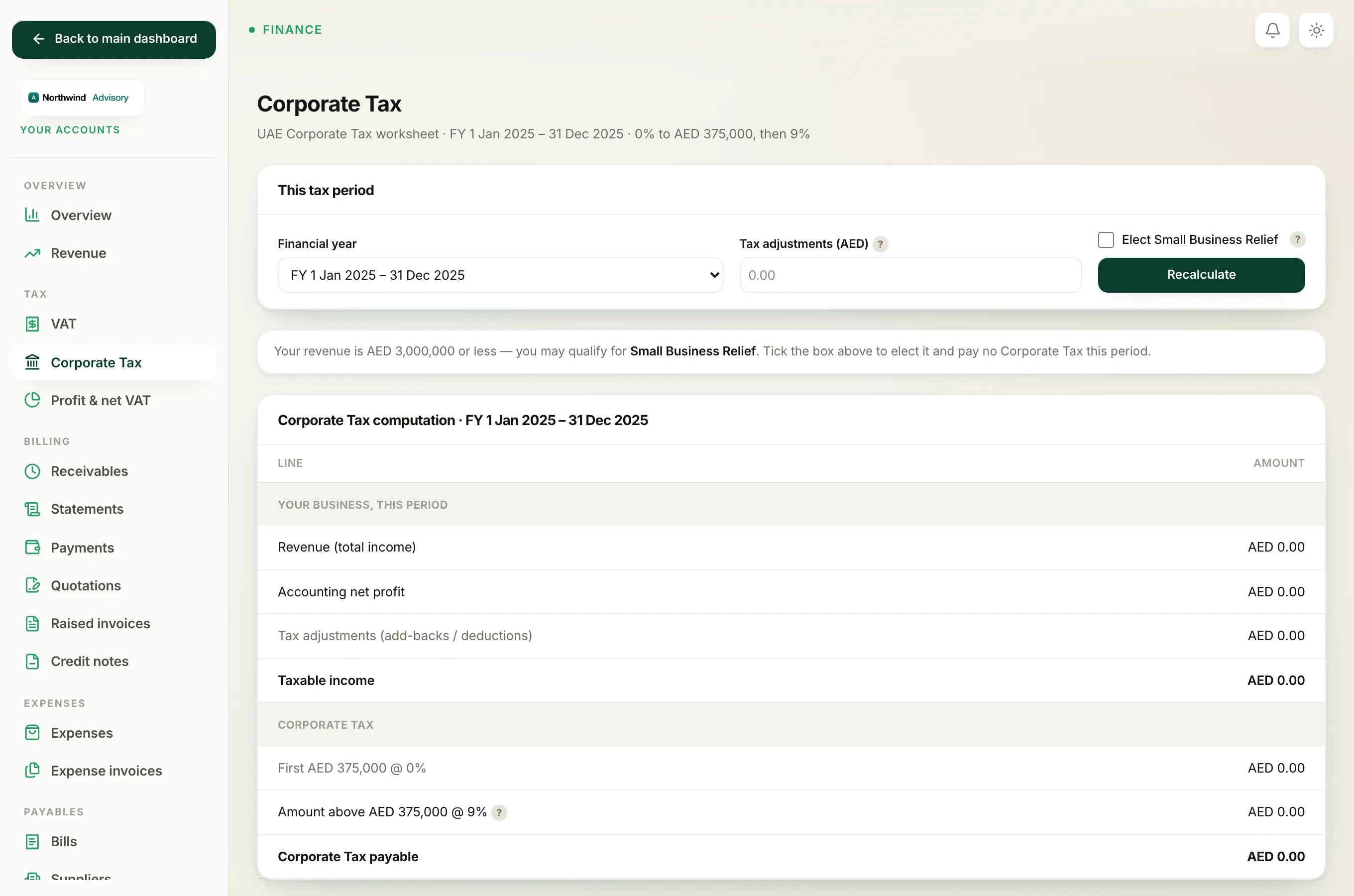
When the relief applies, a green banner appears at the top: your taxable income is treated as nil, so no Corporate Tax is due for the period. In the computation, the Corporate Tax payable line drops to zero and its label reads Corporate Tax payable (Small Business Relief).
The Download worksheet (PDF) button carries the election through, so the saved copy also shows the relief applied.
Important
This is a worksheet only. Electing the relief here works out your numbers, but you still make the actual election and file the return on the FTA EmaraTax portal. Keep the worksheet as your supporting record.
To understand every line the relief affects, see How the Corporate Tax worksheet is worked out.