Start here
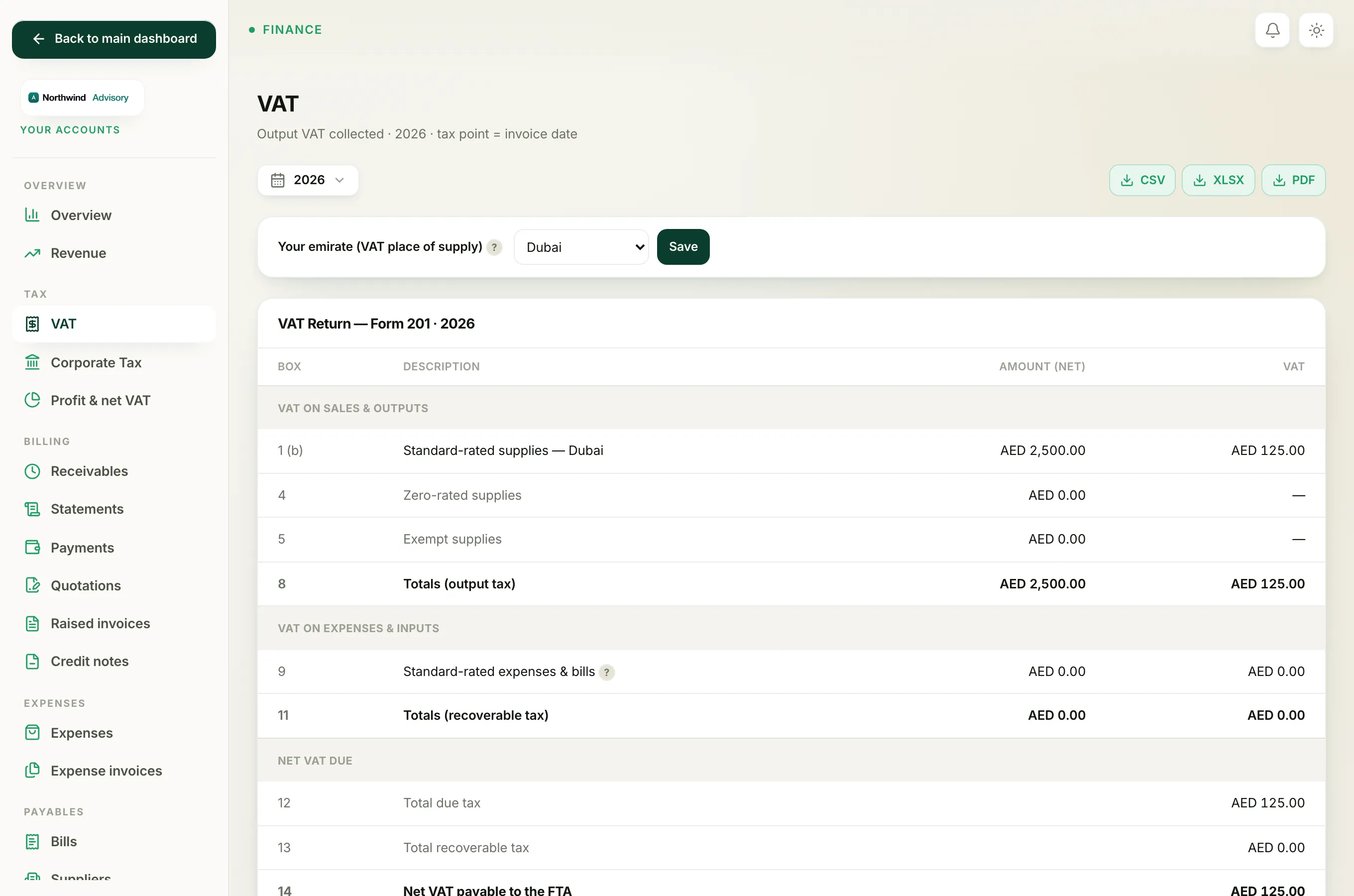
If your VAT return shows little or nothing in box 1, work through the reasons below. In almost every case the sales are real but are not landing in the period you are looking at.
- Log in to your workspace.
- In the left menu, under Finance, click Your Accounts.
- In the accounts menu, under Tax, click VAT.
- Check the panel titled VAT Return, Form 201.
1. You are looking at the wrong period
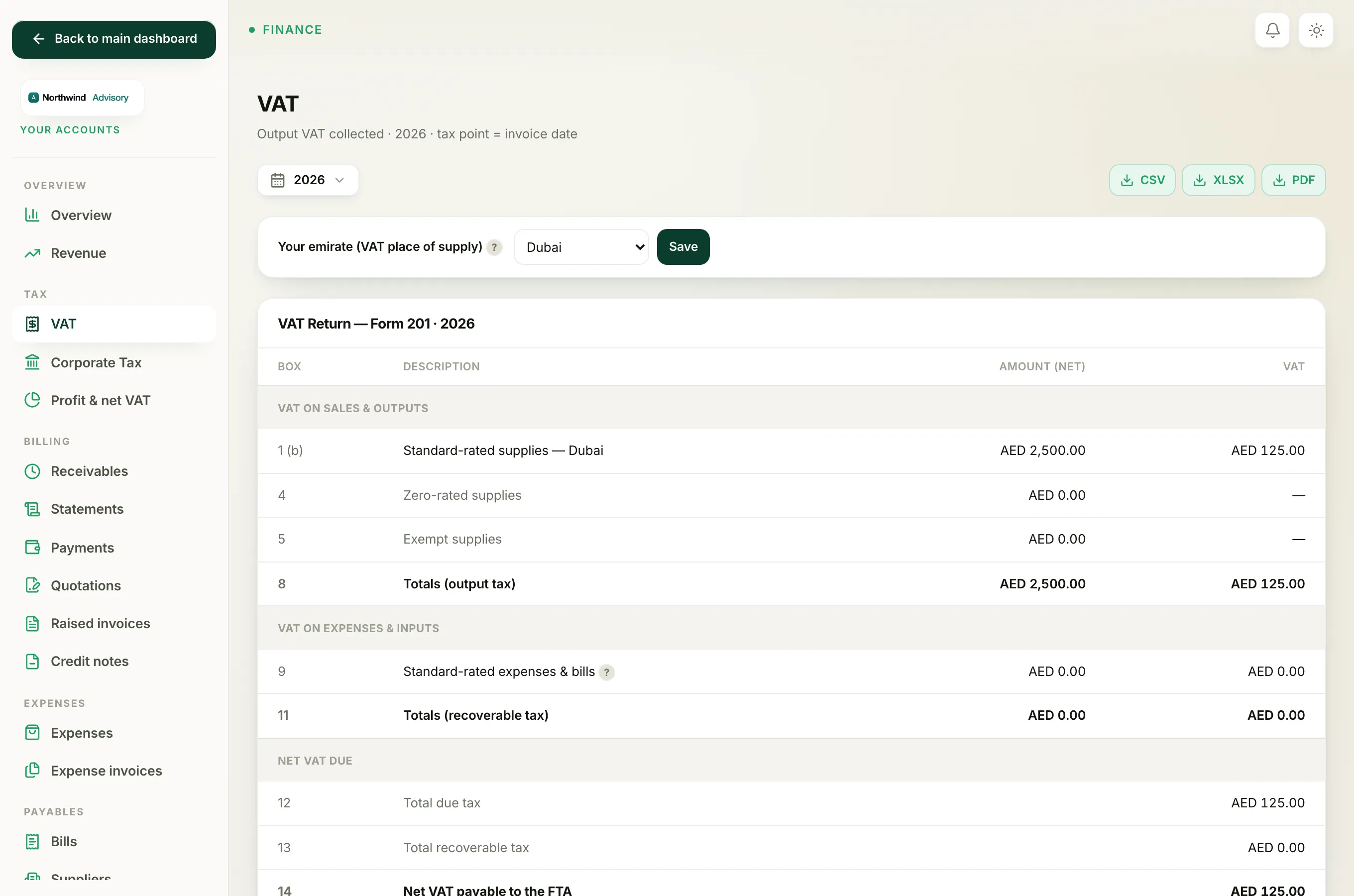
The VAT page opens on This year by default. If you file by quarter, the yearly view or a quarter with no billing can look empty or misleading.
Use the filter bar at the top to pick the exact period you are filing: This month, Last month, This quarter, Last quarter, This year, Last year, or a Custom range. The whole return recalculates for the period you choose.
2. The invoice date is what counts, not the payment date
The tax point for every supply is the invoice date. An invoice is counted in the period it is dated, whether or not it has been paid.
So an invoice you raised last quarter but were paid for this quarter belongs to last quarter's return. If your sales seem to be missing, check the dates on the invoices and compare them to the period you have selected.
3. The invoice is still a draft
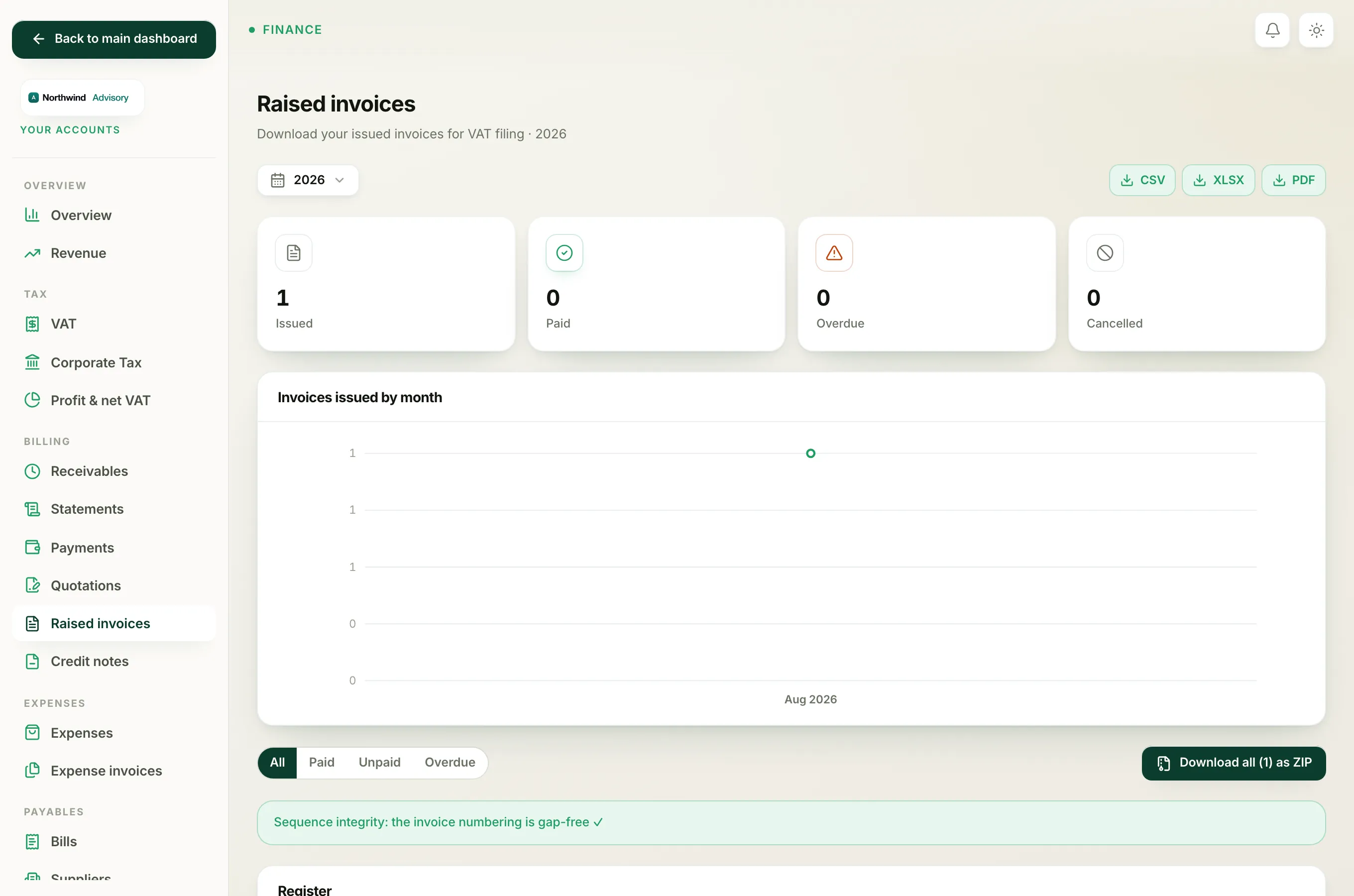
Only invoices that have been sent count towards the return. Statuses that are included are Sent, Overdue and Paid. An invoice left as a Draft is not on the books yet, so it does not appear in box 1. Open the invoice and send it, then re-check the return.
4. The invoice was credited or cancelled
When you fully credit an invoice, it is set to Cancelled and its balance drops to zero. A cancelled invoice drops straight out of the VAT return, which reverses the VAT it once carried. This is correct: a credit note is meant to take that sale, and its VAT, back off the return.
If a sale you expected to see has vanished, check whether the invoice was credited or cancelled.
Tip
Still empty after all of this? Open the Detail (per invoice) table lower down the VAT page. It lists every invoice counted in the period. If the table is empty, no sent invoice falls in that date range, which points you back to the period or the invoice dates.
Note
Government fees you pass through to clients are out of scope and never appear as taxable supplies in box 1. A return made up only of pass-through fees will show zero standard-rated supplies, which is expected.
Related: Prepare your VAT return and How to record a payment.