The four states of a bank line
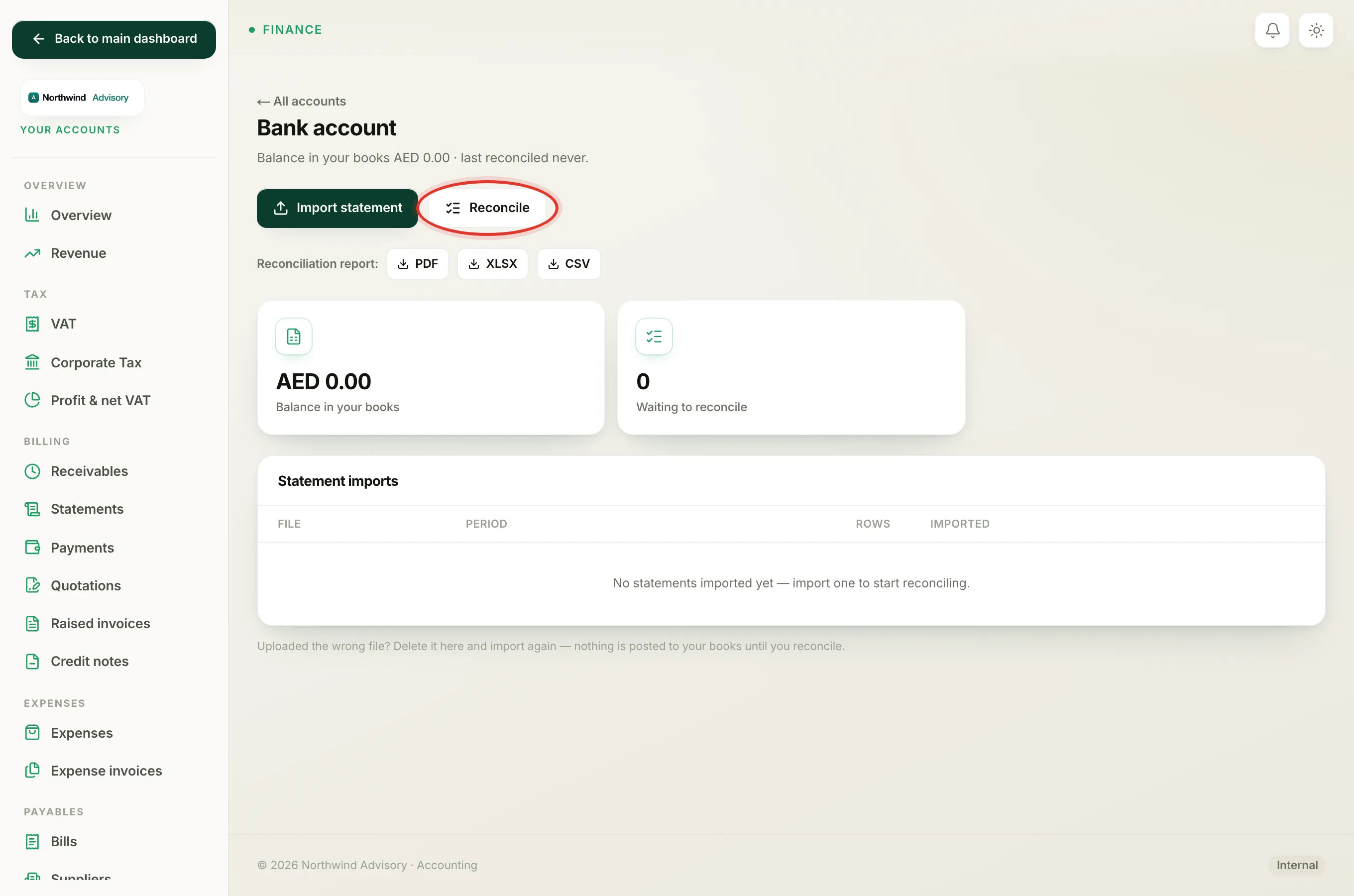
Every line you import from a bank statement travels through the same short journey, from freshly imported to locked away in a finished reconciliation. Knowing which state a line is in tells you what has hit your books and what you can still change.
You will see these states while reconciling an account:
- Log in to your workspace.
- In the left menu, under Finance, click Your Accounts.
- In the accounts menu, under Banking, click Bank accounts.
- Click the account, then click Reconcile.
Open, waiting for you
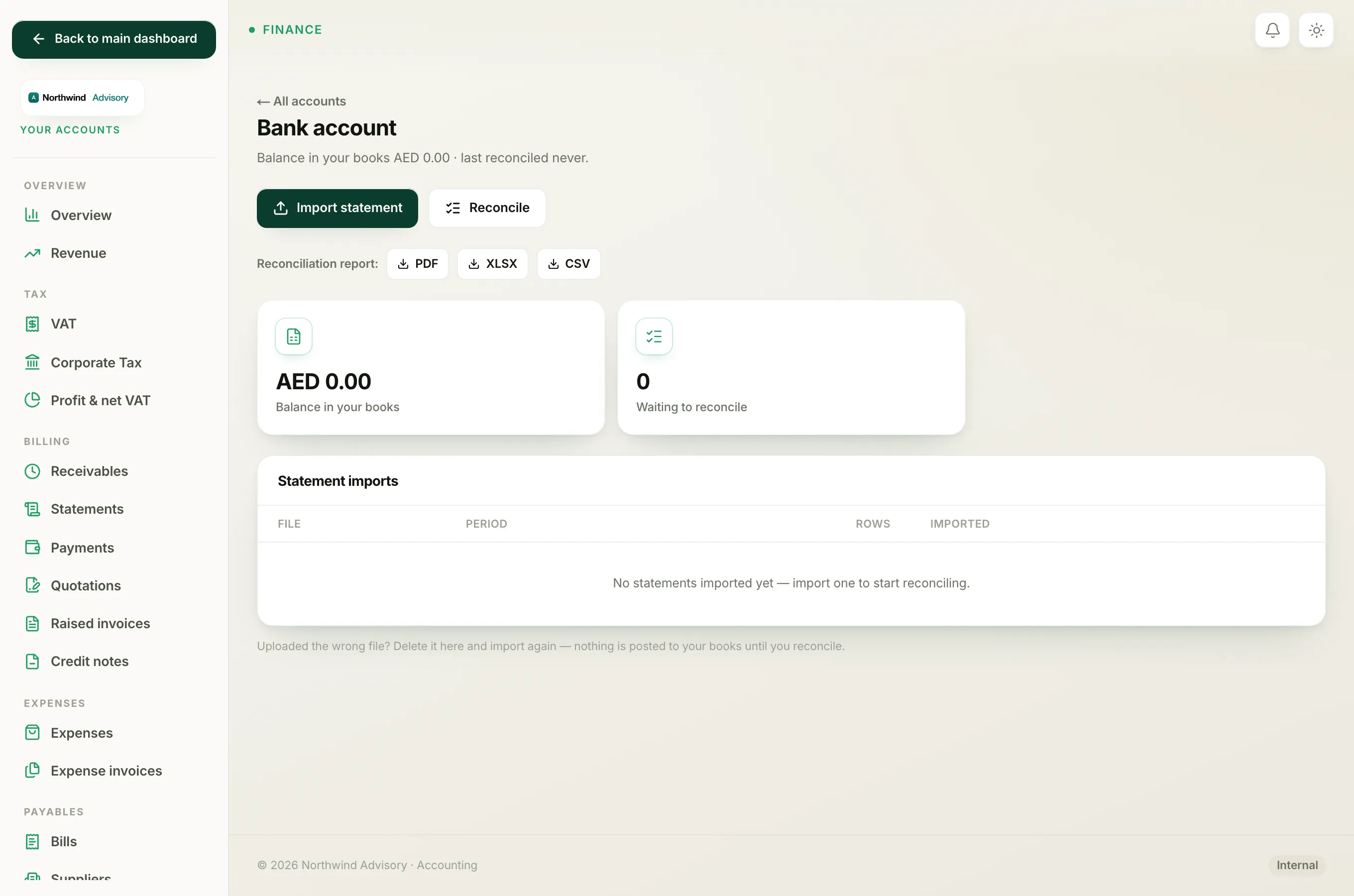
A line is open the moment it is imported. It is waiting for you to tell IzzyTap what it is. Open lines sit in the To reconcile list on the reconcile screen, and they are counted on the account by the Waiting to reconcile tile.
An open line has done nothing to your books yet. Importing a statement never posts anything on its own. Only when you deal with a line does it start to count.
Matched, tied to something already in your books
A line becomes matched when you tie it to a payment, bill or expense that is already recorded in IzzyTap. For example, a customer paid an invoice and you already recorded that payment; the bank line simply confirms the money arrived.
Matching posts nothing new. The money was already in your books, so IzzyTap just links the two and ticks both as cleared. This is what avoids the classic mistake of counting the same payment twice. A matched line shows a green Matched ✓ tag under Ticked this session.
Recorded, a new entry for a bank-only line
Some statement lines were never entered anywhere else: a bank charge, account interest, a card-machine fee. When you categorise one of these, IzzyTap records a brand-new entry to the category you pick. That line becomes recorded (posted) and shows a green Recorded ✓ tag.
Unlike matching, categorising does add a new entry to your books, because this money movement was not recorded anywhere before.
Tip
Not sure whether to match or record a line? See Match a line vs categorise it when reconciling.
While a line is matched or recorded but not yet locked, you can still change your mind. Click Undo next to it to send it back to open.
Locked, sealed into a finished reconciliation
When the account balances, you click Finish & lock to close the month. Every matched and recorded line is then locked into that reconciliation and listed under Finished reconciliations. Locked lines cannot be undone one at a time, and the statement they came from cannot be deleted.
Locking is what stops a signed-off month from quietly drifting later. If you genuinely need to change a locked line, you first undo the whole reconciliation (see Undo a match, category or reconciliation), which reopens the period so you can fix and redo it.
Note
Matching and recording are per line. Locking is per month. A line is only ever locked as part of finishing a reconciliation.