A quotation is not open forever. Each one carries a validity window, and once it passes the client can no longer accept it. This keeps your pricing fresh and stops old figures being accepted months later.
The 30-day rule
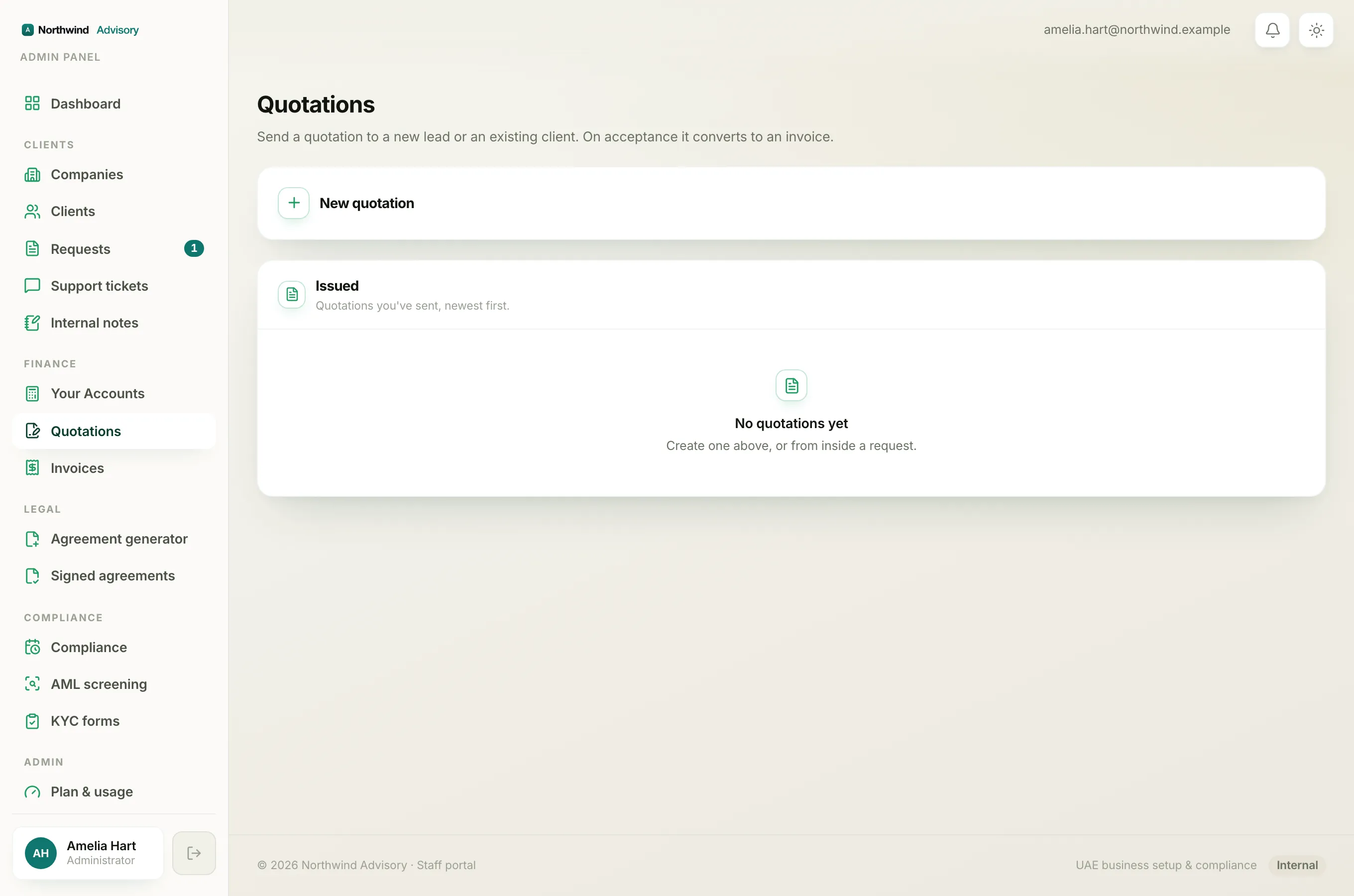
Every quotation is valid for 30 days, counted from the quotation date (the date shown on the quote, not always the day you keyed it in).
The client sees this clearly. Their emailed quotation says "valid until" with the exact date, and the quote page they open shows the same Valid until date. You do not have to set this. It is worked out for you.
How back-dating shortens the window
The 30 days are measured from the date the quote bears, not from the day you created it. So if you back-date a quotation, the window starts earlier and ends sooner.
For example, if you set the quotation date to 10 days ago, the client has only about 20 days left to accept, not a fresh 30. Keep this in mind when you back-date a quote for record-keeping reasons.
What the client sees after it lapses
Once the window has passed, the secure accept link stops working. If the client opens it, they see a page that reads "Link not valid" with a short note that the quotation link is invalid or has expired and asking them to contact you for a fresh one.
An expired quote is not deleted and nothing is charged. It simply can no longer be accepted.
How to get an expired quote back in front of a client
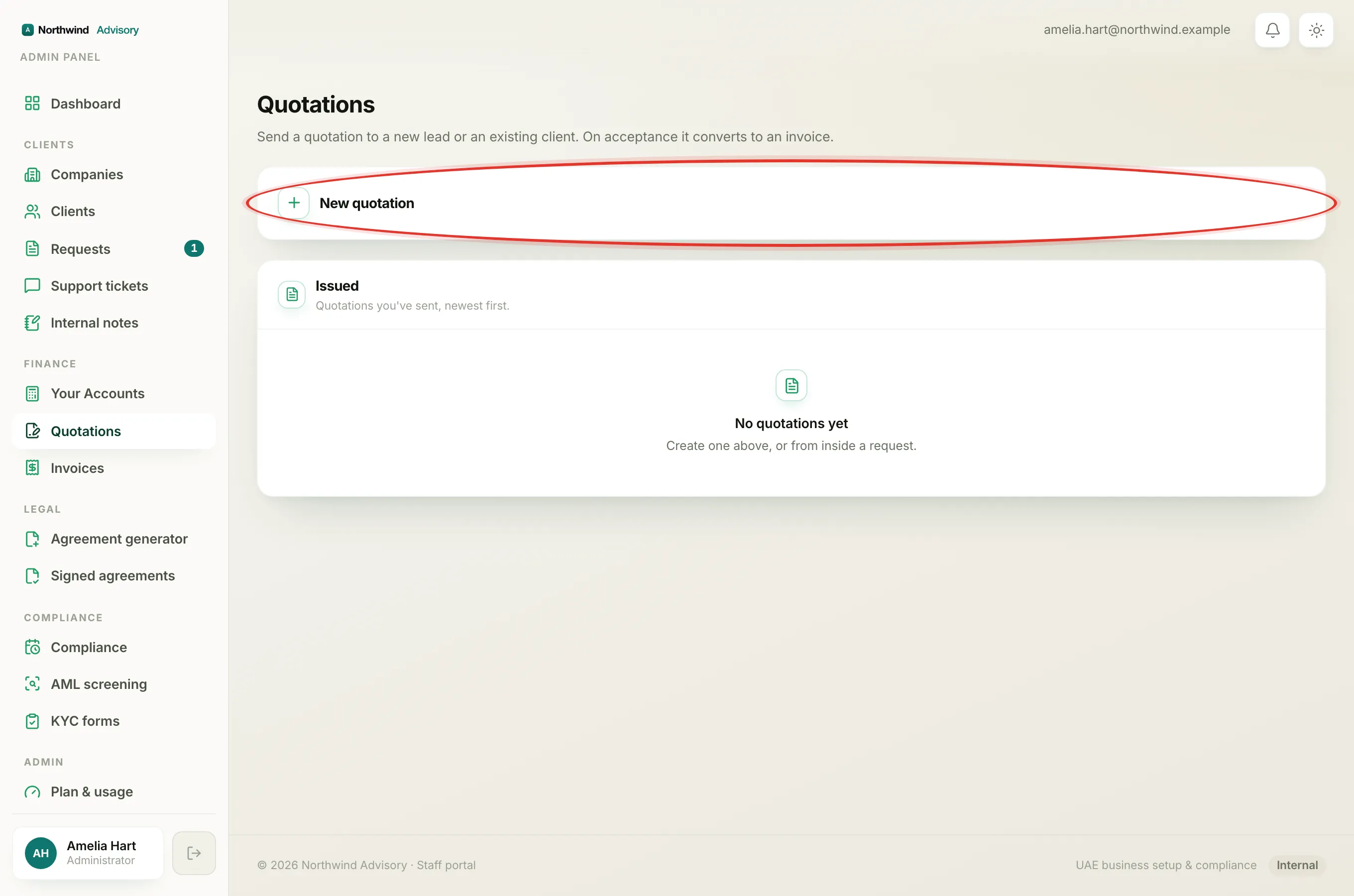
You cannot revive an expired quote or extend its date. Instead, raise a new one. The fresh quote gets a new 30-day window and a working accept link.
- Log in to your workspace.
- In the left menu, under Finance, click Quotations.
- Open New quotation and enter the recipient and the same lines as before. If the quote belongs to a request, use the Create quotation card inside that request instead.
- Check it in preview, then send. See Preview a quotation before you send it.
The client receives the new quote with a fresh validity date and can accept it as normal.
Note
If a client says the link will not open and the quote is not yet 30 days old, the cause is usually something else, such as a mistyped email or a quote you withdrew. See The client cannot open or accept the quotation.