A bill is a cost your firm owes a supplier but has not paid yet. If you recorded one in error, you can cancel it and it comes cleanly back out of your books. You can only do this while no payment has been recorded against the bill.
Before you start
Cancelling is only possible before any money has been paid. If you have already paid the bill, in full or in part, the Cancel button will not be there. See Why you can't cancel a bill for what to do instead.
Open the bill
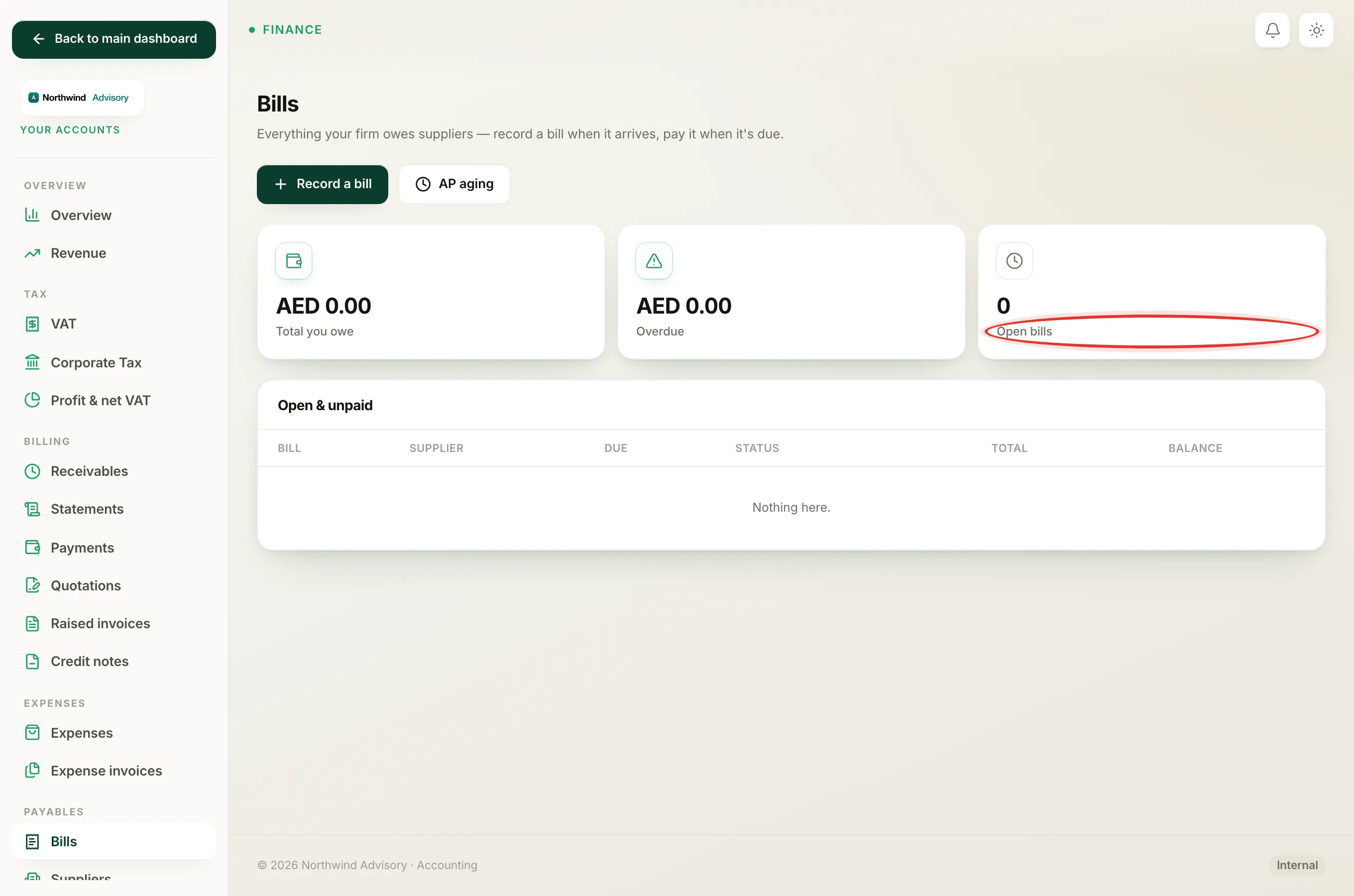
- Log in to your workspace.
- In the left menu, under Finance, click Your Accounts.
- In the Accounts sidebar, under Payables, click Bills.
- Find the bill in the Open & unpaid list and click Open on its row.
Cancel it
- On the bill page, look at the panel on the right headed Entered by mistake?
- Click Cancel bill.
The bill reloads with a grey Cancelled status pill at the top.
Note
If you do not see the Entered by mistake? panel, it is because the bill already has a payment recorded against it, or it has already been cancelled. A bill with any payment cannot be cancelled.
What cancelling does
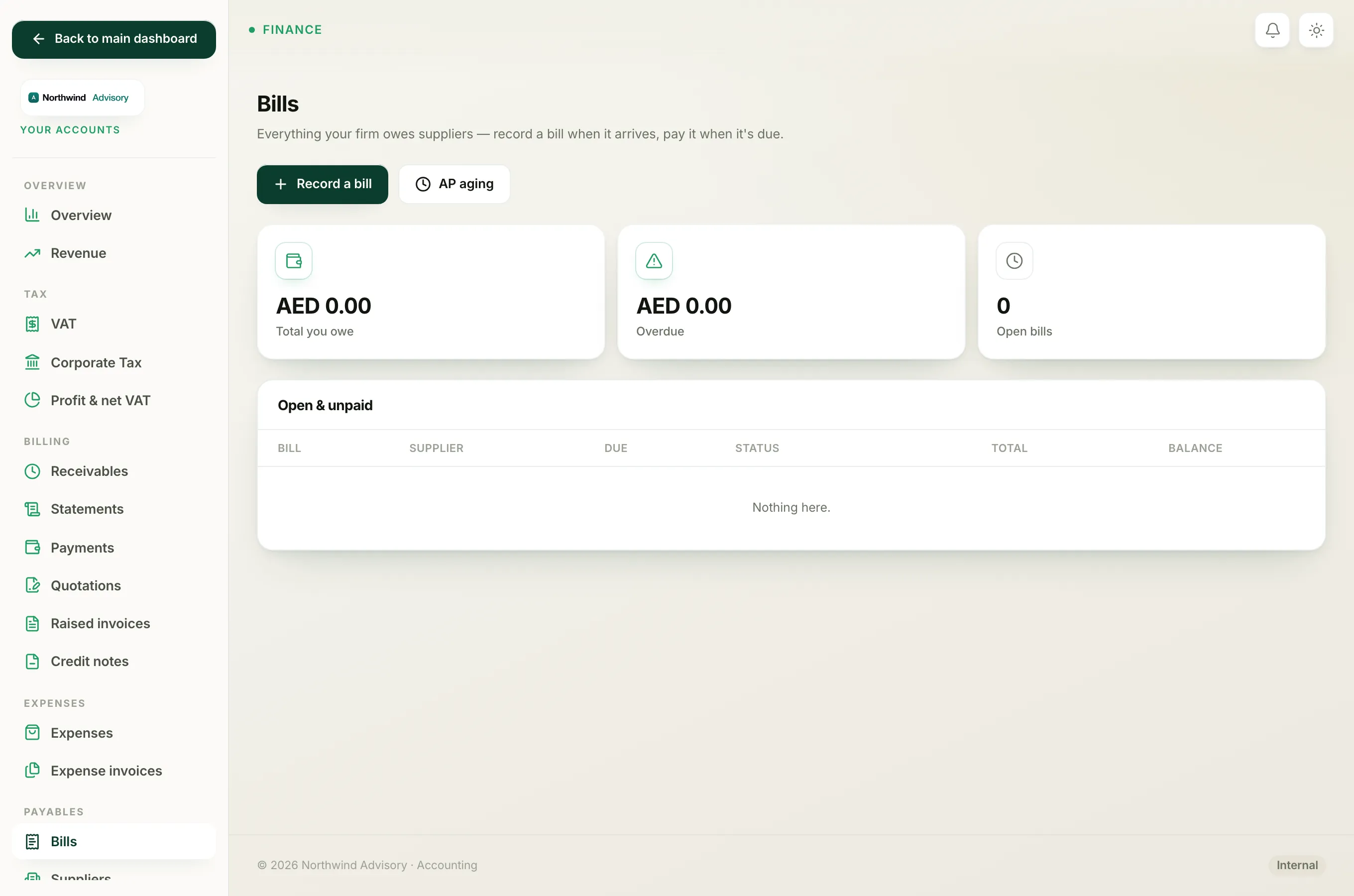
- The bill's status becomes Cancelled, and it moves down into the Cancelled list.
- It is reversed out of your books. What your firm owes (Accounts payable) drops by the bill's amount, and any VAT you had marked as reclaimable is reversed too.
- The bill is never deleted. It keeps its BILL- number and stays on record with a note that it was cancelled and the date, so your books have a clean trail.
Tip
Cancelling is the right move only when the bill should never have existed, for example a duplicate or a wrong supplier. If the bill is genuine but you simply have not paid it yet, just leave it open.