Notifications are personal to you
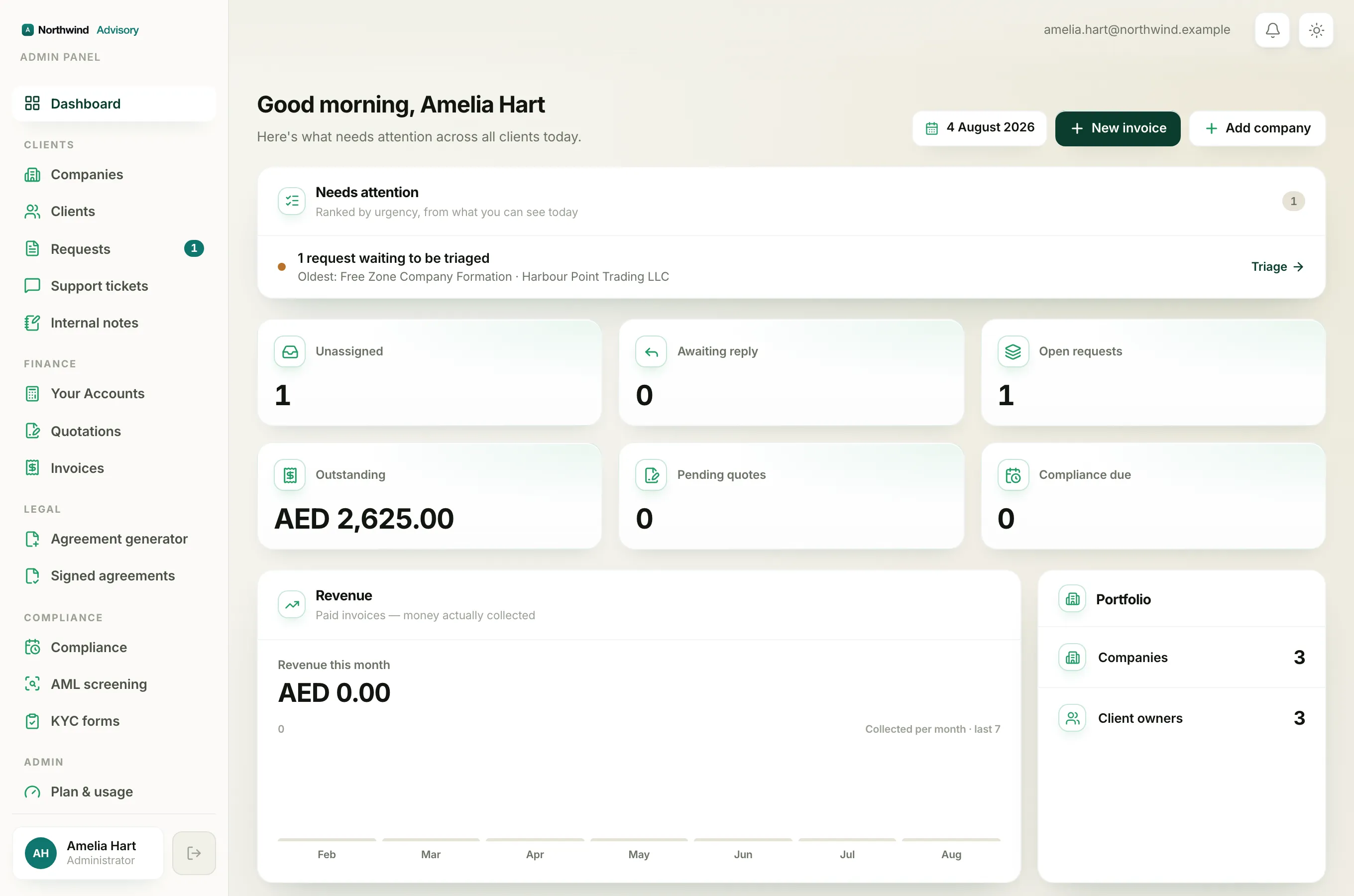
The most important thing to understand is that the bell shows your own notifications and nobody else's. Two people sitting side by side will almost always see different things in their bells. So an empty bell does not mean the workspace is quiet. It means nothing has happened that was meant for you.
What raises a notification
Most notifications come from something a client does or from a deadline coming up. Common examples include:
- A client submits a new service request.
- A client replies in a ticket or sends a message.
- A client pays an invoice or accepts a quotation.
- A client opens a support question from their portal.
- A compliance deadline or renewal reminder falls due.
When one of these happens, the system decides who should hear about it and creates a notification for those people only.
Why an event might not reach you
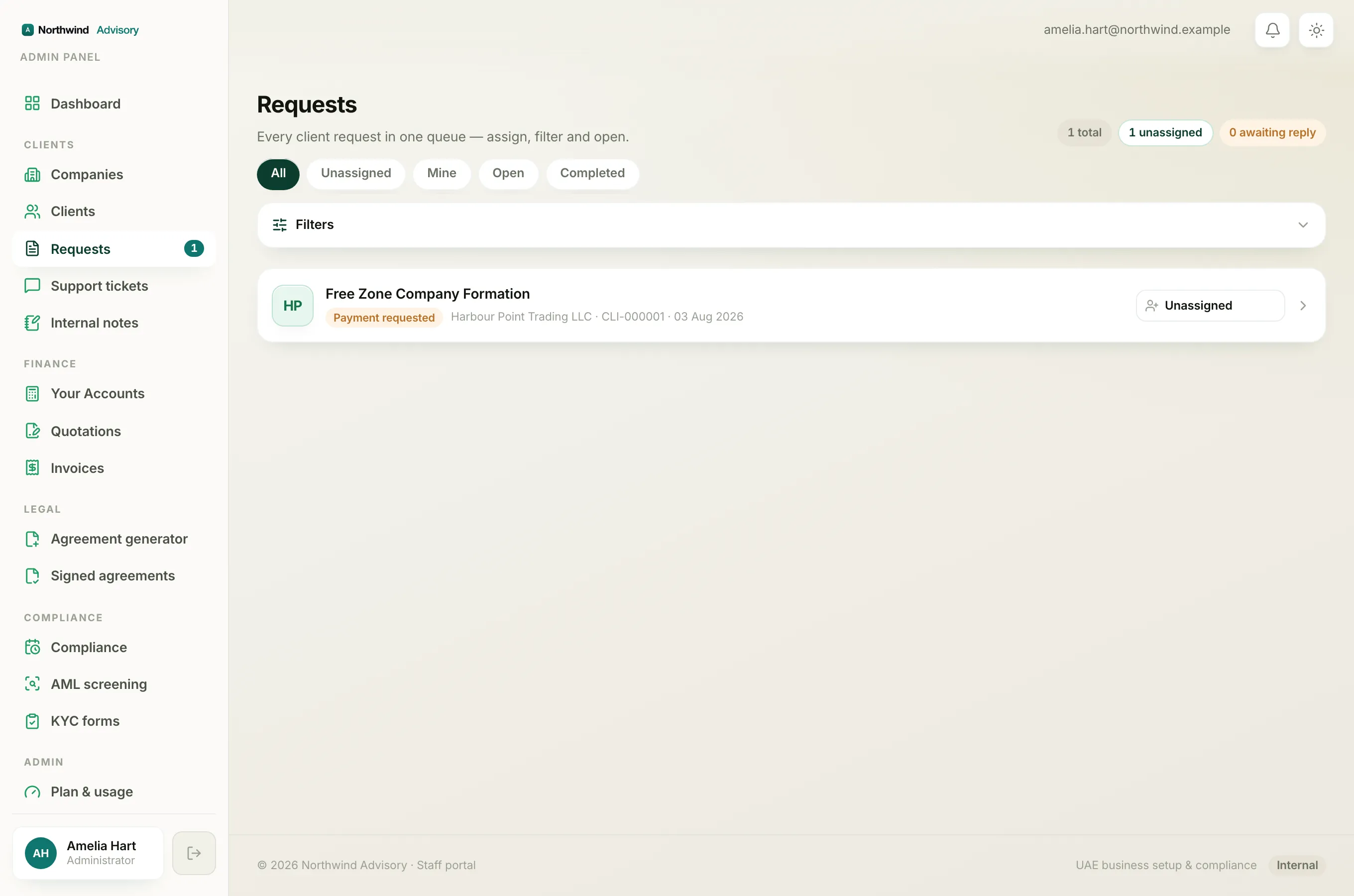
An event usually goes to the people responsible for that client or that piece of work, for example the firm's owners and admins, and the staff member the company or request is assigned to.
So if you are not an admin, and a company or request has not been assigned to you, you may not get a notification about it even though something clearly happened. That is by design. It keeps your bell focused on your work instead of the whole firm's. The same idea is behind why teammates see different dashboards, explained in Why your dashboard differs from a teammate's.
Common reasons the bell stays empty
- Nothing has happened yet that concerns you. This is the usual reason, and it is a good sign.
- You already opened the bell. Opening it marks everything as read and clears the red count. The items are still in the list, but there is no red number anymore. See Check your notifications.
- The work is not yours. The event went to an admin or to the teammate the company is assigned to, not to you.
- You are new or newly added. You only start getting notifications for things that happen after you can see them.
Note
These in-app notifications are separate from the emails your firm sends to clients. A quiet bell does not affect whether your clients receive their own emails.
Tip
If you believe you should be receiving updates about a particular client, ask a firm owner or admin to assign that company or request to you. Once it is yours, its updates will start reaching your bell.