What this does
A saved KYC template is a form you built once so you can reuse it. You can reopen a template at any time to change its sections, add or remove fields, or rename it. This guide shows how, and explains an important rule: editing a template only changes forms you send after the edit. Forms you already sent do not change.
Open a template to edit it
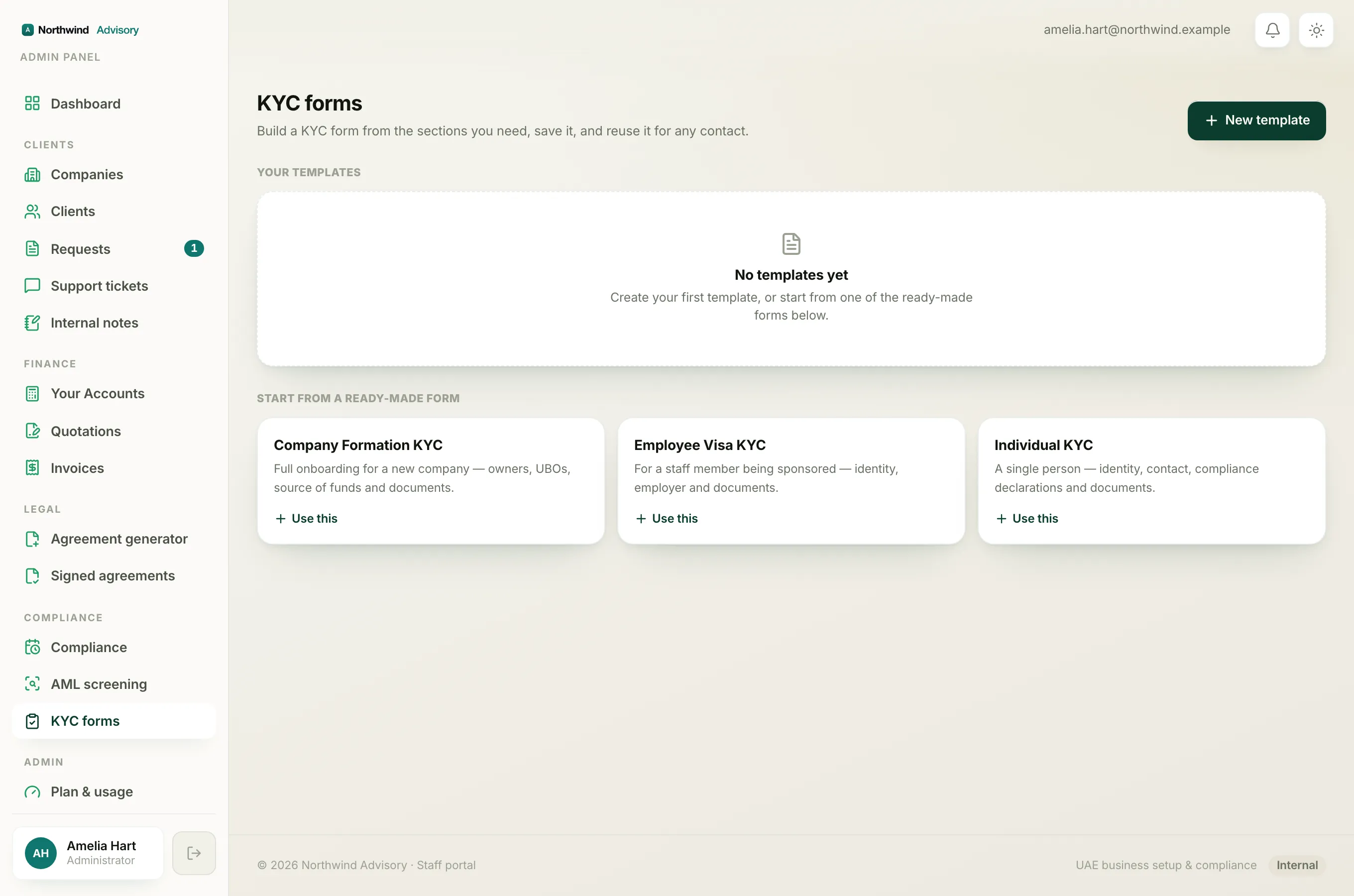
- Log in to your workspace.
- In the left menu, under Compliance, click KYC forms.
- Under Your templates, find the form you want to change.
- Click Edit on that template's card.
The form builder opens with the heading Edit, [template name]. Just under it you will see the reminder: "Changes apply to future sends only, forms already sent keep their frozen copy."
Make your changes
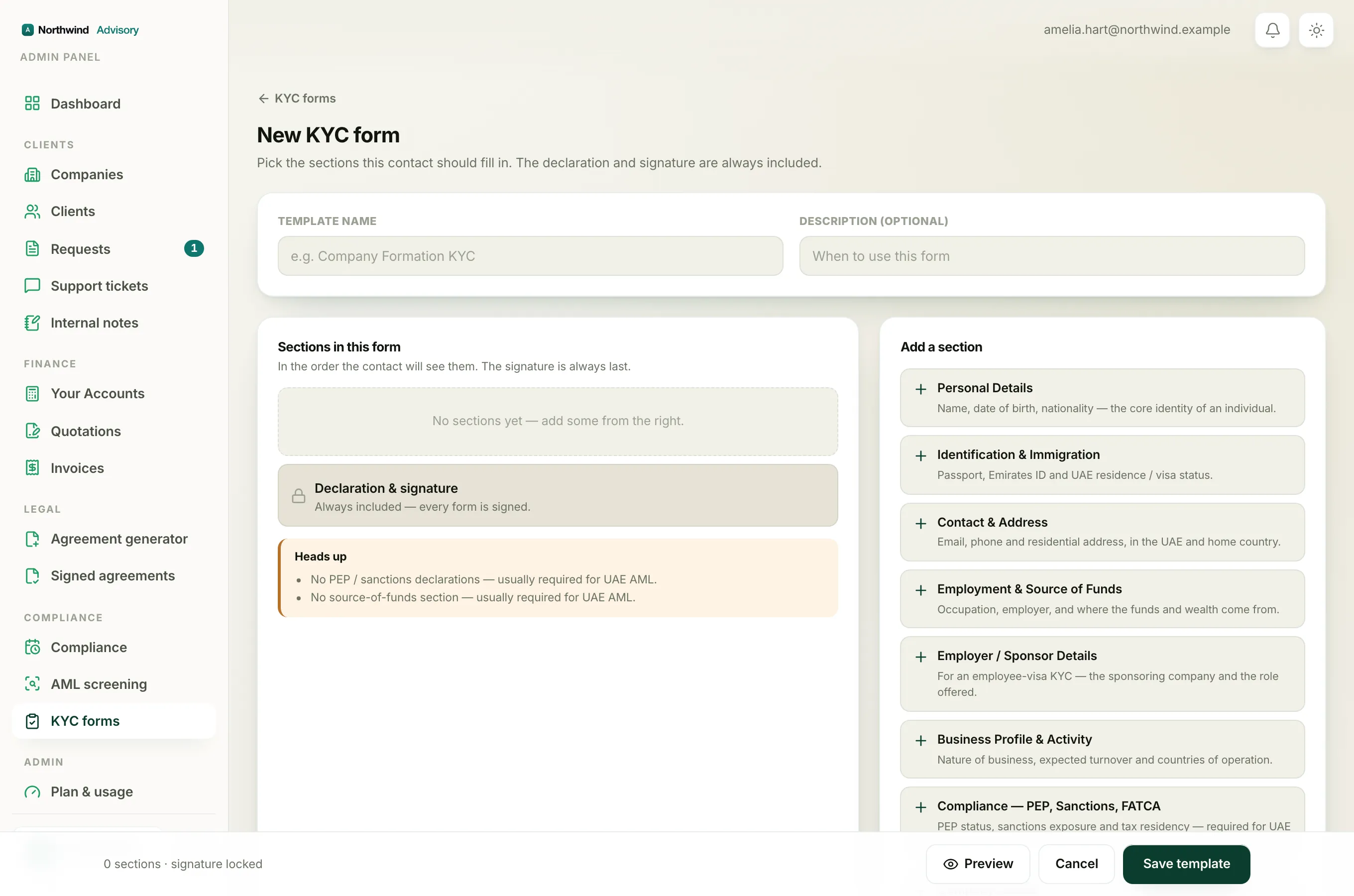
Inside the builder you can:
- Change the name and description at the top.
- Add a section by clicking it in the list of available sections.
- Reorder a section with the up and down arrows, or remove it with the remove button.
- Add your own custom fields.
The declaration and signature are always part of the form and cannot be removed. For a full walkthrough of the builder, see build your own KYC form.
Tip
Click Preview to see the exact form your contact will fill in before you save. See preview a KYC form.
Save your changes
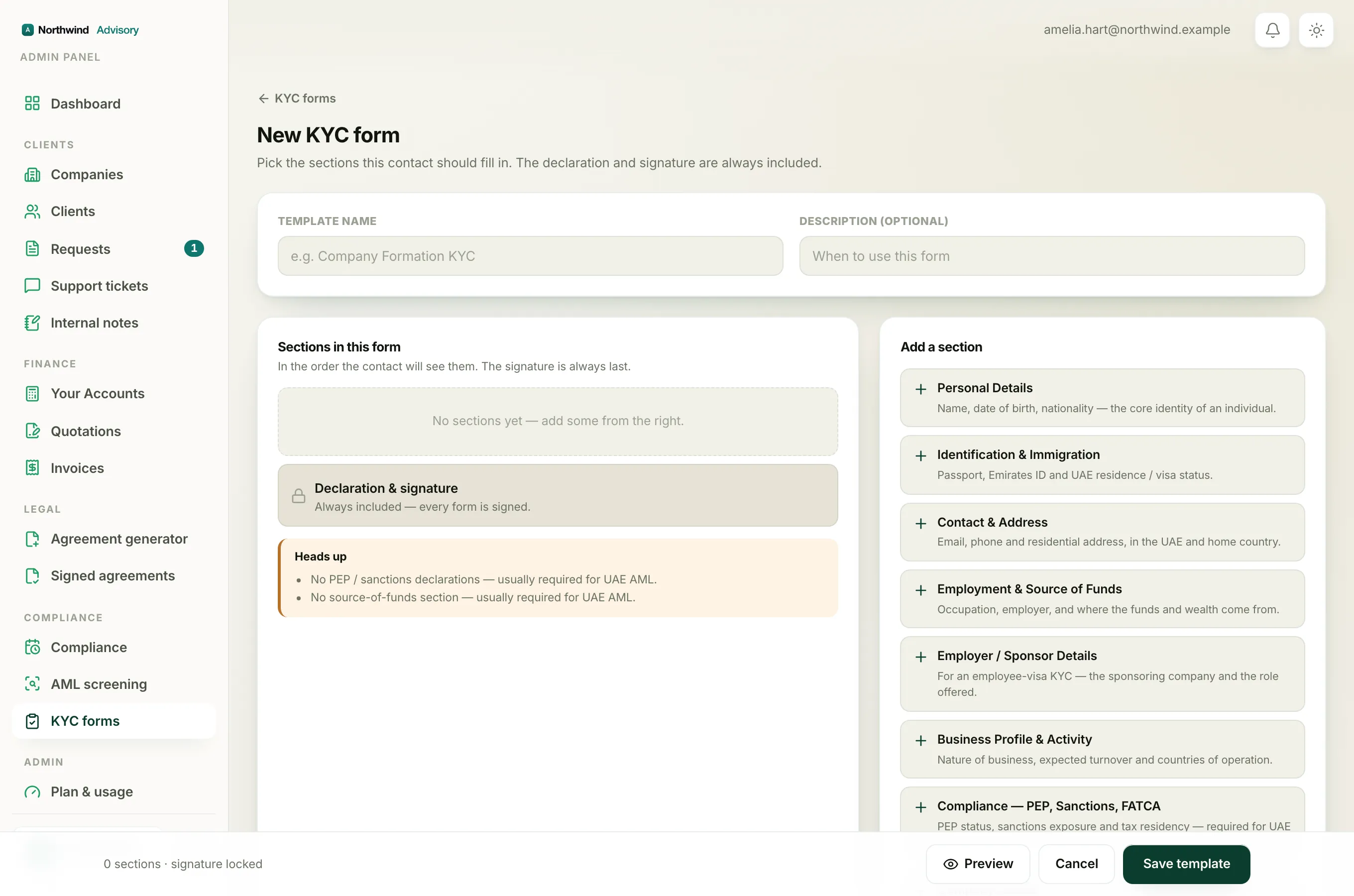
When you are done, click Save changes at the bottom. Because you are editing an existing template, the button reads Save changes rather than Save template.
If the save does not go through, you may see one of these messages:
- Give the template a name. The name is empty or too short. Type a name of at least two characters.
- The form has no fields yet. Every section was removed. Add at least one section before saving.
- That template no longer exists. The template was deleted, for example by a teammate. Start again from the KYC forms page.
Why forms you already sent do not change
This is the key thing to understand. When you send a template to a contact, IzzyTap takes a frozen copy of the form as it was at that moment and attaches it to that contact's request. The contact fills in that frozen copy.
So when you edit the template later:
- Contacts who were already sent the old version keep filling in the old version. Their form does not change under them.
- Anyone you send to from now on gets the new, edited version.
This protects your records. A form someone is part-way through will never change while they are completing it, and a submitted PDF always matches the form the person actually saw and signed.
Note
If you want a contact who already has the old version to get the new one instead, resend the form to them. Resending sends the current version of the template. See resend a KYC form.