Why set your contact details
Your clients see your firm everywhere: on their portal, on your invoices and quotations, and in every email you send them. To make that complete, put your own phone, website, email and support email on file. Then your firm speaks in its own name, not the platform's.
Set your contact details
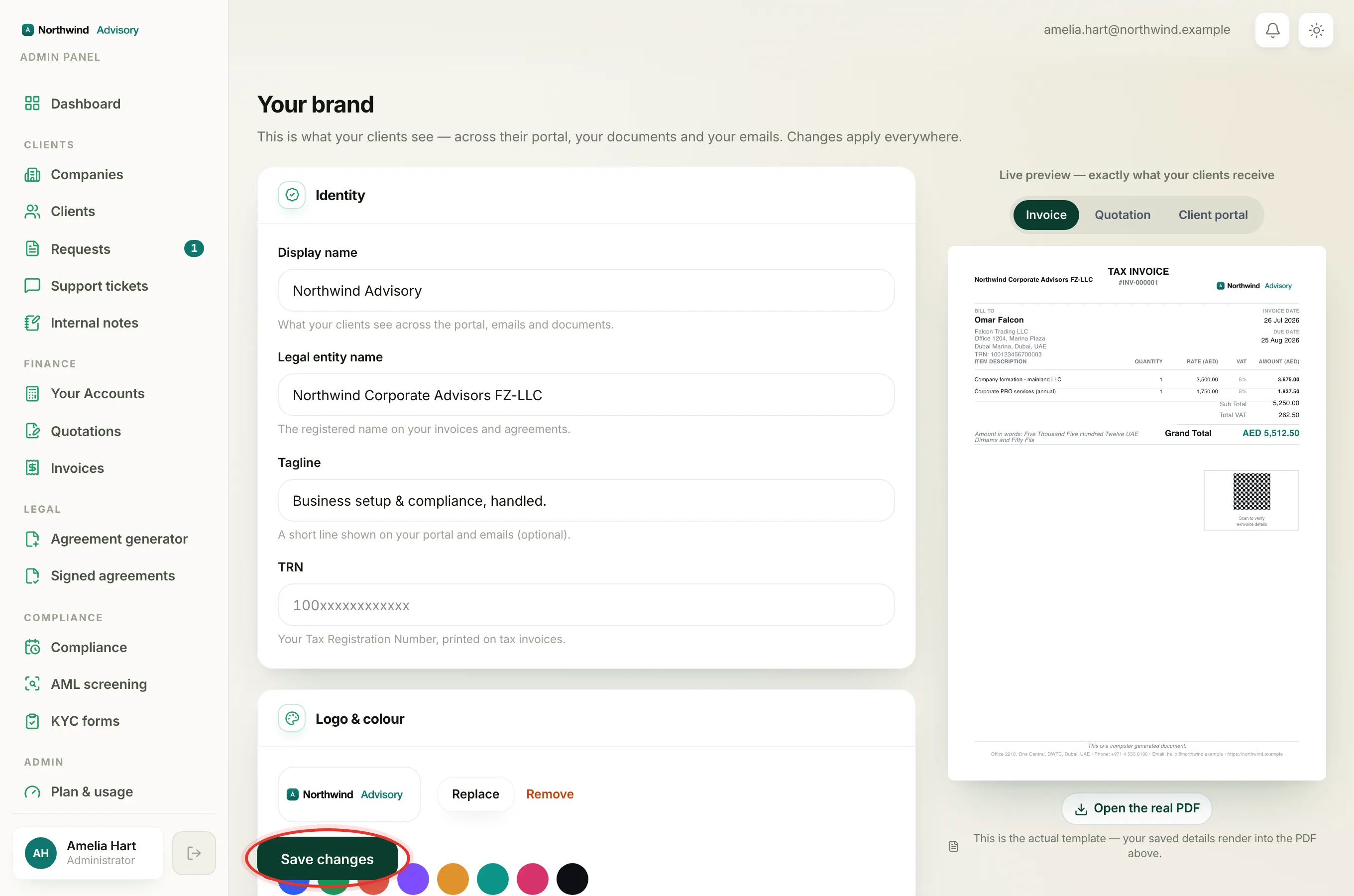
- Log in to your workspace.
- In the left menu, under Admin, click Brand.
- Scroll down to the Contact section.
- Fill in the fields you want to show:
- Phone and Email, your public firm contact details.
- Website, your firm's web address.
- Support email, the address your clients reach you on.
- Click Save changes at the bottom. A green Saved tick confirms it.
What the support email does
The Support email is where your client's contact links point. When a client uses a 'contact us' link in their portal, it is aimed at this address. It is also used as the reply-to address on the emails your firm sends, so when a client replies to a receipt or an update, the reply lands in your inbox.
Where your firm's name on emails comes from
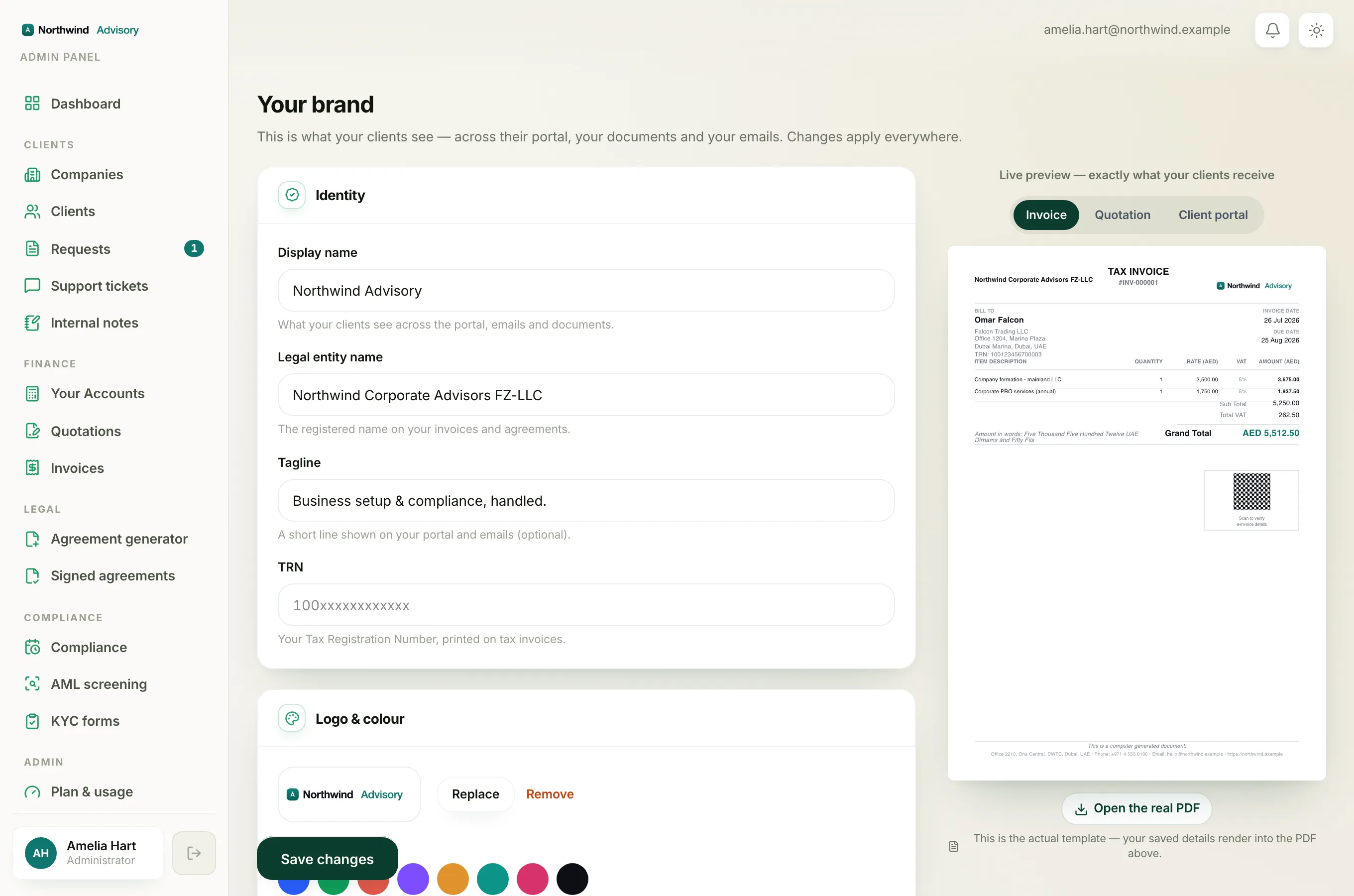
The sender name on your outgoing emails, the name a client sees the mail is from, comes from your Display name. You set that higher up the same page, in the Identity section. So your display name is the from-name, and your support email is the reply-to.
Note
Changes here apply everywhere at once: the portal, your documents and your emails. There is no separate step to publish them.
While you are on this page, it is worth also setting your firm's name, logo and colour. See Fix 'set up your letterhead before issuing a quotation'.