If you try to cancel an invoice and IzzyTap blocks you, it is almost always because a payment has been recorded against it. This is deliberate, and this article explains why and what to do instead.
The message you will see
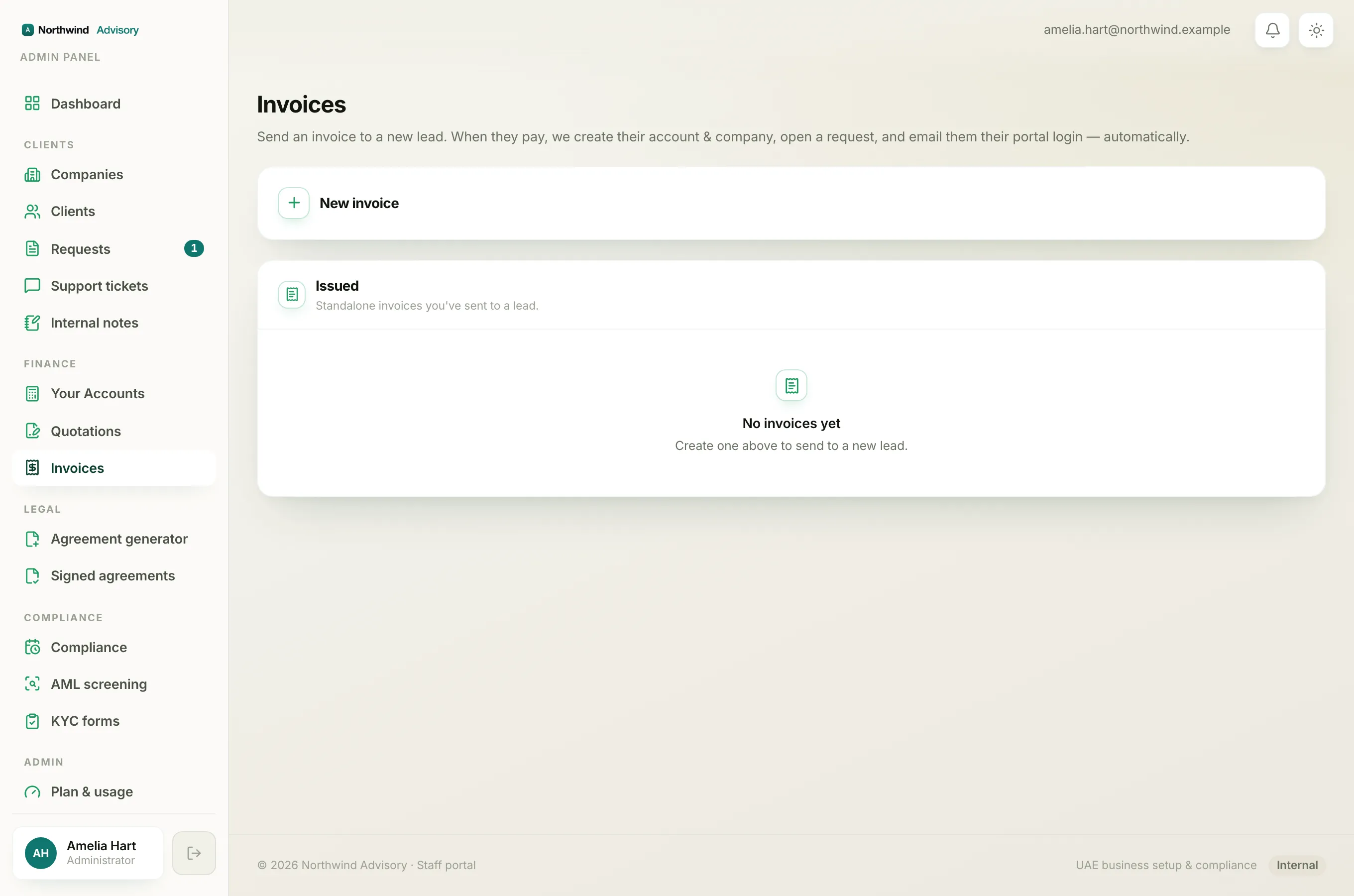
When you click Cancel on an invoice that has a payment, you get:
This invoice has a payment, issue a credit note or refund instead of cancelling.
The Cancel button is only meant for an invoice that is still Sent or Overdue with nothing paid against it.
Why cancelling is blocked
Cancelling an invoice voids it. A voided invoice is removed from your revenue, your receivables and your VAT figures, as if the charge never happened.
That is fine when no money has come in. But once the client has paid, the money is real and sitting in your accounts, and the client is holding a receipt. If IzzyTap let you void a paid invoice, you would have cash in the books that matches no charge, and your revenue would no longer add up. So the software protects your accounts by refusing.
A part payment counts too
It does not have to be paid in full. Even a single part payment against the invoice is enough to lock cancelling. Any money at all means the invoice can no longer be voided.
What to do instead
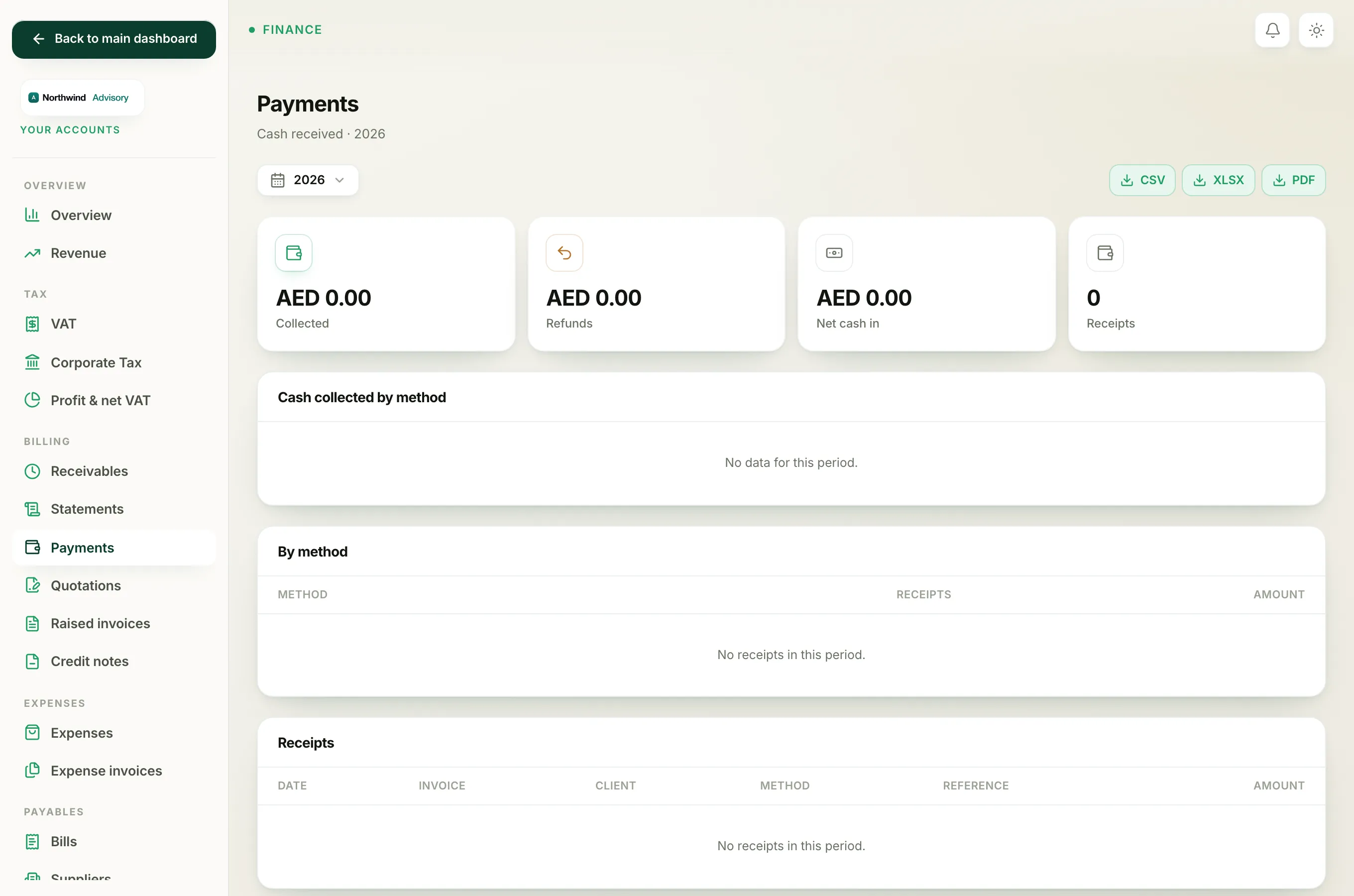
- If the invoice was a genuine mistake and the client has paid, you need to give the money back. That is a refund. See Refund an invoice that has already been paid.
- If you are unsure which route fits your situation, read Cancel, credit note or refund: which one to use.
"It may have just been paid"
Occasionally you will see a slightly different message:
This invoice can no longer be cancelled, it may have just been paid. Refresh and try again.
This happens when a payment lands in the few seconds between you opening the page and clicking Cancel, for example the client paid online at the same moment. IzzyTap checks again right before voiding, spots the fresh payment, and stops. Refresh the page, and you will see the invoice is now paid, so a refund is the route from here.