When you go to raise a credit note, the Invoice to credit dropdown does not show every invoice you have ever sent. It only lists the ones that can still be credited: an invoice that has been issued, is still unpaid, and has not already been credited. If the invoice you are looking for is not in that list, one of the reasons below is why.
Where the list comes from
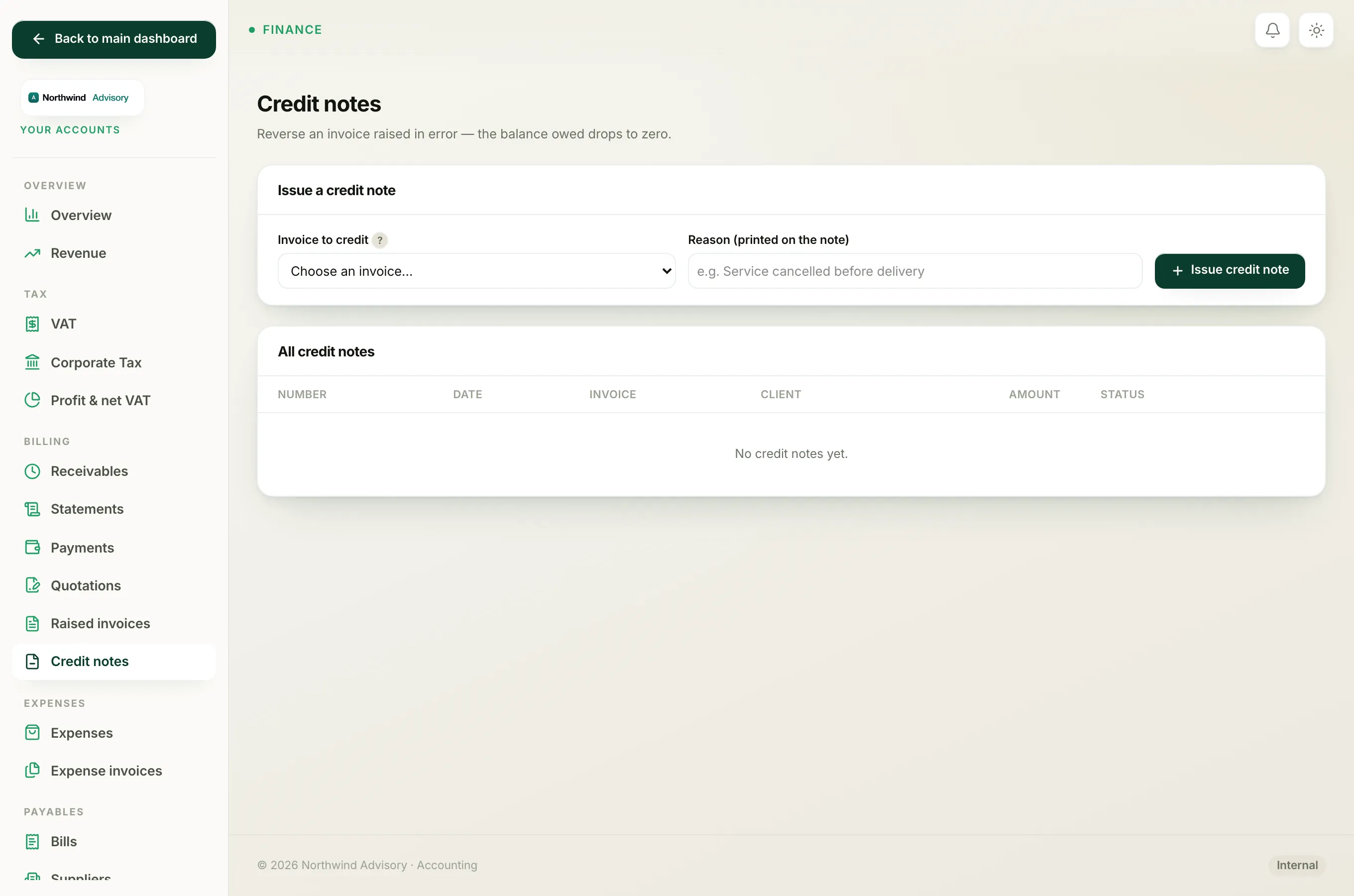
- Log in to your workspace.
- In the left menu, under Finance, click Your Accounts.
- In the Accounts menu, under Billing, click Credit notes.
- In the Issue a credit note panel, open the Invoice to credit dropdown.
That dropdown is filtered on purpose, so you can never accidentally credit something that should not be touched. Here is what filters an invoice out.
It is still a draft
A draft invoice has not actually been issued to anyone, so there is no live charge to reverse. Issue the invoice first if it is correct, or simply edit or delete the draft if it is not. You do not credit a draft.
It has been paid or part-paid
The moment any money is recorded against an invoice, it drops out of the credit-note list. A credit note reduces a balance owed, but a paid invoice has no balance owed, it has cash received. Giving that cash back is a refund, not a credit note. See Refund an invoice that has already been paid.
It already has a credit note against it
An invoice can only be credited once. If a credit note has already voided it, the invoice is gone from the list. If that first credit note was a mistake, cancel it, which reopens the invoice, and then start again. See Undo a credit note issued by mistake.
It is already cancelled
A cancelled invoice has already been voided and removed from your books, so there is nothing left to reverse.
It falls in a closed accounting period
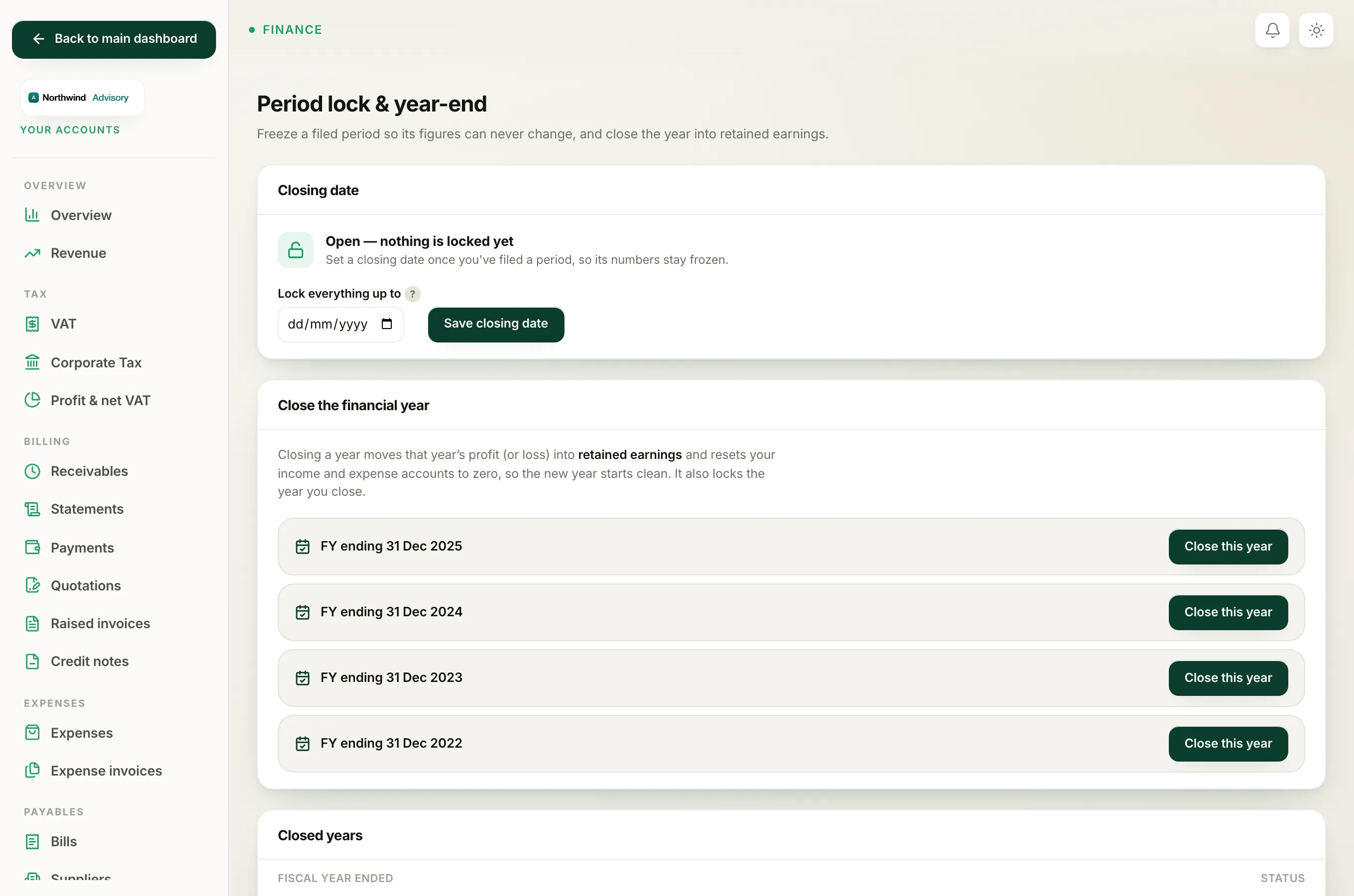
Crediting an invoice would change figures in the period the invoice belongs to. If you have locked that period at year-end, IzzyTap will not let a credit note reach back into it. You will see a message naming the date your books are locked through. Reopen that period first, raise the credit note, then lock the period again. See Reopen a locked period.
Note
If the panel says no invoices are eligible at all, it means every invoice you have is either a draft, paid, already credited, cancelled, or in a locked period. That is normal, not an error.