When you import clients from a spreadsheet, they are all set up quietly. That means no emails go out at the time of the import, so your clients are not surprised by a message before you are ready. When you are ready to go live, you send everyone their welcome and login link together in a single batch. This article shows you how.
Why imports are quiet
A quiet setup lets you load your whole client book, check everything looks right, and only then let clients know their portal exists. Until you send the welcome, an imported client sits as Pending activation and hears nothing from you. See Live updates vs quiet setup for the wider idea.
Send the welcome invites
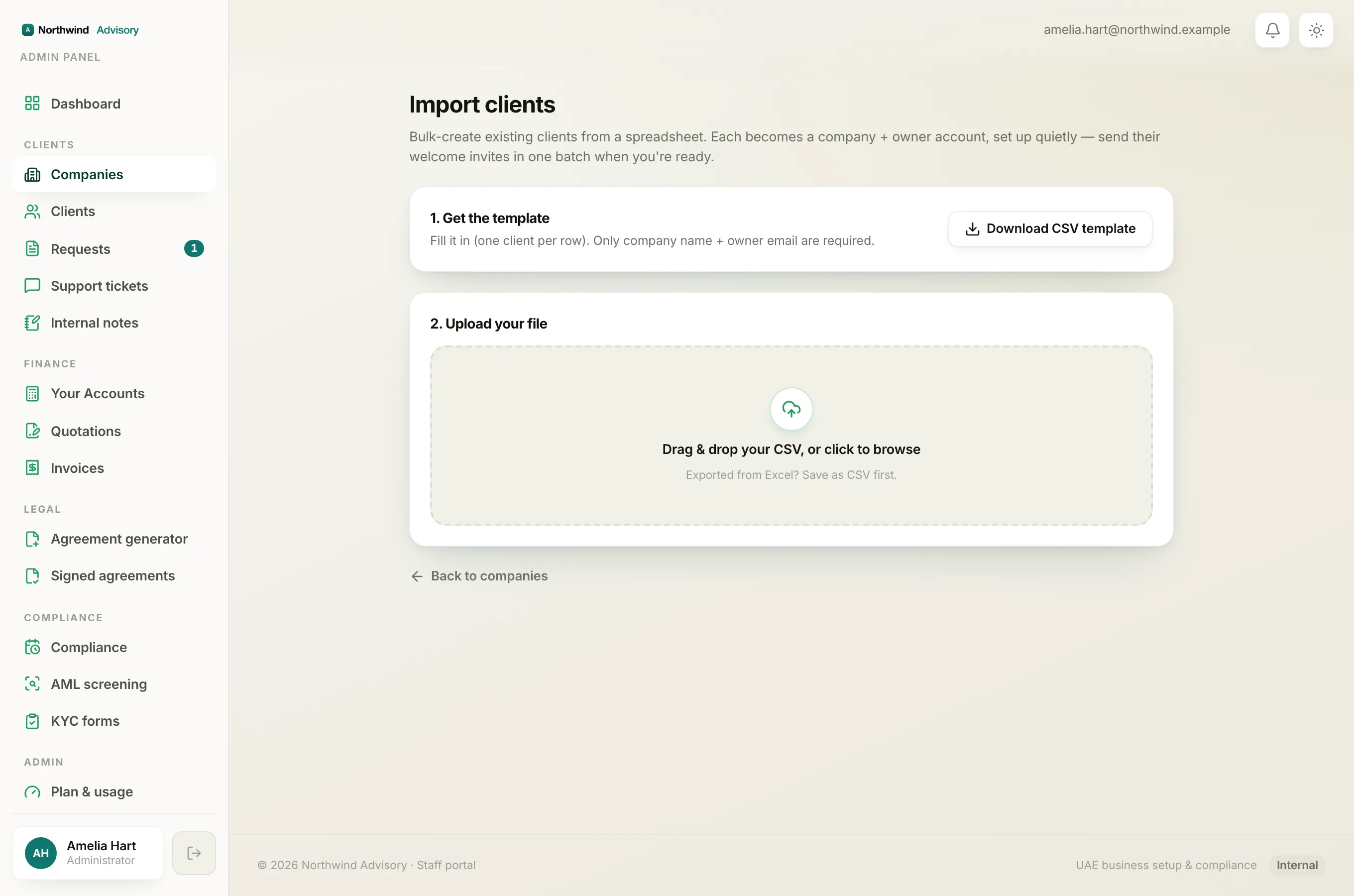
Right after an import finishes, the results screen shows Import complete with a count, for example 12 created, 2 skipped, 0 failed. If any companies were created, a panel appears explaining they were set up quietly.
- On that results screen, click Send welcome invites.
- IzzyTap works through your imported clients one by one. When it is done, you see a short result next to the button, for example 12 sent (and, if any could not be delivered, how many failed).
Each client gets a branded welcome email with a secure login link so they can activate their account and reach their portal.
Note
Sending the batch also switches each imported company from quiet to live. From that point on, normal client emails, updates and reminders flow for those companies, not just the one welcome.
Who is included, and who is skipped
The batch is careful only to invite people who should be invited. It sends to a company's owner when all of these are true:
- the owner came in through an import,
- the owner has not activated their account yet, and
- the company is still quiet and has not been welcomed before.
Because of this, you can safely press Send welcome invites again later. Anyone who has already been welcomed or who has already activated is skipped, so no one is emailed twice. If a welcome email bounced last time, that person is picked up again on the next batch.
Sending later, or one at a time
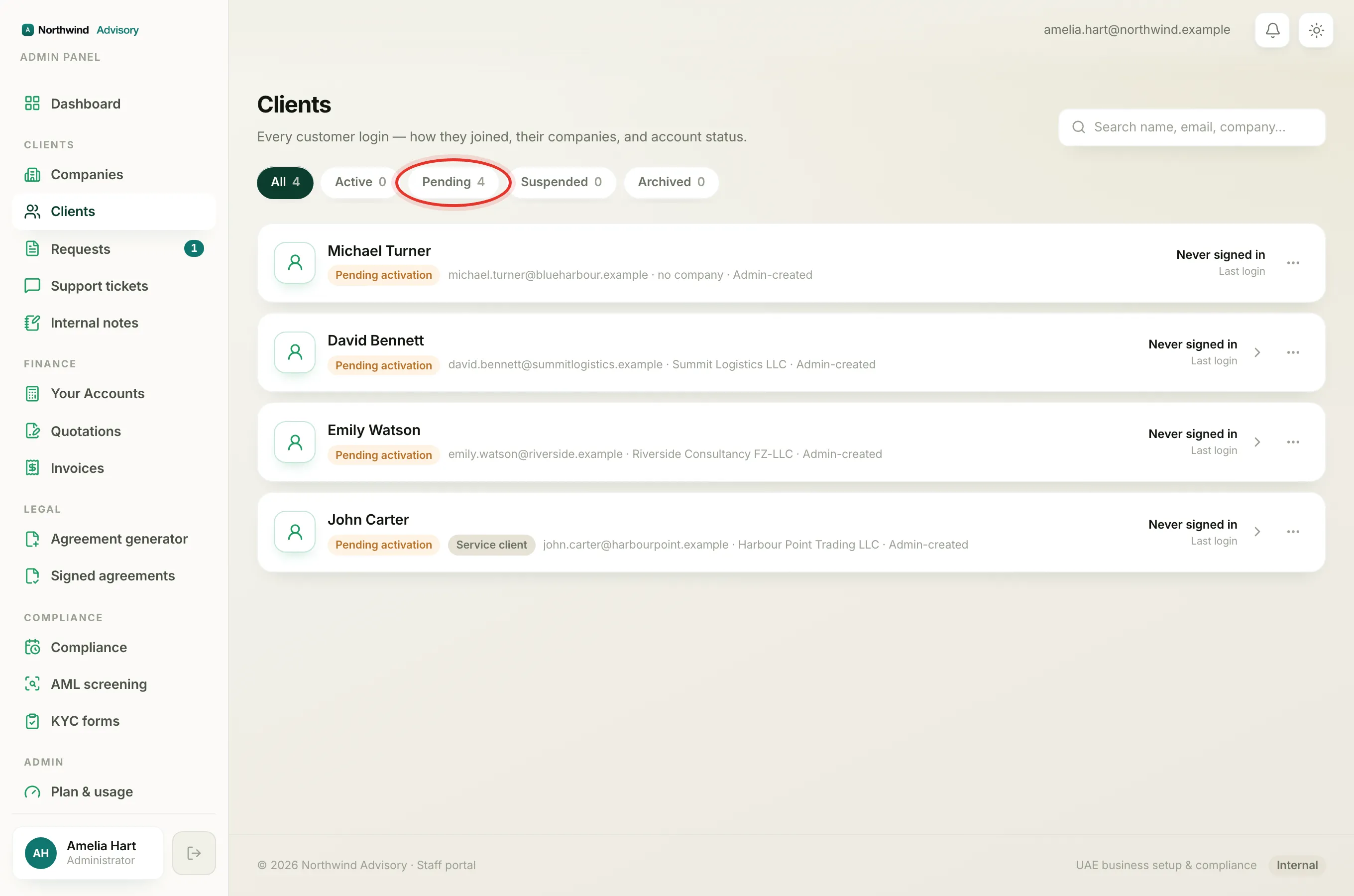
You do not have to send the batch straight after the import. You can come back and do it once you are ready. You can also welcome a single client on their own instead of the whole batch, from that client's card. See Activate a client's portal account.
Important
Sending welcome invites is a staff action tied to managing clients. If you do not see the Send welcome invites button, your role may not include this permission. See Staff roles.